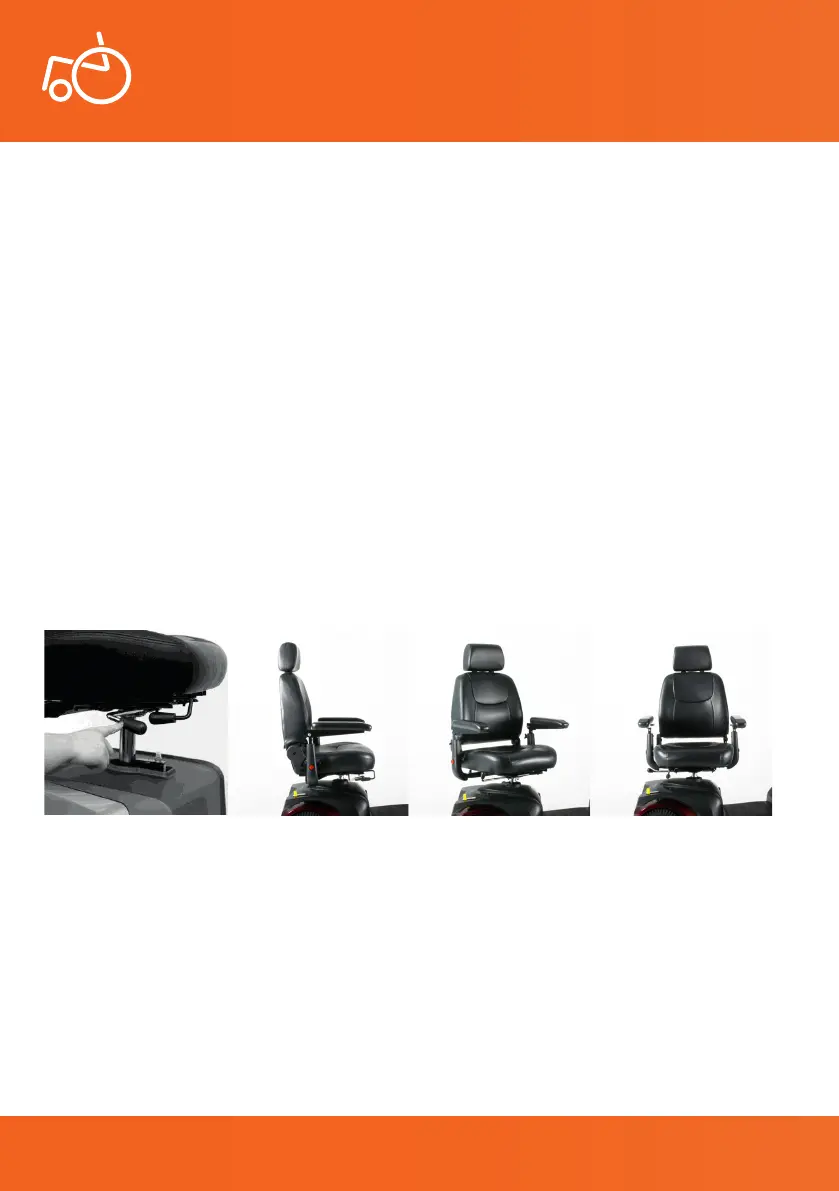
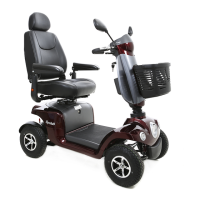
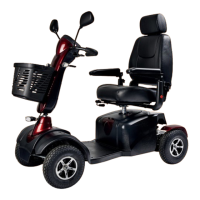
The Excel Galaxy II is tted with a height adjustable, 360 degree rotatable Captain seat chair with
adjustable headrest. Additionally, the backrest can be folded forward and adjusted in angle. The
360 degree rotatable chair makes getting in and out of the scooter easier. Located underneath
the right side of the seat is a lever that allows the seat to rotate in 45 degrees. By pulling the lever
upward, the mechanism unlocks and the chair can be rotated. By releasing the lever, the chair locks
into position.
You can also move the seat of the Excel Galaxy II backwards and forwards. You can do this using the
other lever located underneath the right side of the seat. Pull this lever towards yourself and slide
the chair backwards or forwards. When the desired position has been achieved, let go of the lever
to set this adjustment.
The backrest of the seat can be adjusted in angle. On the right side of the chair, between the seat
and the armrest, is a lever. To adjust the angle of the backrest, pull this lever towards yourself. You
can now adjust the angle of the backrest. When the desired backrest angle has been achieved, let
go of the lever.
It is possible to adjust the height of your Captain seat chair however you should never do this
yourself and always contact your local Excel dealer, to do carry out this adjustment for you.
6.5 Seat
User Manual | Excel Galaxy II
Photo 9 Side seat position Photo 10 Angled seat position Photo 11 Rotated seat position
17
Photo 8 Seat adjustment levers
© 2019 Excel, part of Van Os Medical Ltd. | Excel House | Ashbrooke Park | Lincoln Way | Sherburn-in-Elmet | North Yorkshire | LS25 6PJ
T: +44 (0) 1977 681 400 | E: sales@vanosmedical.com | W: www.vanosmedical.co.uk
© 2019 Excel, part of Van Os Medical Ltd. | Excel House | Ashbrooke Park | Lincoln Way | Sherburn-in-Elmet | North Yorkshire | LS25 6PJ
T: +44 (0) 1977 681 400 | E: sales@vanosmedical.com | W: www.vanosmedical.co.uk


 To Next Page