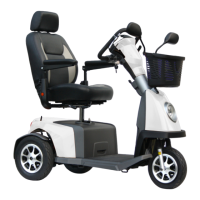
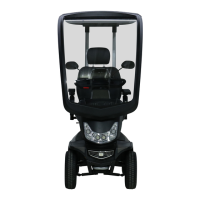
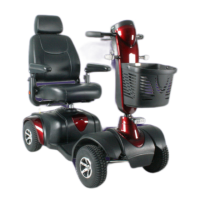
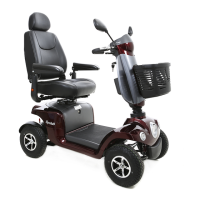
The Excel Galaxy II is equipped with two closed, maintenance free batteries. Van Os Medical
recommends to charge the batteries fully before rst use. We advise you to charge them for at
least 12 continuous hours. The charger port is located on the tiller (see photo 14). The batteries of
the Excel Galaxy II can not be removed for the purpose of charging.
6.8 Battery
To increase battery life, you should charge the batteries as follows;
• Turn off the scooter.
• Flip the charging port cover up and plug the charger into the the port on the side of the tiller.
• Plug the charger into the power outlet.
• Do not turn on the charger before all plugs are plugged in correctly.
• The LED light of the battery charger will be a amber colour during charging.
• When the batteries are fully charged, the LED light will turn green.
6.8.1 Charging Batteries
The Excel Galaxy II has four air tyres and two anti-tip wheels as standard.
6.9 Wheels
Photo 14 Charging port
Tip
• If you do not use the scooter for longer than a week you should
always disconnect the battery pack after fully charging, to avoid
unnecessary battery drainage.
• When the scooter is not used, keep the batteries in a frost free
environment of at least +6 degrees Celsius.
User Manual | Excel Galaxy II
19
© 2019 Excel, part of Van Os Medical Ltd. | Excel House | Ashbrooke Park | Lincoln Way | Sherburn-in-Elmet | North Yorkshire | LS25 6PJ
T: +44 (0) 1977 681 400 | E: sales@vanosmedical.com | W: www.vanosmedical.co.uk
© 2019 Excel, part of Van Os Medical Ltd. | Excel House | Ashbrooke Park | Lincoln Way | Sherburn-in-Elmet | North Yorkshire | LS25 6PJ
T: +44 (0) 1977 681 400 | E: sales@vanosmedical.com | W: www.vanosmedical.co.uk


 To Next Page