16
ASSEMBL
STEP 7
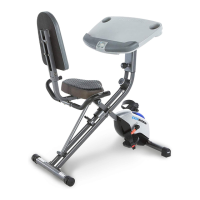
7A. Installing the Desk Mount
Attach the Desk (88) to the Desk Mount (87) with one Plastic Bushing (92), one Hexagon
Socket Bolt (97), one Flat Washer (114), one Flat Washer (33), and one Nylon Nut (34).
Simultaneously tighten the Hexagon Socket Bolt (97) and Nylon Nut (34) with the 5mm Allen
Wrench with Phillips Screwdriver and 13-15mm Wrench provided.
7B. Connecting the Pulse Wires
Connect the Console Wire (112) from the Desk Mount (87) to the Upper Console Wire (110A).
See Fig. E.
7C. Installing the Desk
Hold the Desk (88) leveled. Insert one Hexagon Socket Bolt (103), one Spring Washer (102),
and one Flat Washer (33) into the left side of the Desk Mount (87). Tighten the Hexagon Socket
Bolt (103) with the 5mm Allen Wrench with Phillips Screwdriver provided.
7D. Installing the Desk Angle Knob: Insert the Desk Angle Knob (94) into the hole on the right
side of the Desk Mount (87) and tighten it by turning it CLOCKWISE until snug.
7E. Installing the Desk Slide Knob: Insert the Desk Slide Knob (95) onto the underside of the
Desk (88).
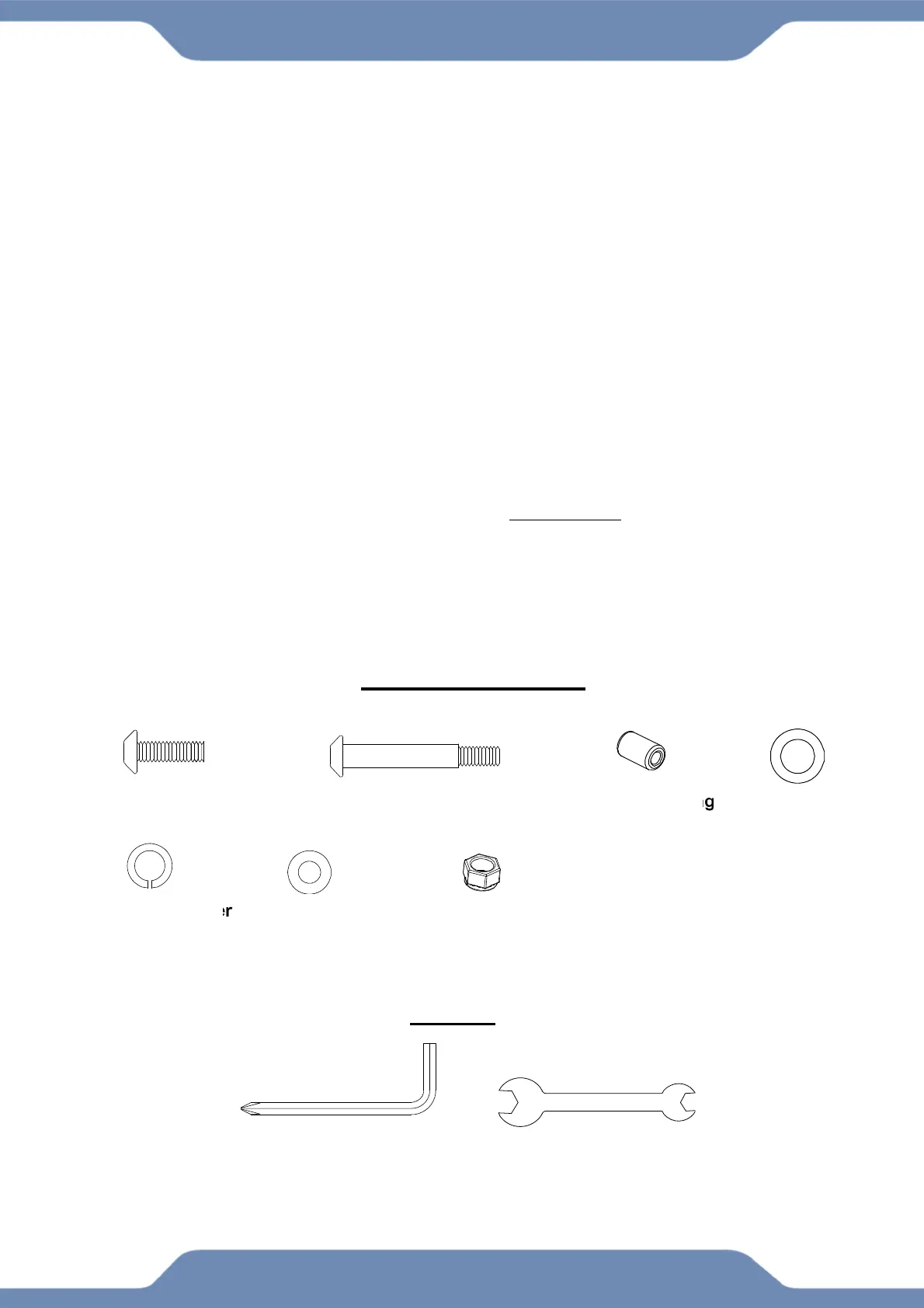
(97) Hexagon Socket Bolt
1PC
(103) Hexagon Socket Bolt
1PC
(102) Spring Washer
1 PC
(33) Flat Washer
2 PCS
(34) Nylon Nut
1 PC
(92) Plastic Bushing
1PC
(114) Flat Washer
1 PC
HARDWARE PACK
5mm Allen Wrench
With Phillips Screwdriver
1 PC
TOOLS
13-15mm Wrench 1 PC



 To Next Page