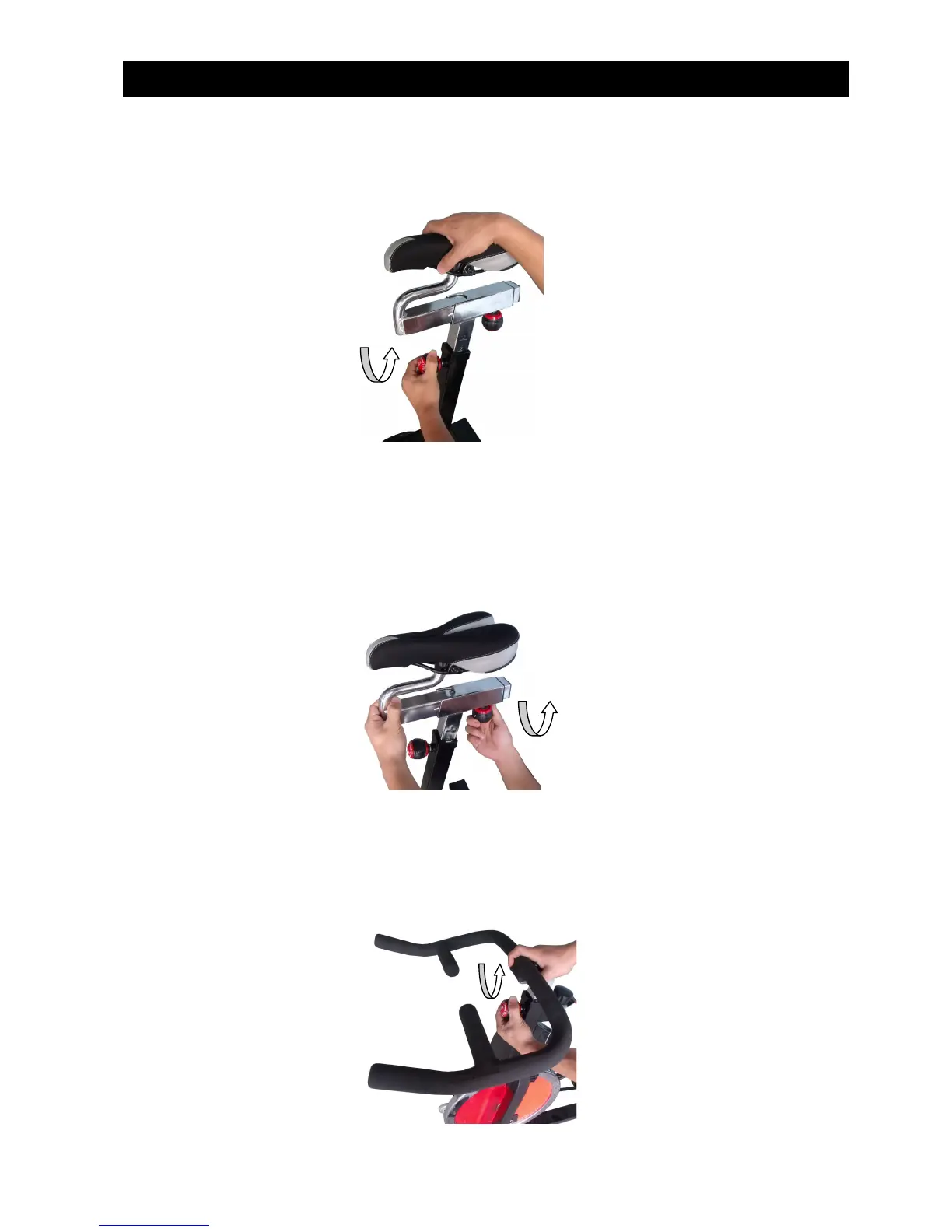
1) Seat post height adjustment: Loosen the knob on the seat post counter clock-wise and move the
seat post up or down to the desired position, and then tighten the knob clock-wise to fix.
2) Seat back and forth adjustment: Loosen the knob of the seat counter clock-wise, move the seat
back and forth to the desired position, and then tighten the knob clock-wise.
3) Handle bar post height adjustment: Loosen the knob of the handle bar counter clock-wise, move
the handle bar to the desired position, and then tighten the knob clock-wise.
Diagram of Use



 To Next Page