4
English
1
4
2 3
5 7
6 8
9
10
11
12
13
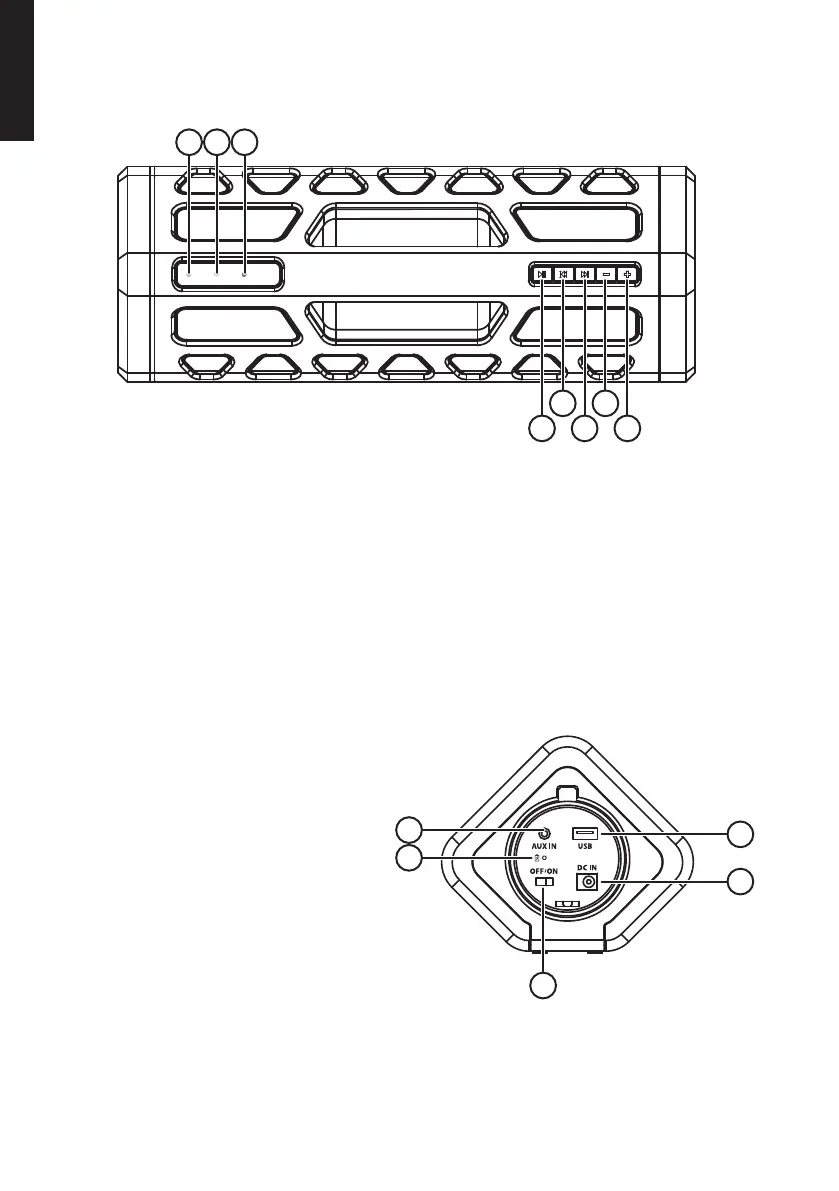
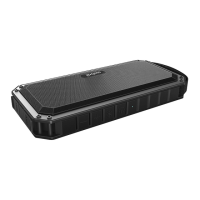
Buttons and functions
1. Bluetooth LED indicator: Connection ready (flashing blue) or connected (solid blue)
2. AUX IN LED indicator: AUX IN connected (solid green)
3. Standby LED indicator: Standby on (solid red) or off (unlit)
4. [ ►ll ] Play/pause
5. [ l◄◄ ] Previous track
6. [ ► ► l ] Next track
7. [ - ] Decrease volume
8. [ + ] Increase volume
9. Charge indicator
10. AUX IN: 3.5 mm input jack for
external devices
11. USB: USB charge port for
external devices
12. DC IN: Adaptor connection
13. [ OFF/ON ] Power switch


 To Next Page