10
2. Once the console is power up, all the segments of the LCD will be shown.
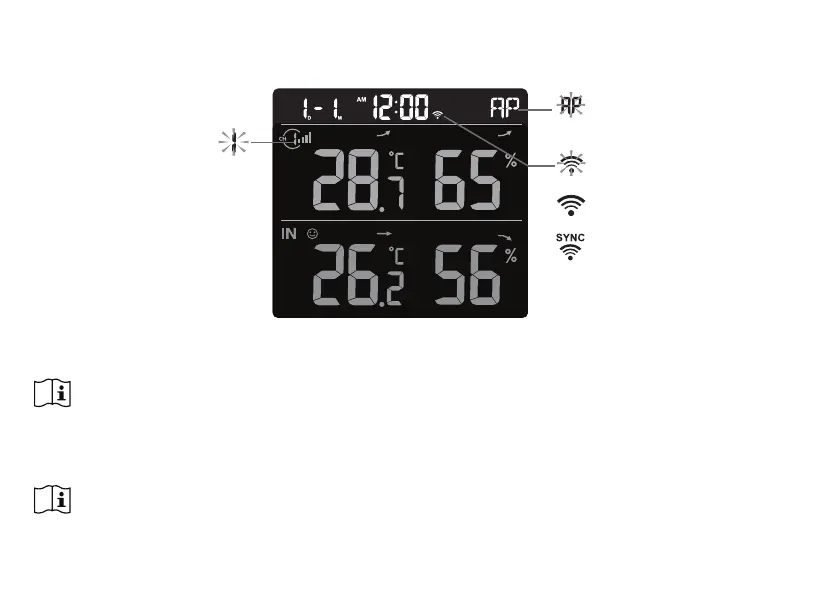
3. The console will automatically enter AP mode and sensor synchronization mode
automatically.
Blinking:
Trying to connect to router
Stable:
Connected to router
Stable:
Connected to router and
synchronized to local time
Flashing:
Console currently in Access
Point (AP) mode
Blinking:
Sensor synchronization
process
4. The wireless sensor will automatically pair up with console (about 1 minute). Upon successful
synchronization, display will change from "--.-°C --%" to actual reading.
NOTE:
If no display appears when power up the console. You can press [ RESET ] key by using a pointed
object. If this process still not work, you can remove the backup battery and unplug the adaptor then
re-power up the console again.
RESET AND FACTORY HARD RESET
To reset the console and start again, press the [ RESET ] key once or remove the backup
battery and then unplug the adapter. To resume factory settings and remove all data, press and



 To Next Page