Support Hotline (781) 890-7440
Tech support: Ext. 200; Email: support@extech.com
Repair/Returns: Ext. 210; Email: repair@extech.com
Website: www.extech.com
Maintenance
Cleaning
Periodically wipe the case with a dry cloth. Do not use abrasives or solvents.
Battery Replacement
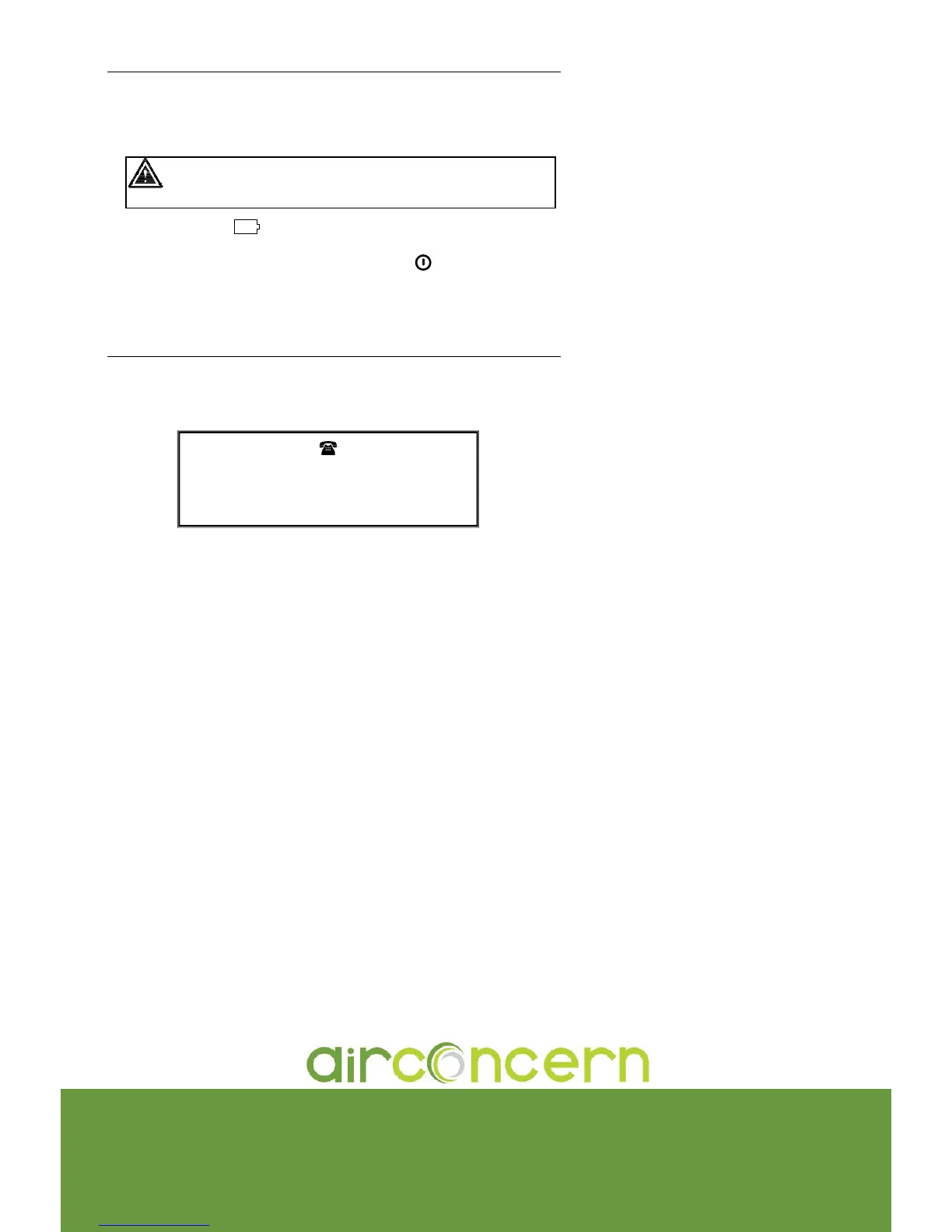
WARNING: To avoid electrical shock, remove the test leads and current probe
before replacing the batteries.
1. The LCD will display
BT
(low battery) when the battery power falls below proper
operating levels.
2. Disconnect all test leads and current probes and press the
key to turn the meter off.
3. The battery cover is secured at the bottom of the meter case by two screws. Remove
these screws to access the battery compartment.
4. Replace the batteries observing polarity and reassemble the meter.
Calibration and Repair Services
Extech oers repair and calibration services for the products we sell. Extech also
provides NIST certification for most products. Call the Customer Service Department for
information on calibration services available for this product. Extech recommends that
annual calibrations be performed to verify meter performance and accuracy.
Copyright © 2004 Extech Instruments Corporation
All rights reserved including the right of reproduction in whole or in part in any form.
more infor for Extech 382090
Phone: 01235 838 555
Email: cs@airconcern.co.uk
Web. www.airconcern.co.uk
Air Concern Ltd, Building 173 Curie Avenue Harvell Didcot, Oxfordshire




 To Previous Page