17GB
CFI EXTEL TOPTEL200- 02/2010 - V1
• Assigning the keys
• Saving a telephone number from the number redialing
• Giving a call from contacts
• Modifying a name / number in the contacts
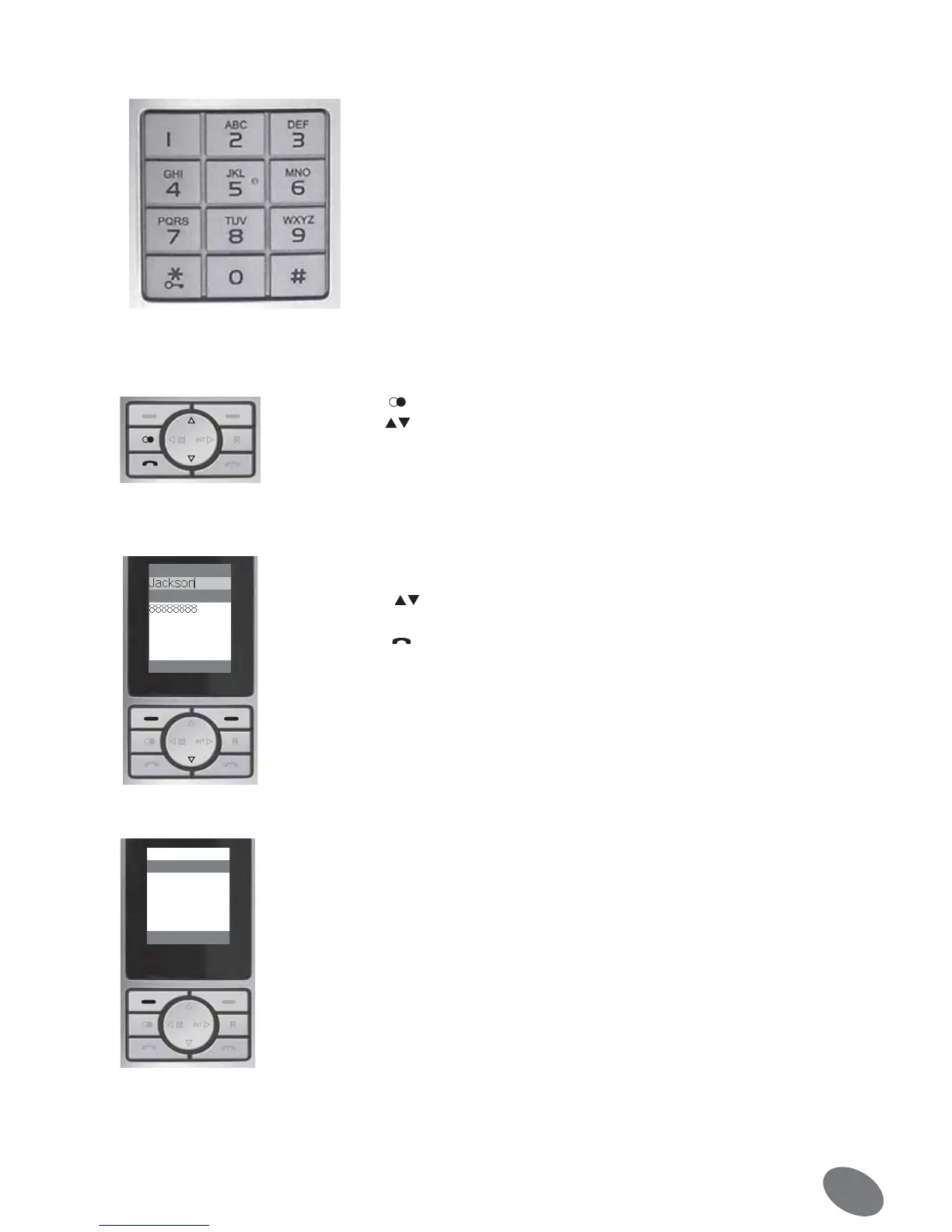
Key Letter / sign
1 [Espace] 1
2 A B C a b c 2
3 D E F d e f 3
4 G H I g h i 4
5 J K L j k l 5
6 M N O m n o 6
7 P Q R S p q r s 7
8 T U V t u v 8
9 W X Y Z w x y z 9
0 0
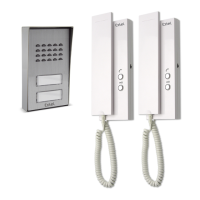
1. Press the key , the last numbers selected are displayed on the screen.
2. Use the keys to go through the numbers to the desired one.
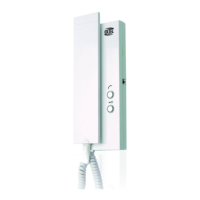
3. If you press the screen key [Validate], the number is automatically inserted in a new
contact and this one is opened. Enter a name with the keys of the keypad and confirm
with [OK] to save the name and the telephone number.
1. Press the screen key [Names]. The contact data are displayed in alphabetical order.
2. Press the keys
to go through the contacts to the desired one.
3. Press the key to select the desired number.
Advice: You can use the search function, in order to avoid going through all contacts to
find the one you want. For instance, if you search a contact whose first letter is W, press
the key 9.
You can stop the search at any time by pressing the key [Return].
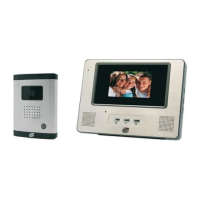
To modify a contact data, proceed as indicated in the preceding chapter until you found
the desired contact. Press the screen key [Option].
Choose the point “Modify” in the menu and press [OK].
Now you can modify the name of the contact.
If a wrong character has been entered, it can be deleted with [Cancel].
Save the modification of the name by pressing [OK].
2.
Clear
1XPEHU


 To Next Page