15GB
CFI EXTEL TOPTEL200- 02/2010 - V1
USING
a. Using the telephone
5
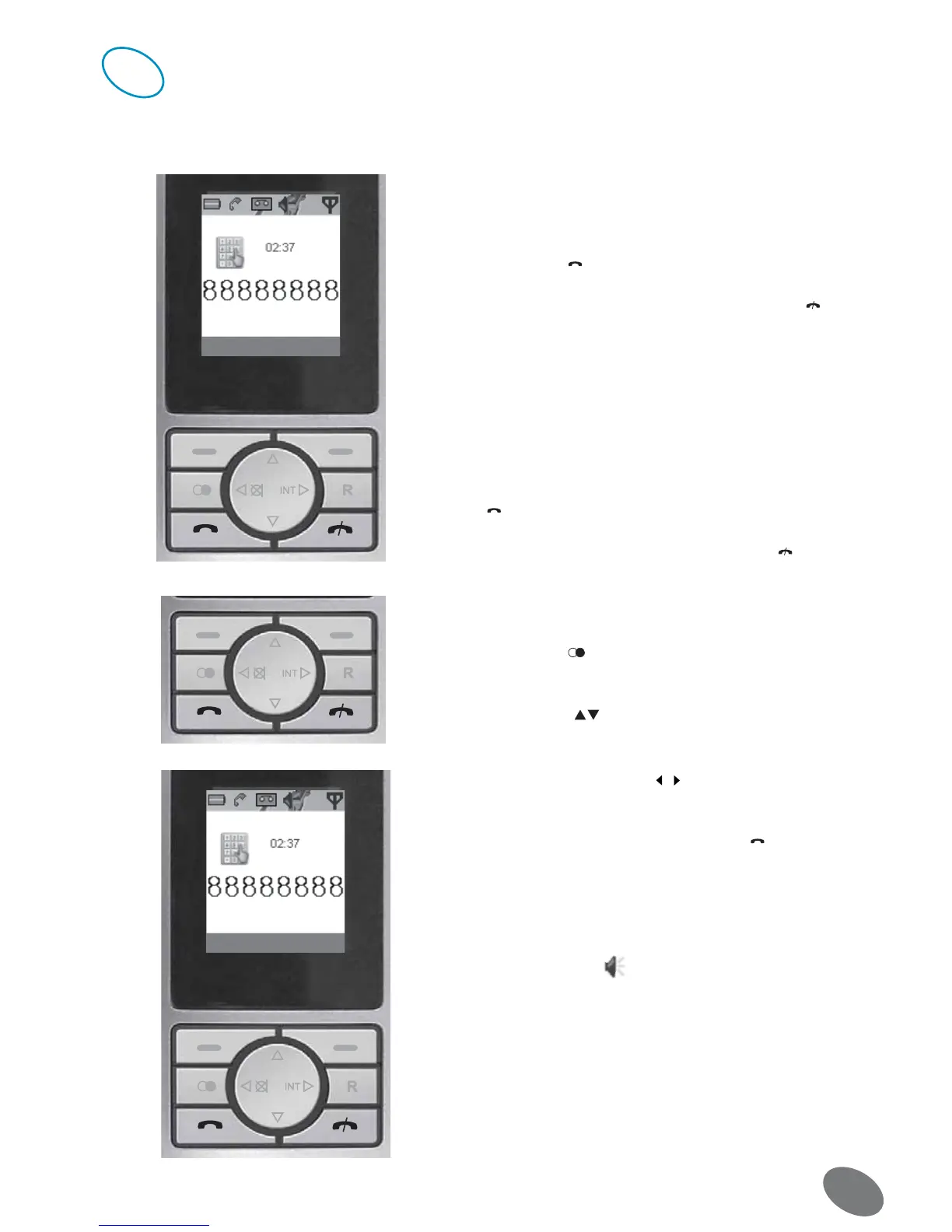
• Giving a call
1. Dial the desired telephone number (maximum 20 charac-
ters).
2. Press the key
. The number is dialed.
3. The communication finishes by pressing the key or by
replacing the handset on the charging station.
• Answering a call
1. The telephone rings and the link indicator of the base sta-
tion flashes in red.
2. Pick up the handset from the charging station to answer the
call (if the function of communication automatic answering is
disabled, please see page 25 of this user manual) or press the
key if the telephone is not on the charging station.
3. Finish the communication by pressing the key or putting
the handset back on the charging station.
• Redialing the last number
1. Press the key the last numbers dialed are displayed on
the screen.
2. Press the keys to go through the numbers to the de-
sired one.
Indication : If it deals with a telephone directory input with
displaying name, use the keys / to see the telephone num-
ber.
3. The number is dialed by pressing the key .
• Setting the hands-free function (speaker)
During a communication, you can activate the hands-free
function.
1. Press the key [SPK] during the telephone communication.
The speaker symbol displays on the screen. Then you
can speak freely.
2. Press the key [SPK] to turn off the speaker and disable the
hands-free function.


 To Next Page