30
The information contained within this document is confidential and cannot be reproduced
without the approval of Extollo Communications.
Log In Window
Step 2
Use the IP address that was assigned to Una to access the GUI.
1. Launch an Internet web browser from a computer, smartphone, or tablet.
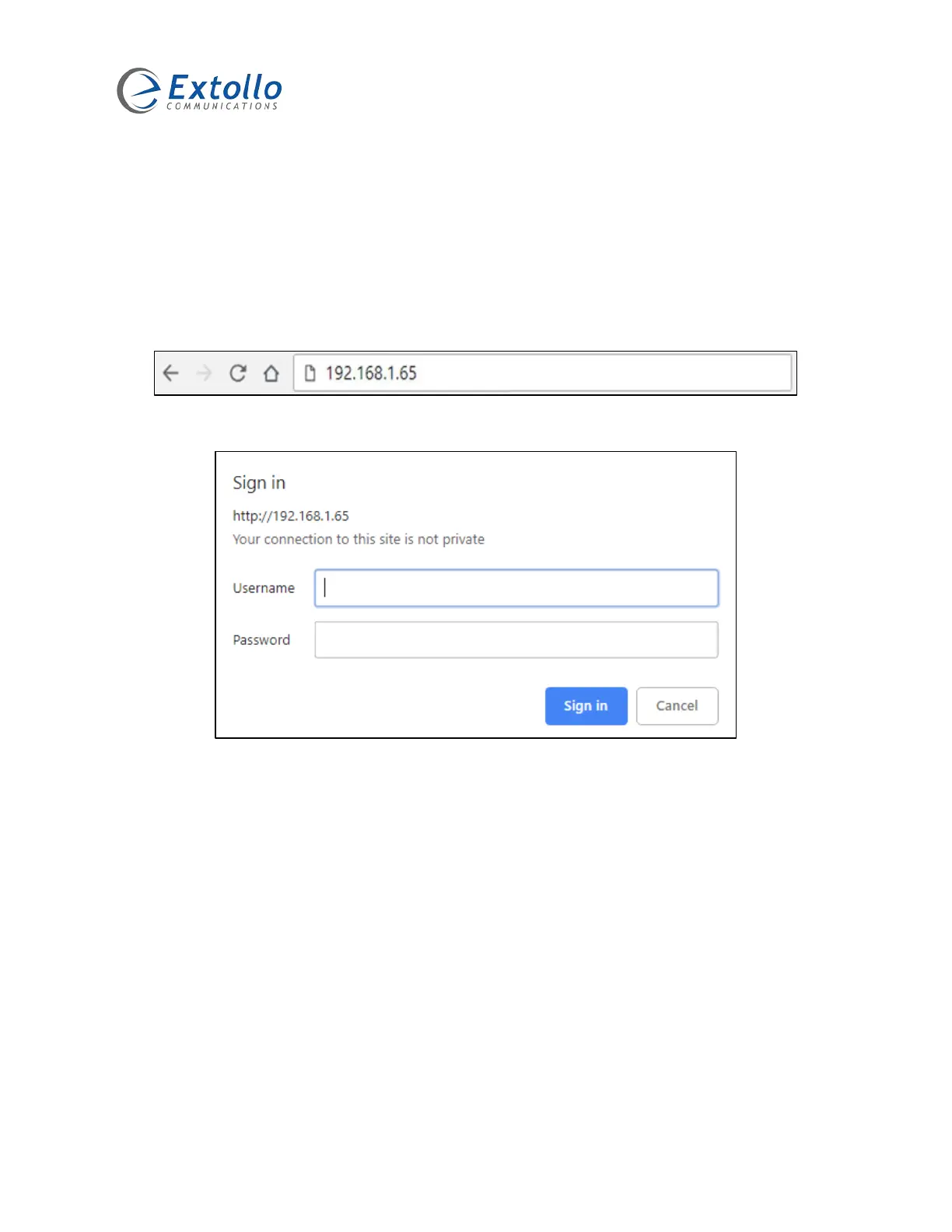
2. In the web browser bar, type the IP address that was assigned to Una.
3. The following login window is displayed.
4. Select the “Username” field and enter admin.
5. Select the “Password” field and enter admin.


 To Next Page