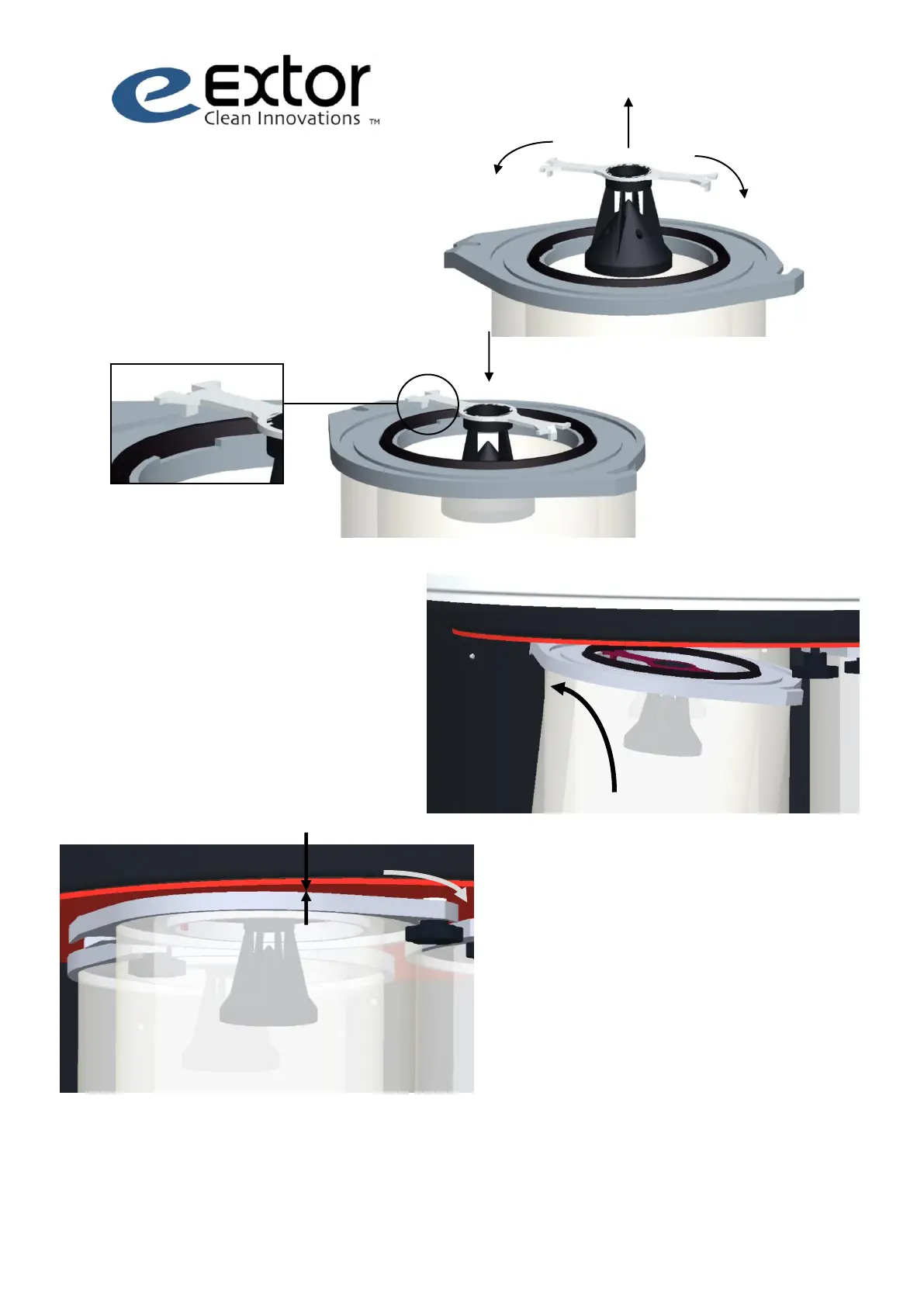
9. Install the filter and tighten the star knob.
10. Check that all the filters are properly seated
and the seal evenly compressed (gap between
the filter sheet and filter plate is ~ 5 mm).
11. Close the maintenance door by locking
simultaneously the opposite latches. Install the
locking elements (2 pcs).
12. Pressurise the compressed air system and
adjust pressure to 0.4 – 0.5 MPa (4 - 5 Bar, 58 -
72 psi).



 To Next Page