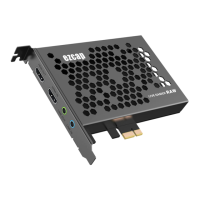
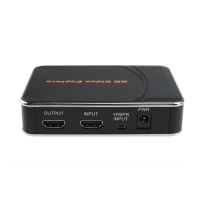
- Please make sure your USB drive or USB HDD is the right format – it doesn’t support exFAT
format. Please format them in your computer, and FAT32 is the best choice. Please use “safety
remove” option to remove your USB drive, don’t just plug out directly without “safety remove”
option. Sometimes maybe you still find your recorded video with problems if without “safety
remove”.
- Usually USB drive will flash seconds (If your USB drive includes LED inside, and don’t care this if
it’s no LED inside) when you just plug it into ezcap280 device, then turn off. And it will flash after
you press REC button to start recording, if not, it means not recording.
- For recording PS3 with YPBPR (Component video), please set following the option in manual.
3, How to update the latest firmware?
- Copy the firmware file (jedi.img) into USB drive, power off the device (unplug power jack), plug
USB drive to device, power on, the indicator will flash 7~8 seconds, and become green, check
USB drive and the jedi.img file is disappeared, it means the update is finished.
4, How to reset the recorded files name?
- After long time using, you will see the number of recording file become too big, for example
Encode_1080P_234, but you want it be start from Encode_1080P_0, to do it you just keep press
record button (before power on), then plug the power jack to power on the device, after 3 seconds,
the file number will start from 0.
5, How to record video from HDMI port of my computer?
- Please connect all the cables following the HDMI connection in manual firstly.
- If you have an extra monitor and can display the video correctly, please don’t care below settings
of video.
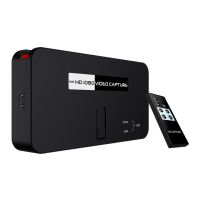
- If you have no extra monitor, please check your display selection of your computer. And it’s ok if
you find the picture as below:


 To Next Page