Connections:
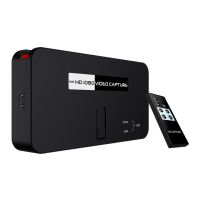
Ezcap284 have 3 input modes: HDMI, component, composite. It will automatically recognize the input
video source if only connect one source. You can also use remote controller to choose the input
source if you connect 2 or 3 video source same time.
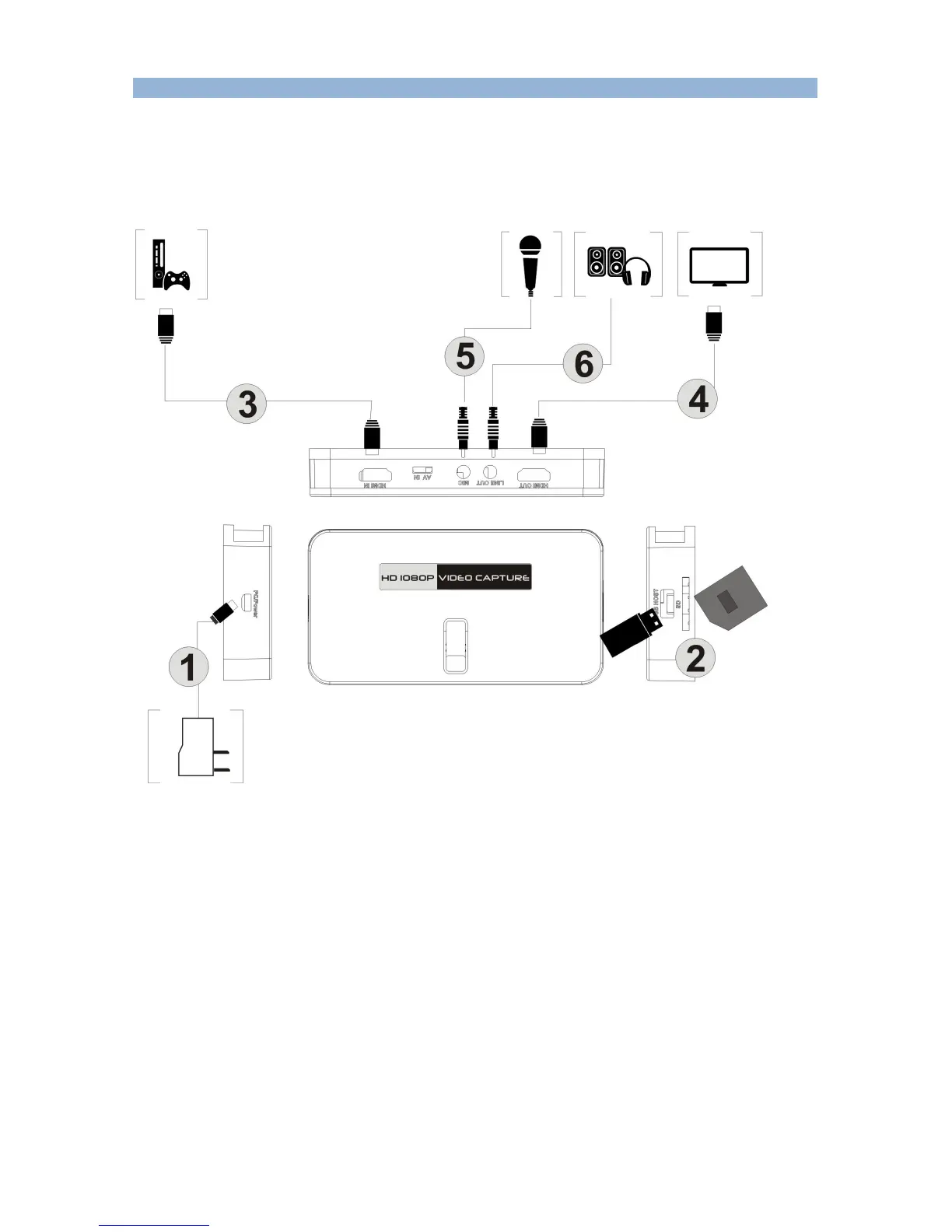
Connect with HDMI input source:
1, Connect power with DC adaptor
2, Plug an USB disk or a SD card (Note: ezcap284 will only recognize the first connected one if you
connect USB disk and SD card both).
3, Use HDMI cable connect Xbox or other source.
4, With HDMI cable connect to monitor
5, The “LINE OUT” is for connect to speaker or earphone, it’s not necessary if you don’t need, cause
the HDMI output also with audio output.
6, You can connect your microphone to record your comment when play game, it’s not necessary if
you don’t need it.
Important:
1, Use “safety remove” option to remove your USB drive or HDD after format from computer, DO
NOT just plug out without click “safety remove” option, otherwise you will cause problem during


 To Next Page