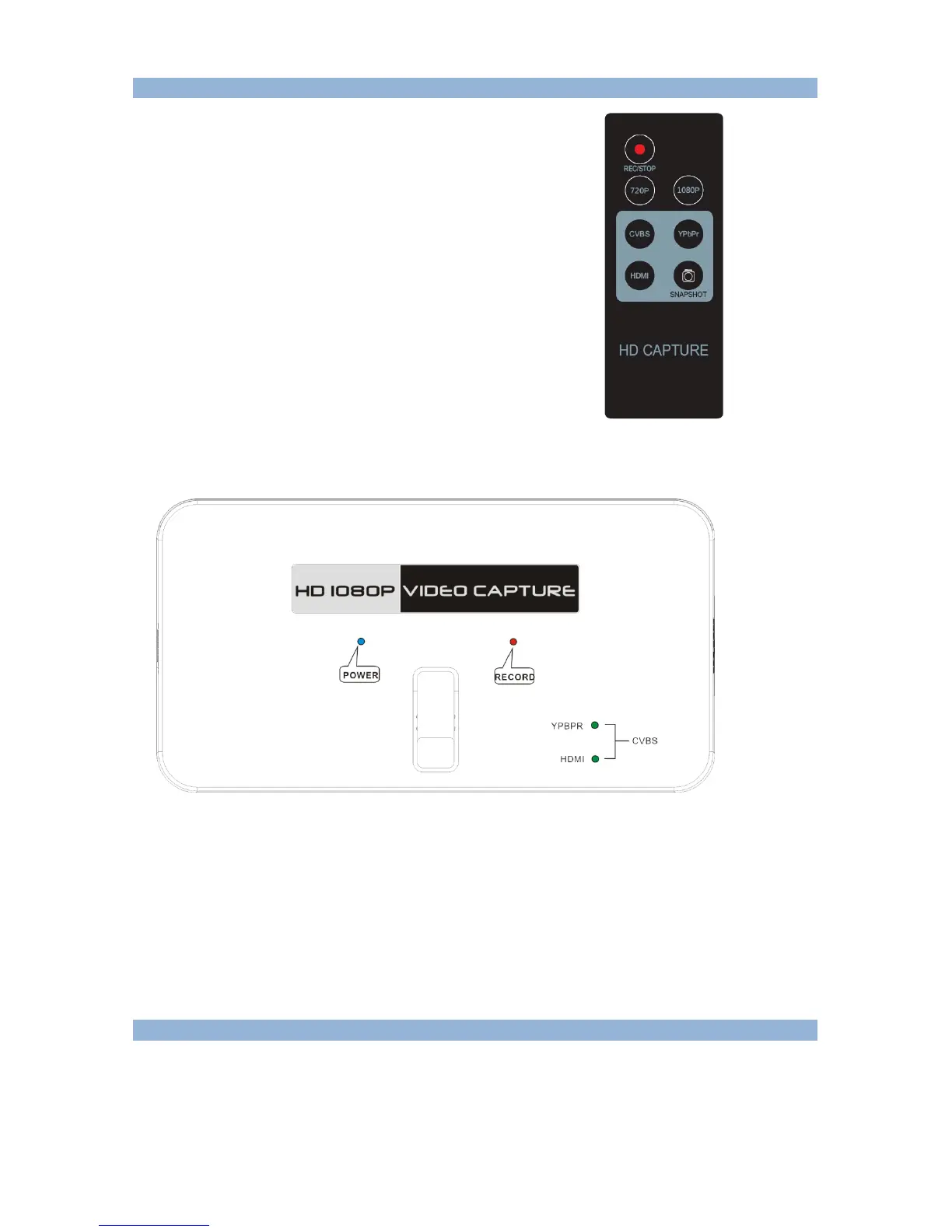
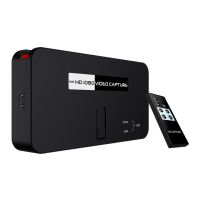
Remote controller
REC/STOP—Start and stop recording.
720P—Change record quality to 720P, only effect when
Input source is more than 720P
1080P—Change record quality to 1080P, only effect
when input source is 1080P
CVBS/YPbPr/HDMI—Select input source.
SNAPSHOT—To capture one still image with one press
Won’t work during recording.
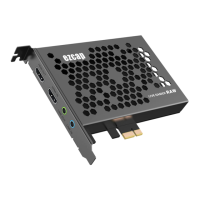
When operate, there are LEDs show the status:
The BLUE POWER LED will on when connect power.
The RED RECORD LED will on when recording.
The green YPBPR LED will on when choose input source YPbPr.
The GREEN HDMI LED will on when choose input source HDMI.
The booth two green LED will on when choose input source CVBS.
Record:
You should see the pass through video on the screen after connection is ready (no matter composite,
component, or HDMI). You will see the blue indicator shows on. It means now is ready to record.
To record video is very simple --- press the record button, then you will see the RECORD indicator
turns on, it means now recording.


 To Next Page