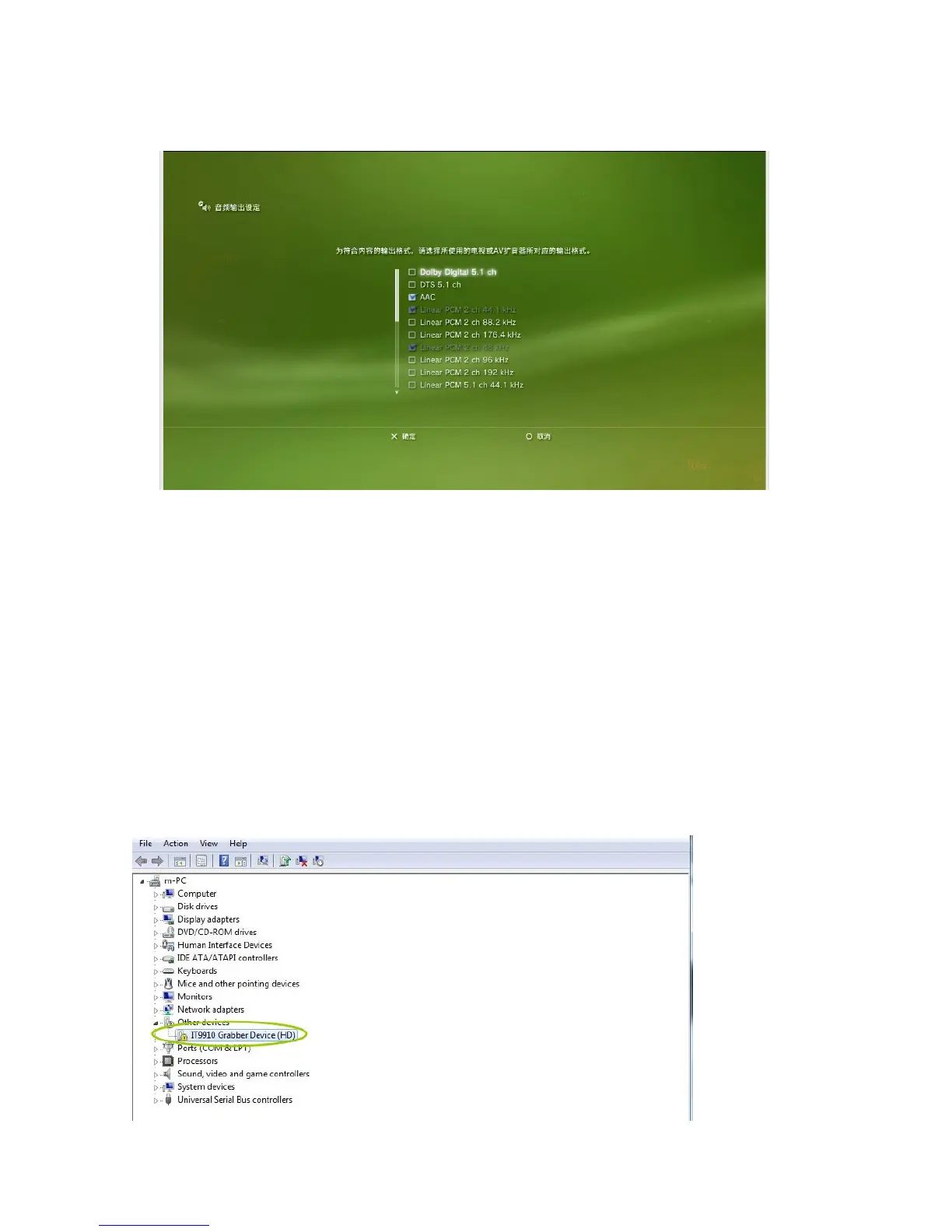
- Please set audio of your PS3.
Go to “Audio output setting” --- select “HDMI ”, and choose “Manually”. Get below picture, and
don’t tick Dolby and DTS, then save the setting.
Guide for OBS
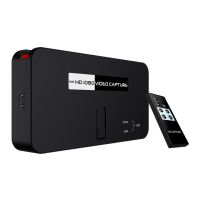
ezcap HD Video Capture device working with OBS can record video on computer, and stream HD
video.
OBS is an open source and free software for video recording and streaming, Live RTMP streaming to
Twitch, YouTube, DailyMotion, Hitbox and more.
For recording, it with H.264 encoding, support record FLV, MP4, MOV format video, and can adjust
recording resolution, bit rate, etc.
System requirement: CPU: core i5 or above, RAM: 4GB or above, OS: windows 7, 8, 10.
1, Driver Installation:
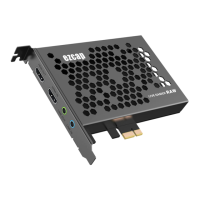
Use USB cable connect ezcap HD Video Capture device to computer, a new hardware will show up in
device manager:
Double click “DrvInstall”


 To Next Page