You can record your comment by you microphone of computer with video:
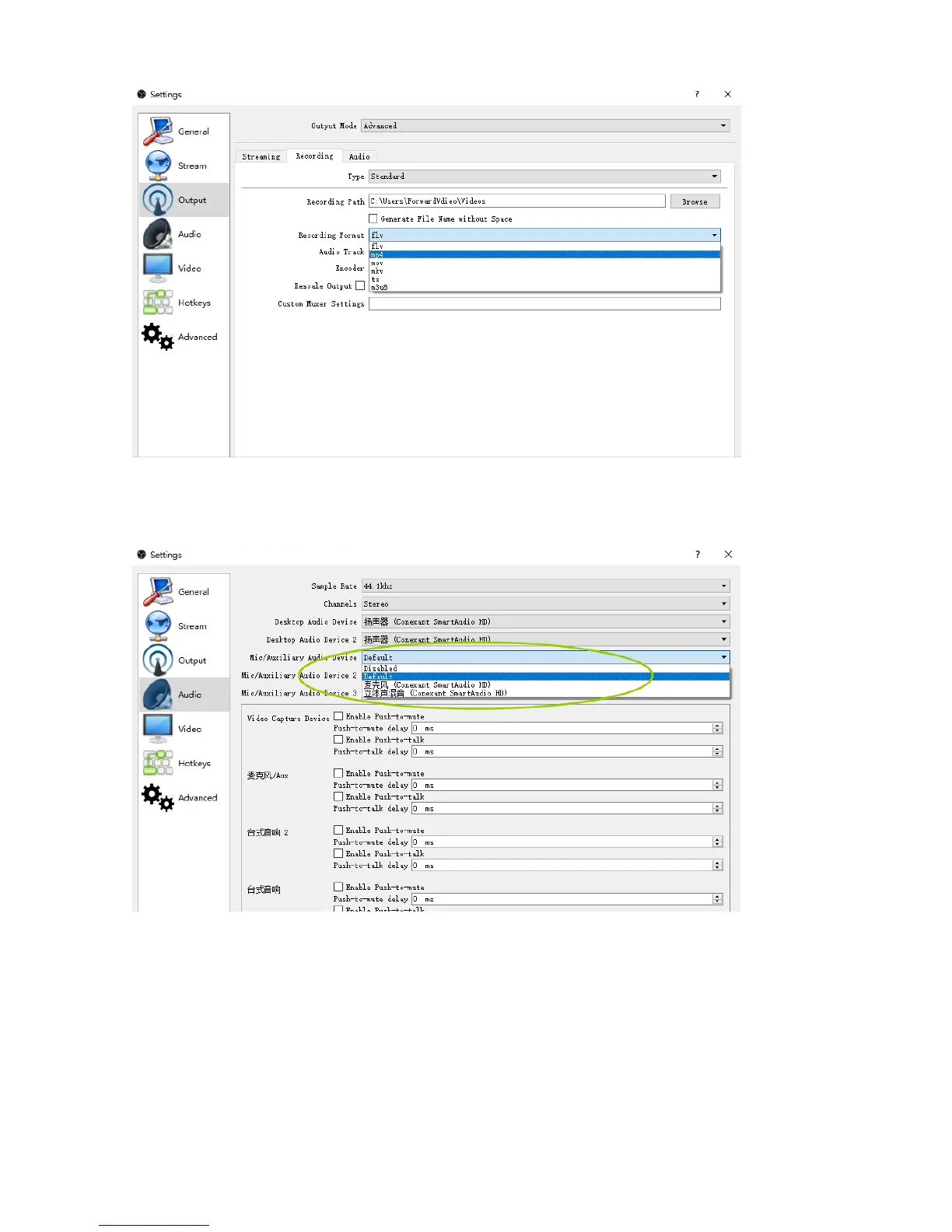
Settings – Audio - Mic/Auxiliary audio Device, choose Default, then click “OK”.
On some computer, you may found the recording video no sound, do following settings to fix:
Set the Audio - Sample Rate to 44.1khz,then “OK” (you need restart OBS after setting).


 To Next Page