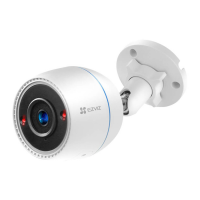
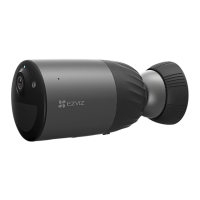
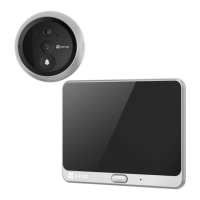
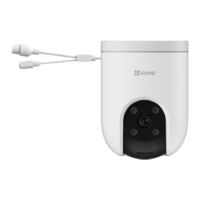
1
Package Contents
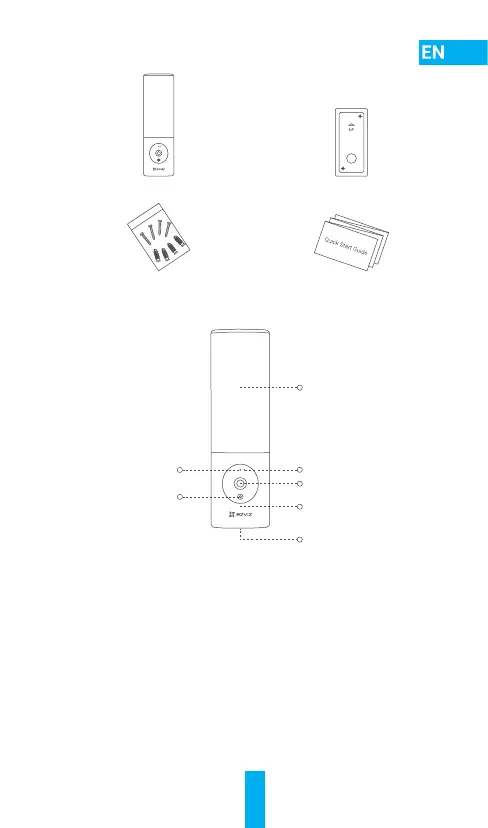
Camera (x1) Drill Template (x1)
Screw Kit (x1) Quick Start Guide (x1)
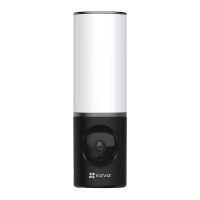
Basics
LED Indicator
Lens
Reset Button
Light Module
MIC
Speaker
Camera Module
Name Description
LED Indicator • Solid Red: Camera starting up.
• Slow-ashingRed:Wi-Ficonnectionfailed.
• Fast-ashingRed:Cameraexception
(e.g. memory card error).
• Solid Blue: Video being live viewed in the EZVIZ app.
• Slow-ashingBlue:Camerarunningproperly.
• Fast-ashingBlue:CamerareadyforWi-Fi
connection.
Lens The lens can be adjusted 15 degrees downwards.
Camera Module The camera module can be rotated 10 degrees left
and right.
Reset Button Hold for 4 seconds to restart and reset all parameters
to default.


 To Next Page