40
OPERATION
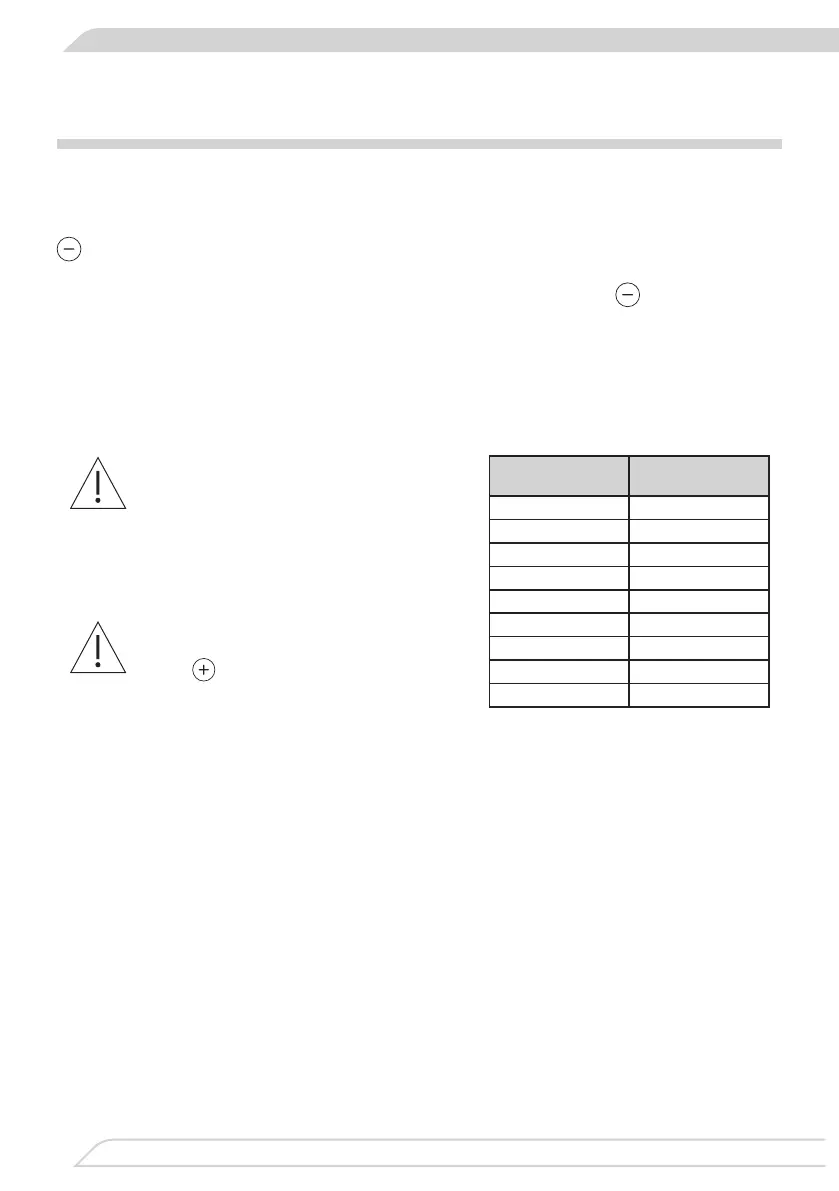
The heat setting
Fastcookingtime
[min]
1 1
2 3
3 4,8
4 6,5
5 8,5
6 2,5
7 3,5
8 4,5
9 -
Automatic warm-up function
If you do not start to select the
heat setting within 10 seconds,
then theletter "A" turns o and
the automatic warm-up function
is inactive.
If you do not wish the automatic
warm-up function to operate,
touch
sensor to select the
heat setting.
Each cooking zone is equipped with an automatic warm-up function. When this is activated,
then the given cooking zone is switched on at full power for a time depending on the heat set-
ting selected, and is then switched back to the heat setting originally set.
Activate the automatic warm-up function by setting the required heat setting by touching the
sensor rst. Then the heat setting “9” is displayed intermittently on the cooking zone display
with the letter “A” for around 10 seconds.
If you start to select the heat setting within 10 seconds by touching the
sensor eld, then
the automatic warm-up function is activated and the letter “A” is displayed intermittently with
the cooking zone's heat setting selected for as long as the function is activated.
The cooking heat setting can be now changed at any moment using the method described
above in the "Set the heating power" section”.


 To Next Page