EasyManua.ls Logo

FANATEC CSL Elite Pedals - User Manual

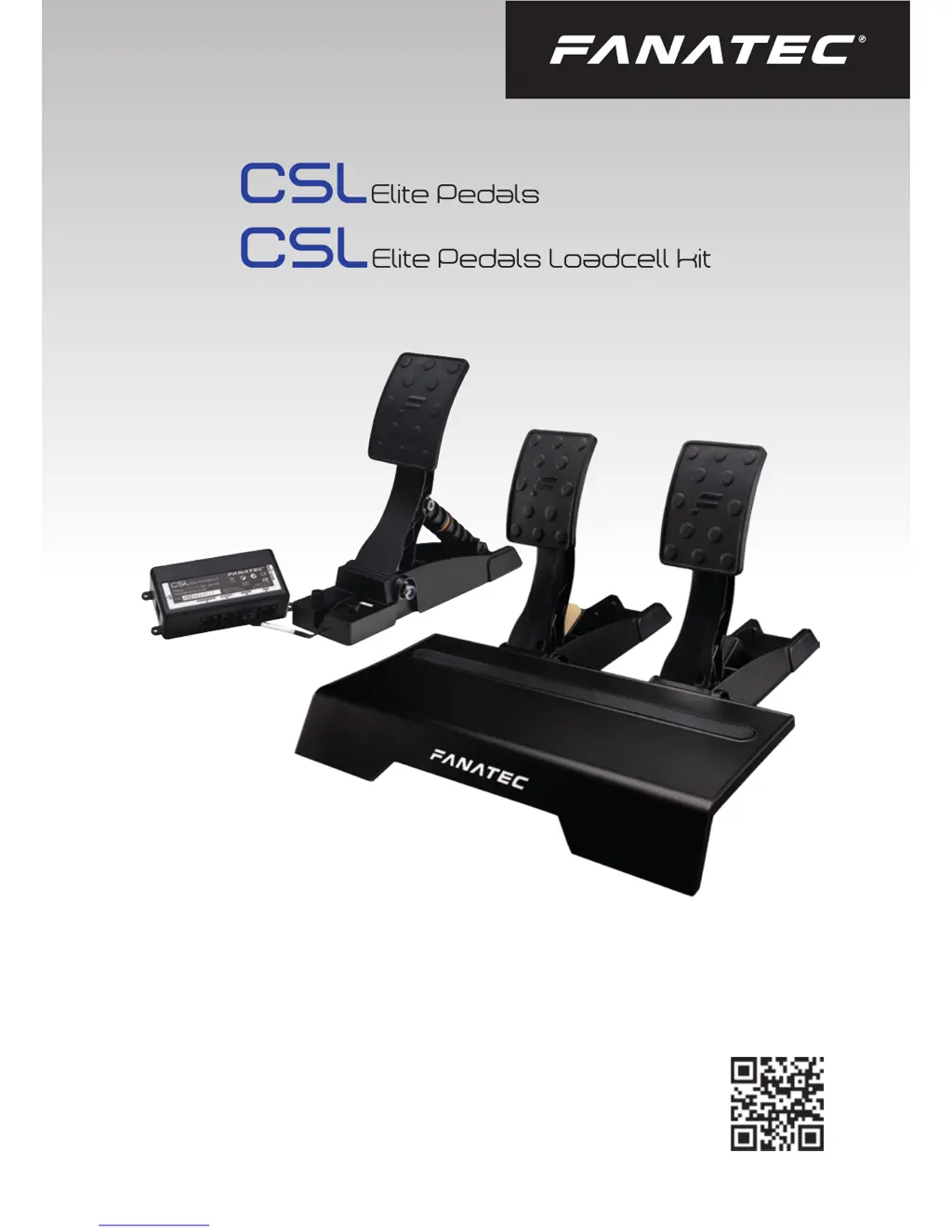
FANATEC CSL Elite Pedals
47 pages
Print Icon
To Next Page IconTo Next Page
Loading...
Manual
www.fanatec.com

Questions and Answers

  • D
    dpeckJul 27, 2025
    How to fix incorrect pedal signals on FANATEC Video Game Controller CSL Elite Pedals after startup?
    • J
      jamesmathewJul 27, 2025
      If, after startup, the CSL Elite Pedals and/or CSL Elite Pedals LC pedal signals are not correctly indicated (verifiable in the PC driver), ensure that when powering ON the CSL Elite Pedals LC in ‘Auto calibration mode’, every pedal lever is first pushed to the maximum position and then back to the minimum position. After pressing the corresponding pedal lever again, the signal from that pedal should be fine.
  • M
    Michael ArmstrongAug 5, 2025
    What to do if FANATEC Video Game Controller CSL Elite Pedals feel strange in game?
    • A
      Alice CohenAug 5, 2025
      If the pedal signal of your CSL Elite Pedals and/or CSL Elite Pedals LC feels strange in the game, try the following: * Connect the CSL Elite Pedals directly to your PC or through the wheel base. * Start the PC driver and check the indicator bars of each pedal while pressing the corresponding pedal. * On CSL Elite Pedals LC, you may need to manually calibrate the minimum and/or maximum positions or reactivate the ‘Enable manual calibration mode’ to adjust the pedal signal behavior.
  • L
    Lori YoungAug 17, 2025
    Why my PC does not boot when FANATEC Video Game Controller CSL Elite Pedals LC are connected?
    • C
      Cathy FullerAug 17, 2025
      If your PC doesn't boot when the CSL Elite Pedals LC are connected to USB before Windows boots, this is related to some main board manufacturers’ BIOS. In this case, boot the PC first, and then plug the CSL Elite Pedals LC into the USB port.

Summary

General

Compatibility

Preparation

Assembly

Mounting the CSL Elite Pedals

Step-by-step guide for mounting the basic pedal set.

Mounting the CSL Elite Pedals LC

Guide for mounting the loadcell brake pedal.

Hardmounting CSL Elite Pedals

Instructions for securely mounting pedals to a rig.

Functions & Features

PC Driver Software

Details the PC driver for testing and updates.

Firmware and Driver Update

Guide on updating firmware and drivers for optimal performance.

Electrical Operation

Troubleshooting

FANATEC CSL Elite Pedals Specifications

General IconGeneral
Brake PedalProgressive resistance with optional load cell upgrade
CompatibilityPC, PlayStation, Xbox (with compatible wheel base)
MaterialSteel
Load CellOptional (CSL Elite Pedals Loadcell Kit)
Resolution12-bit resolution (4096 values)
Clutch PedalOptional (CSL Elite Pedals Loadcell Kit required)
Connectivitydirect connection to compatible Fanatec wheel base

Related product manuals