EasyManua.ls Logo

FANATEC CSL Elite Wheel Base - User Manual

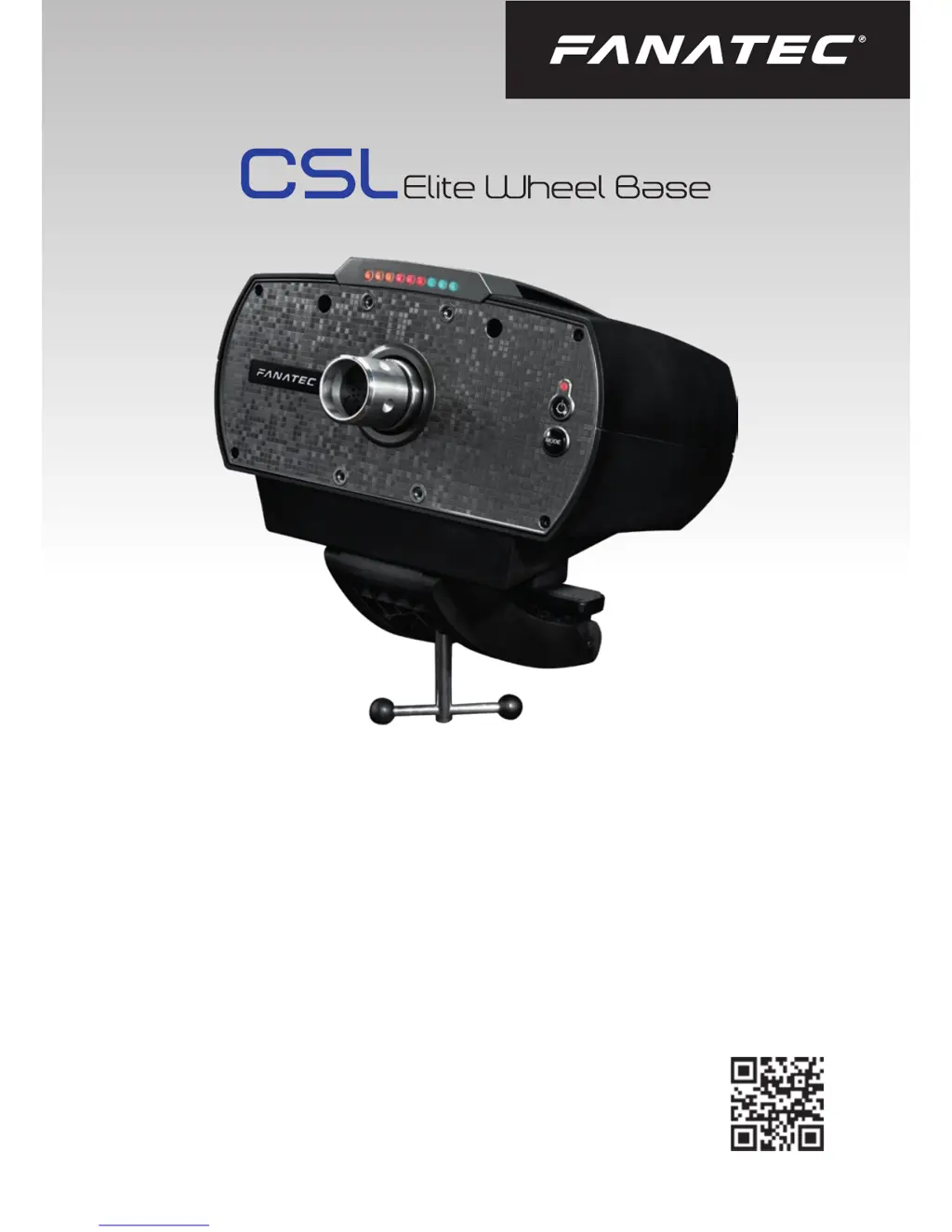
FANATEC CSL Elite Wheel Base
44 pages
Print Icon
To Next Page IconTo Next Page
Loading...
Manual
www.fanatec.com
Straights are for fast cars
Turns are for fast drivers

Other manuals for FANATEC CSL Elite Wheel Base

Questions and Answers

  • E
    Eduardo FowlerJul 27, 2025
    How to fix FANATEC CSL Elite Wheel Base steering wheel not centering?
    • J
      Jared JohnsonJul 27, 2025
      If, after a calibration run at startup, the attached steering wheel on your FANATEC CSL Elite Wheel Base doesn’t go to the correct center position, check your tuning menu settings. The value for SPR (spring) must be higher than ‘000’, as this effect is needed for correct centering. The default value is ‘100’.
  • J
    Jennifer MezaAug 1, 2025
    How to fix FANATEC CSL Elite Wheel Base auto calibration?
    • B
      Brianna MccarthyAug 1, 2025
      If the auto calibration of your FANATEC CSL Elite Wheel Base is not working properly after switching it on, ensure that you have updated your wheel base to the latest firmware version, which can be downloaded from www.fanatec.com/support.
  • A
    Andrea CruzAug 6, 2025
    What to do if FANATEC CSL Elite Wheel Base motor switches off?
    • K
      Karen JohnsonAug 6, 2025
      If your FANATEC CSL Elite Wheel Base motor turns off after playing, it might be due to the temperature exceeding the upper limit. Allow your wheel base to cool down before using it again. If this continues to happen, contact customer support.
  • C
    Crystal LeeAug 11, 2025
    Why some FANATEC CSL Elite Wheel Base tuning menu settings are unavailable on Xbox One?
    • I
      ichambersAug 11, 2025
      Some tuning menu settings are unavailable on Xbox One for FANATEC Video Gaming Accessories because Xbox One uses a different Force Feedback (FFB) effect system. You can adjust the overall FFB strength using the FF parameter.
  • D
    Darius VargasAug 16, 2025
    Why FANATEC CSL Elite Wheel Base becomes weaker after playing?
    • P
      preidAug 16, 2025
      If your FANATEC CSL Elite Wheel Base becomes weaker or fades after playing, it could be because the motor temperature is near its upper limit. Let your wheel base cool down before continuing to use it.
  • K
    krista01Aug 21, 2025
    How to fix FANATEC CSL Elite Wheel Base tuning display?
    • B
      Bruce PottsAug 21, 2025
      If the tuning display on your FANATEC Video Gaming Accessories isn't showing anything or is only partially working, try another steering wheel. Also, check the pins inside the steering wheel's quick release to make sure they aren't bent or damaged.

Summary

General Product Information

Product Introduction

Compatibility Details

Preparation and Setup

Package Contents

Lists all items included in the CSL Elite Wheel Base package.

Assembly and Mounting

Configuration Planning

Guidance on planning your sim racing setup and connecting devices.

Table Clamp Mounting

Instructions for attaching the wheel base to a table using the clamp.

Hardmounting Options

Details on how to securely mount the wheel base using screws.

Attaching CSL Steering Wheel

Step-by-step guide for connecting a CSL Steering Wheel to the base.

Detaching CSL Steering Wheel

Instructions on how to safely detach a CSL Steering Wheel from the base.

Attaching ClubSport Steering Wheel

Guide for attaching a ClubSport Steering Wheel to the wheel base.

Detaching ClubSport Steering Wheel

Procedure for safely removing a ClubSport Steering Wheel from the base.

CS SSP Shifter Paddles

Information on mounting the optional ClubSport Static Shifter Paddles.

Peripheral Connections

Details on connecting shifters, pedals, handbrake, and power to the wheel base.

Drilling Template

Provides a template for drilling holes for hardmounting the wheel base.

Functions and Features

Firmware and Driver Update

Instructions on updating the wheel base firmware and PC driver.

Start-Up Procedure

Explains the improved start-up and calibration process.

Tuning Menu Navigation

Details on accessing and adjusting various wheel base settings via the tuning menu.

Revolution Lights (RevLEDs)

Explanation of the integrated RevLEDs and their functionality.

Cooling System Details

Details on the integrated cooling system and fan adjustment.

Electrical Operation and Modes

Hotkeys Overview

Explains essential buttons, tuning menu access, and wheel center calibration.

Wheel Center Calibration

Procedure for calibrating the wheel's center position.

Mode Switching (PC;Xbox)

How to switch between PC and Xbox One operational modes.

Shifter Calibration Mode

Guide for calibrating H-pattern shifters for optimal performance.

Cleaning Instructions

Troubleshooting Guide

Serial Number Information

Trademarks

Ecology Advice

FCC and CE Compliance

Warranty Information

FANATEC CSL Elite Wheel Base Specifications

General IconGeneral
Force FeedbackYes
Max Torque6 Nm
FeedbackForce Feedback
ConnectivityUSB
Steering Wheel CompatibilityFANATEC Steering Wheels
Pedal CompatibilityFANATEC Pedals
Accessory CompatibilityFANATEC Accessories
TypeWheel Base
CompatibilityPC, Xbox One
MountingTable clamp or rig mounting
Rotation1080°
Power SupplyExternal Power Supply

Related product manuals