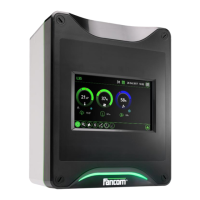
Lumina 71 Feed feeding place
22
6.6 Copy
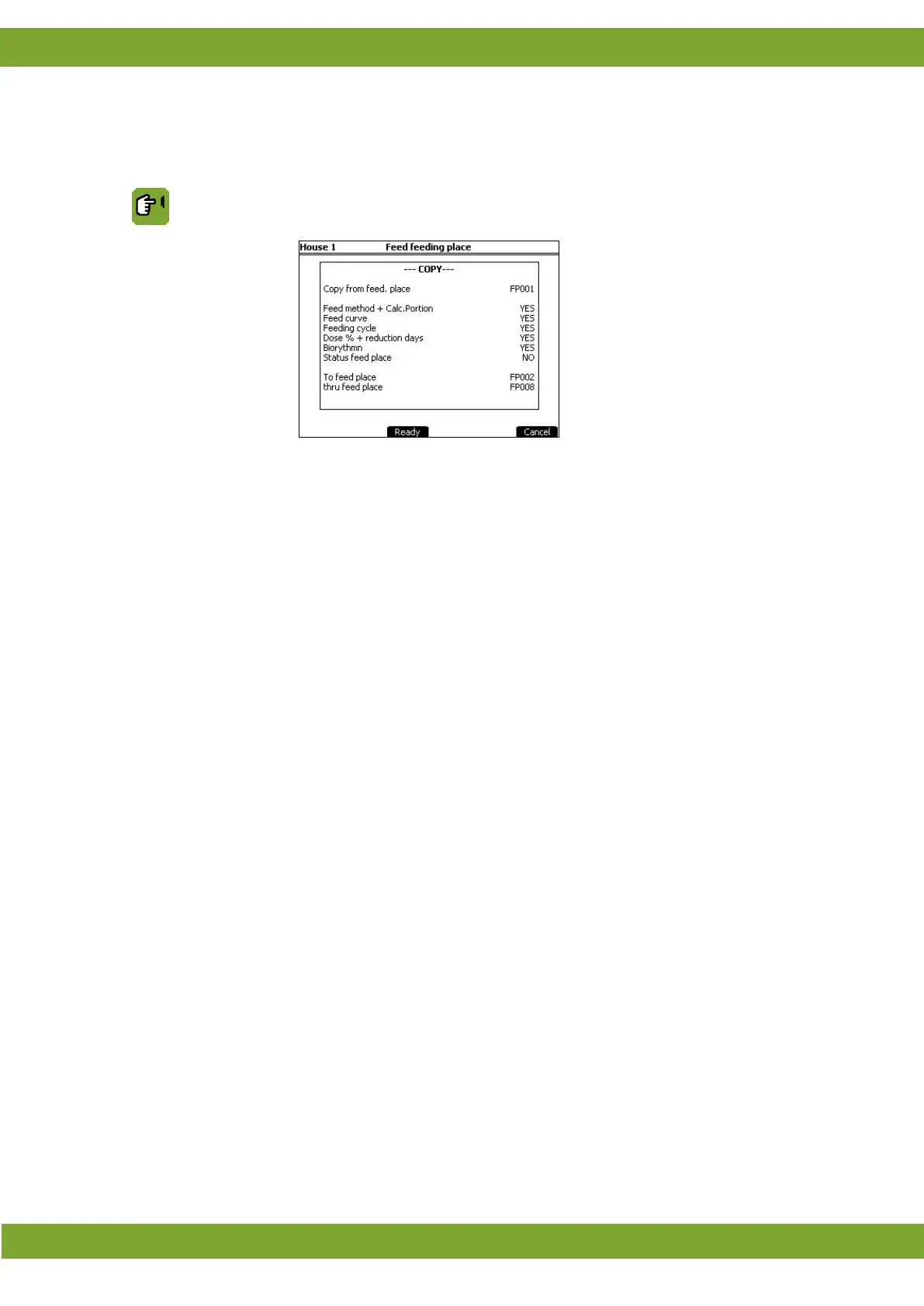
This tab page shows the settings to easily copy data of a certain feed place to a number of other feed places. This
saves a lot of time.
Feed feeding place tab page Copy
Copying data
In this tab page you can copy data of a certain feed place to a number of other feed
places. First set the feed place which you want copy data from. Then select the data
you want to copy (YES/NO
). Set the range of feed places you want to copy data to and
finally click on Ready to copy the data.



 To Next Page