ENGLISH
14 / 48
Screen Saver
- Select to turn on / off screen saver.
MiniKBD Language
- Select desired Keyboard layout.
Scan storage
- Select to set the scan mode of media library and keep media library up to date.
Resume Play
- Select to turn on / off Resume Play.
Format
- Select to format your HDD
BD Menu
- Here you can open the BDMV navigation menu during BDMV folder or BD ISO playback.
BD-J is not supported (for 3DBD select OFF!).
Auto Standby
- Select to turn on / off Auto Standby.
AutoPlay by Booting
- Select to turn on/off automatic playback of video, music or photo files after powering on the
device.
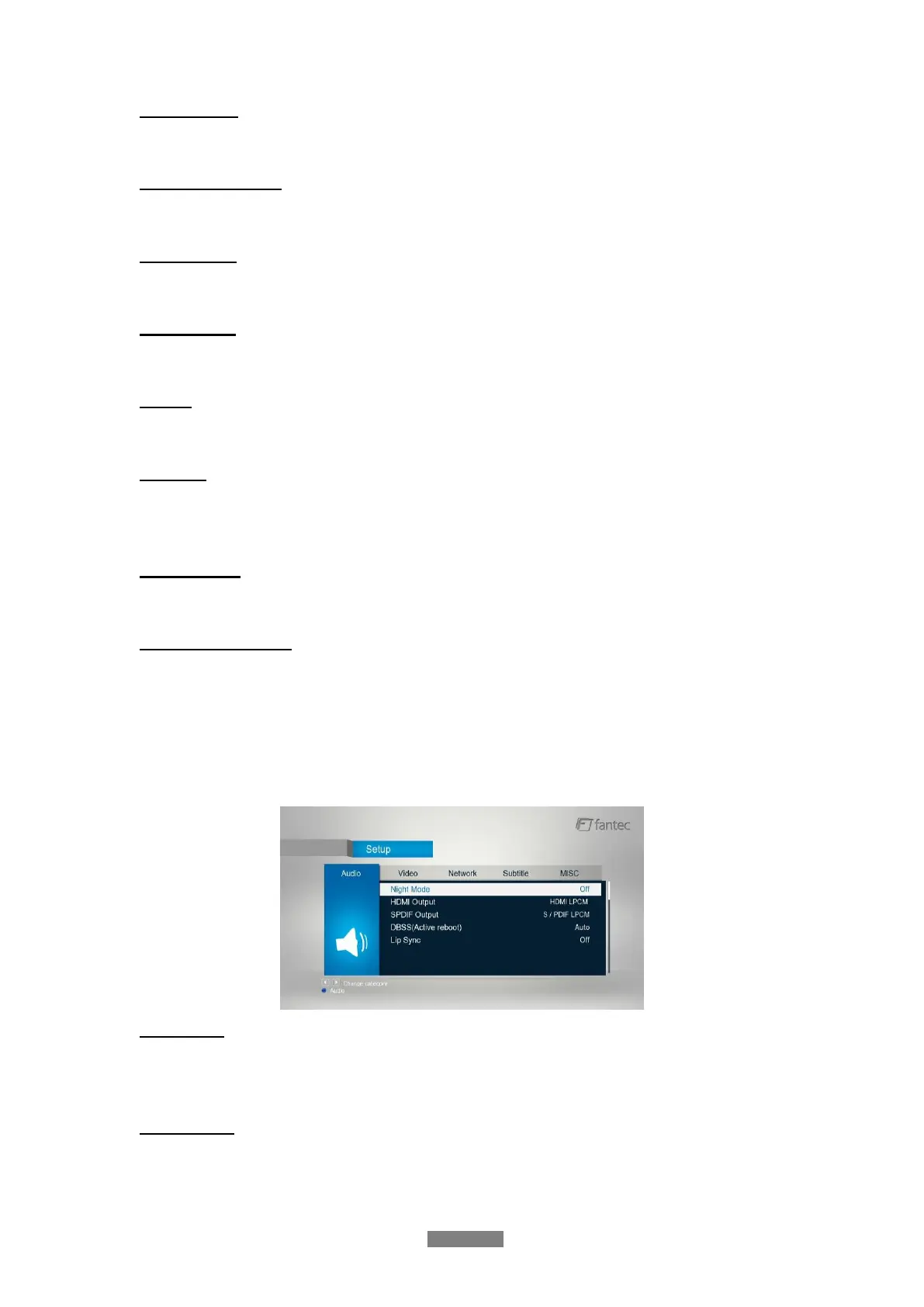
3.1.2 Changing Audio Settings
Use this menu to configure audio settings
Night Mode
- Choose among Off / On / Comfort. If the option comfort is turned on, the audio output
volume will be decreased to make you more comfortable.
HDMI Output
- Choose among LPCM, RAW and Auto.



 To Next Page