ENGLISH
15 / 48
SPDIF Output
- Choose among LPCM and RAW.
Surround Sound
- Choose among undefined, 5.1 Channel and HD Audio.
Lip Sync
- Choose among Lip Sync Auto, Lip Sync Manual and off.
Note: In raw mode, Dolby TrueHD, Dolby Digital Plus, Dolby Digital and DTS sound can be by
passed to the HDMI TV or Digital amplifier.
Due to the bandwidth requirement, Dolby TrueHD, DTS HD and Dolby Digital Plus sound only
can be by passed through HDMI cable, also the TV system must up to 720p or above.
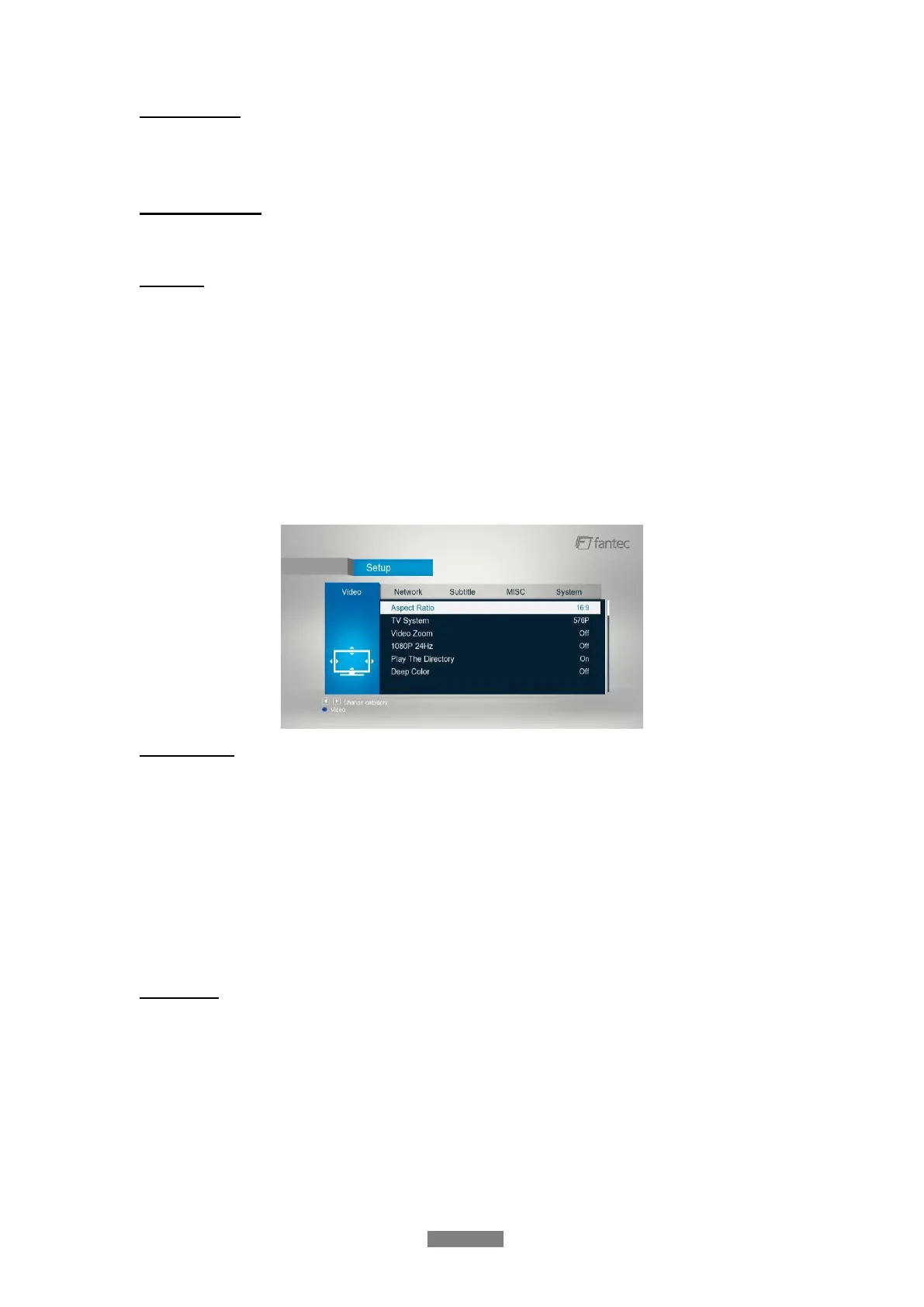
3.1.3 Changing Video Settings
Use this menu to configure video settings.
Aspect Ratio
- Pan Scan 4:3: Display a wide picture on the entire screen and cuts off the redundant
portions. Select when a standard 4:3 TV is connected.
- Letter Box 4:3: Display a wide picture with two black borders on the top and bottom of 4:3
screen. Select when a standard 4:3 TV is connected.
- 16:9: Compress the image to convert the whole image. Select when a 16:9 TV is
connected.
- 16:10: Compress the image to convert the whole image. Select when a 16:10 TV is
connected.
TV System
- Select to adjust TV Type and video output resolution. This setting depends on your
regional location. Include: NTSC / PAL / 480P / 576P / 720P 50HZ / 720P 60HZ / 1080I
50HZ / 1080I 60HZ / 1080P 50HZ / 1080P 60HZ.
NTSC: United States, Canada, Japan, Mexico, the Philippines, South Korea, and Taiwan.
PAL: Europe, Greenland, parts of Africa and South America, the Mideast, China, India,
Australia, and Indonesia.



 To Next Page