ENGLISH
16 / 48
1080p 24Hz
- Choose this option to enable or disable 1080P 24HZ support. A TV set with 1080P 24HZ
(24P) mode is needed.
Play the directory
- Playback DVD/Blu-ray with folder structure.
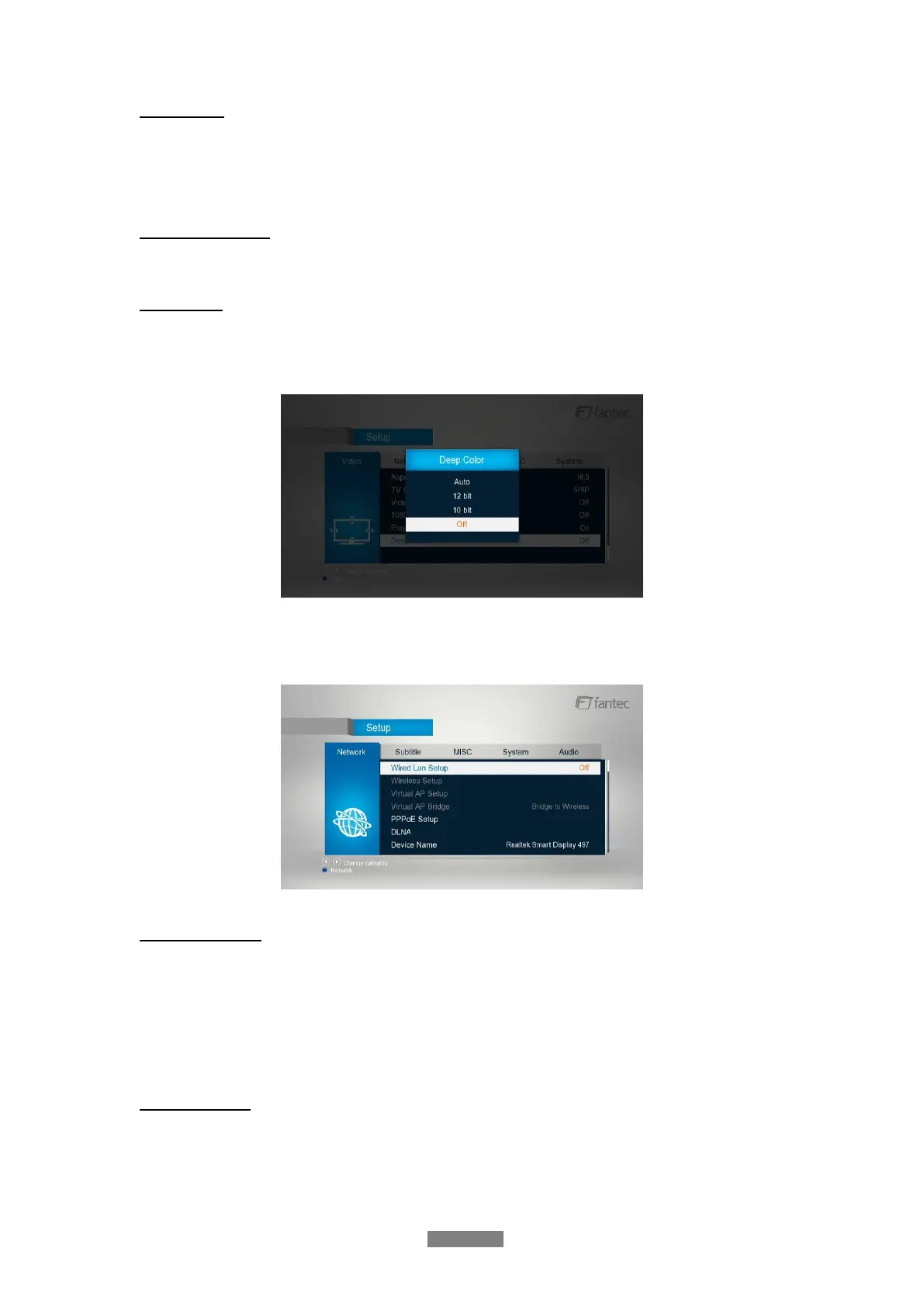
Deep Color
- Help to perform more detailed level of color depth, make continuous color change
smoother. You can get more vivid color effects. A TV set with deep color support is
needed.
3.1.4 Change Network Settings
Use this menu to configure your network.
Wired Lan Setup
- DHCP IP (AUTO)
Select to obtain IP address automatically.
- FIX IP (MANUAL)
Select to manually input the IP Address, Subnet Mask, Default Gateway, and DNS Server IP
Address.
Wireless Setup
- Follow the prompting message on the screen and press Red button to choose WPS (AP)
mode (direct access of Router preferred!).



 To Next Page