ENGLISH
18 / 48
Step 2: Enter WEP / WPA key.
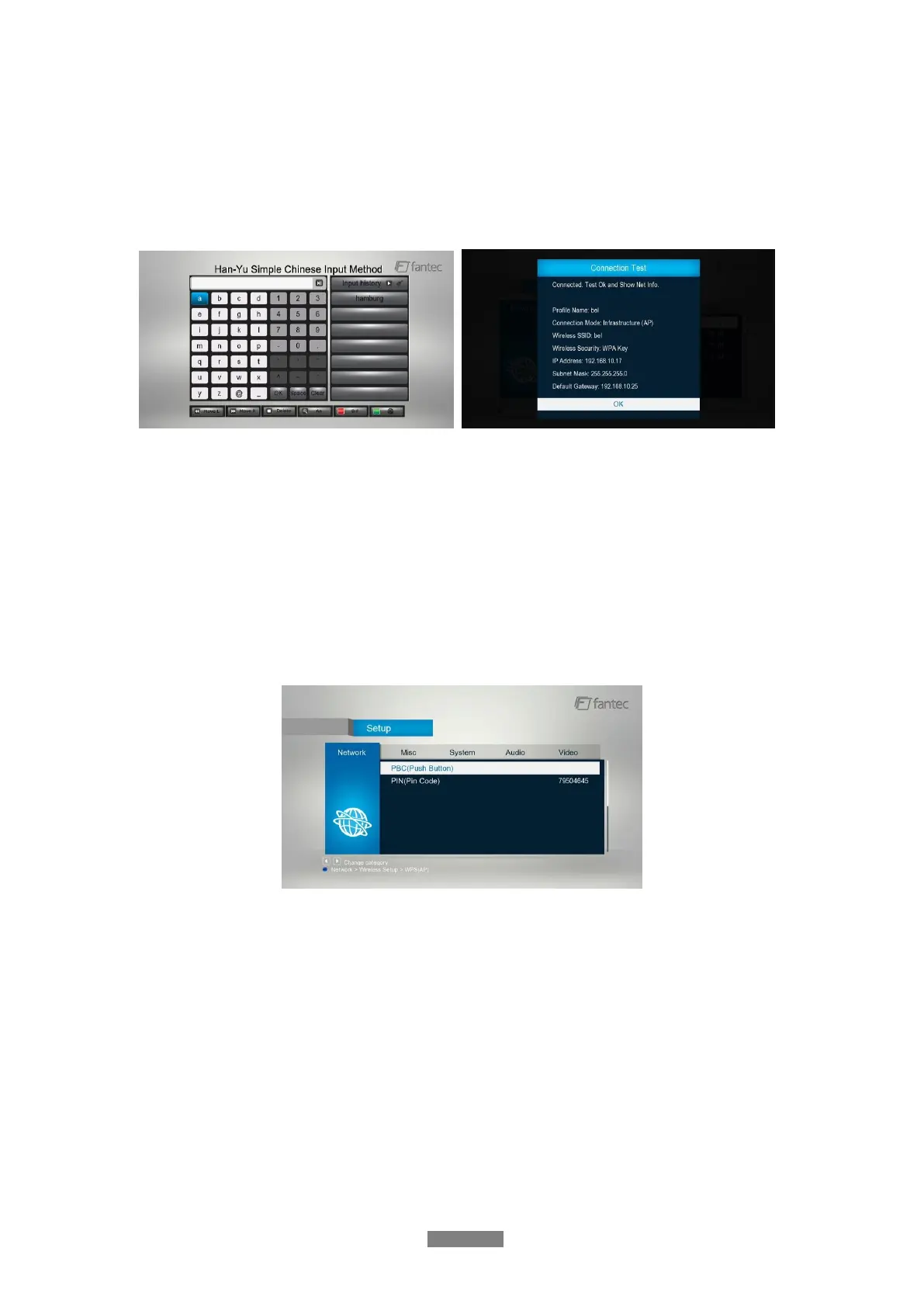
Press OK to input encryption keys via the virtual keyboard. Press the navigational buttons to
select, OK to input, FF to move cursor left, FR to move cursor right, Zoom to switch between
uppercase and lowercase, Stop to delete a character, Red to make more symbols available,
Green to change the language of the virtual keyboard, OK to confirm and to start testing the
connection.
The testing process will take for a while, please be patient to wait. If the test is ok, the network
information (Profile Name, IP address, Subnet Mask, Gateway, etc.) will be displayed on the
screen.
WPS (AP)
- WPS, Wi-Fi Protected Setup, is used to connect a wireless router directly, without
searching SSID and inputting password. In this mode, you just need to configure the
parameters of your router which support WPS function. There are two modes for you to
select, PBC mode and PIN mode.
PBC: First press the WPS button on the router or select the button mode in the configuration
menu of the router, then select the PBC mode, the connection process will take for a while,
please be patient to wait.
PIN: Input the pin code when configure your router, then select the PIN mode, the connection
process will take for a while, please be patient to wait.



 To Next Page