ENGLISH
20 / 48
3.1.5 Subtitle
- Settings to configure the display of subtitles
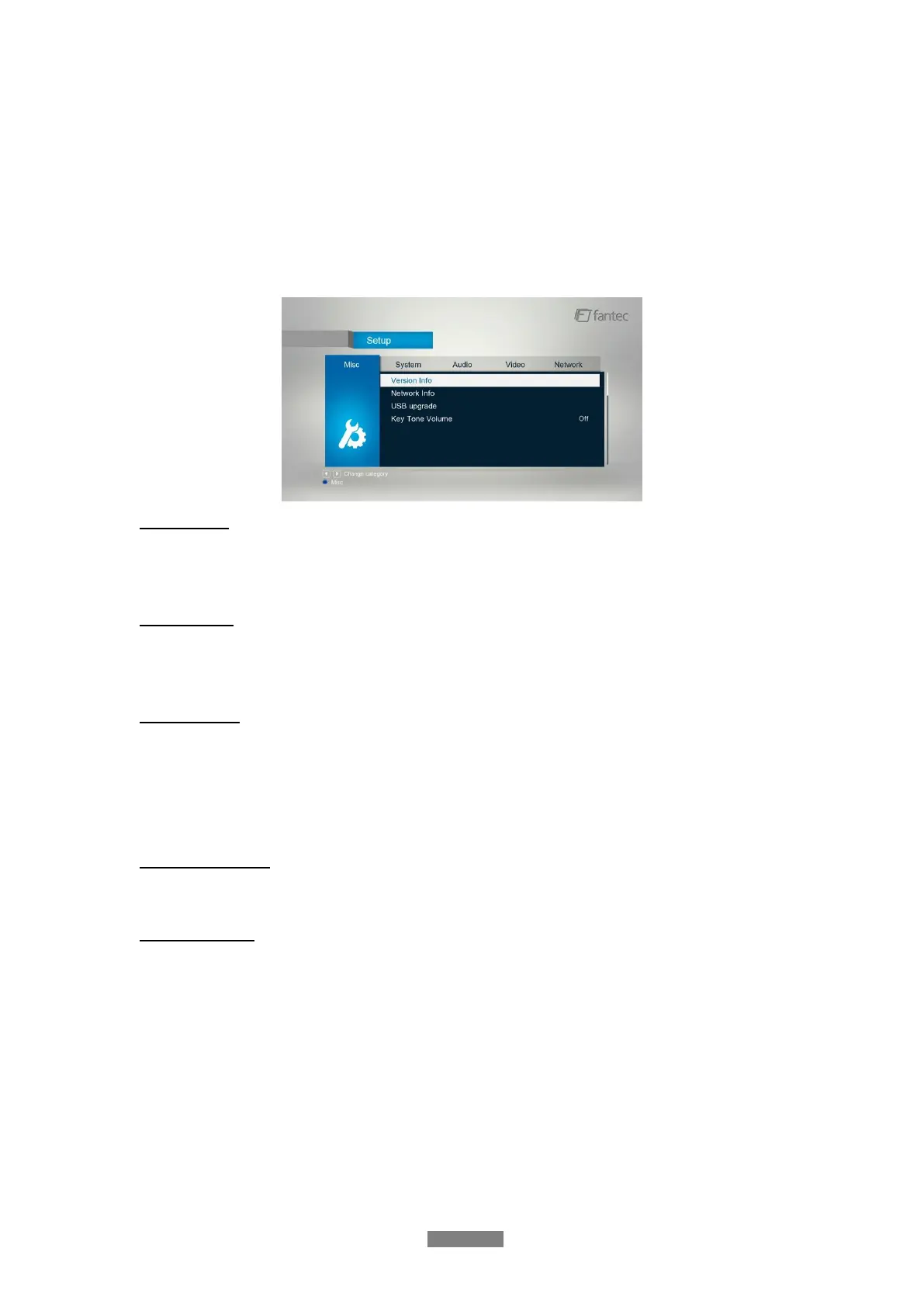
3.1.6 Miscellaneous
Use this menu to adjust miscellaneous settings.
Version Info
- This tab shows you information about the firmware installed and about the material
components of your player.
Network Info
- This tab shows you information about your network, MAC Address, IP address Gateway,
Subnet.
USB Upgrade
- Select to update the firmware via a USB stick.
Step 1: Copy ‘install.img’ or extension files to the root directory of an USB stick, and connect it
to an USB HOST port of the player.
Step 2: Press OK to confirm.
Key Tone Volume
- Here you can adjust the volume of key tone.
Restore Default
- Select to restore factory defaults.



 To Next Page