ENGLISH
10 / 55
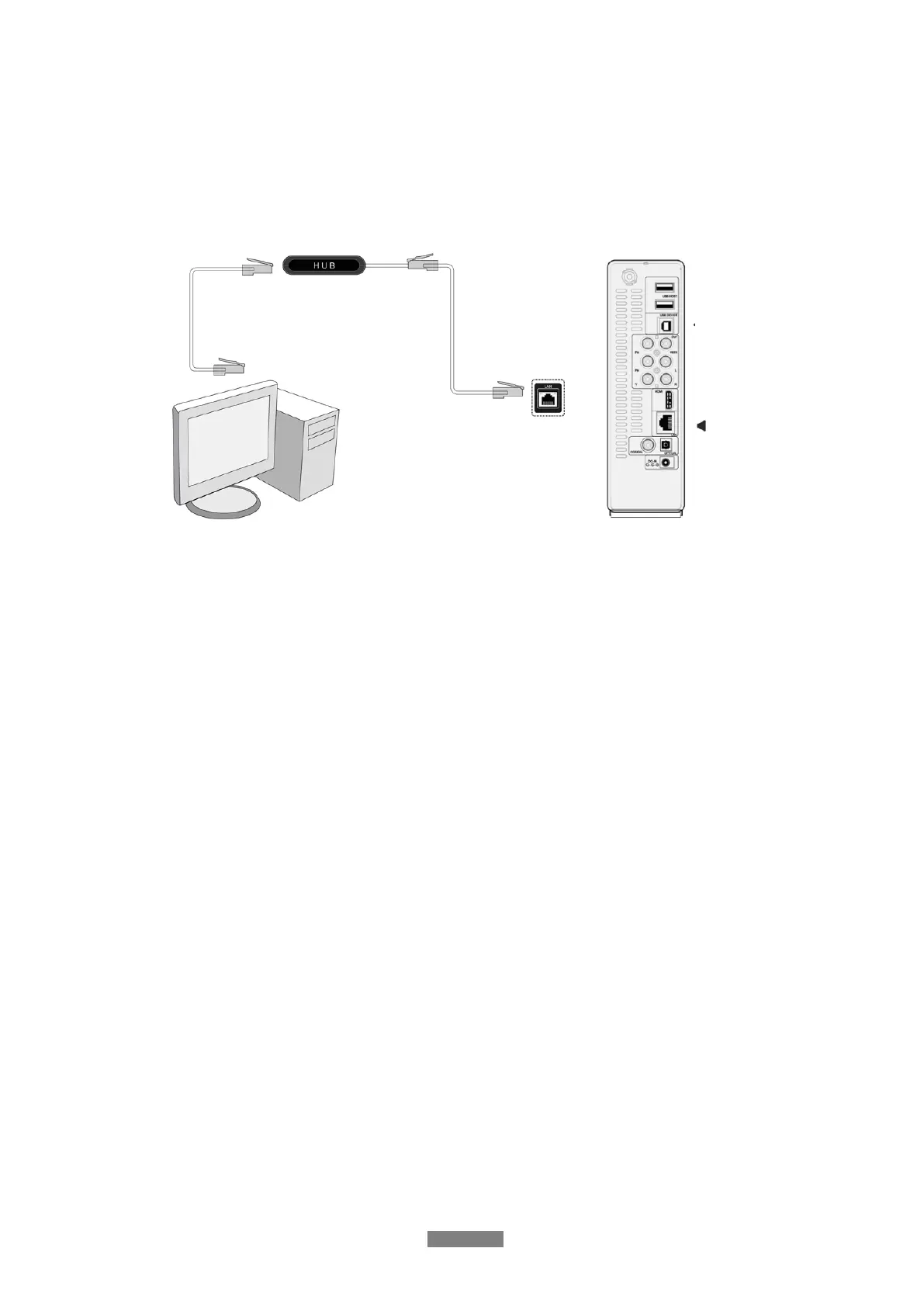
1.4.6 Connecting to a network
To connect to a LAN (Local Area Network) you require a cat5, cat5e or cat6 network cable (not
supplied).
(1) Connect one of the crystal plugs on the cable to the player’s RJ45 LAN socket;
(2) Connect the other crystal plug on the cable to a RJ45 LAN port on your router, switch, or
hub devices.
1.4.7 Connecting to a wireless network
(1) Make sure the player is powered on;
(2) Plug the Wireless LAN USB Adapter (i.e. Wi-Fi USB Dongle) to the USB HOST port of the
player.
Note: The Wi-Fi Dongle is an optional accessory sold separately. (Please refer to ‘3.1.4
Changing Network Settings’ for more details about wireless setup)



 To Next Page