ENGLISH
27 / 55
View the previous or next photo.
Rotate a photo in any angle.
Display or hide the option menu during playback.
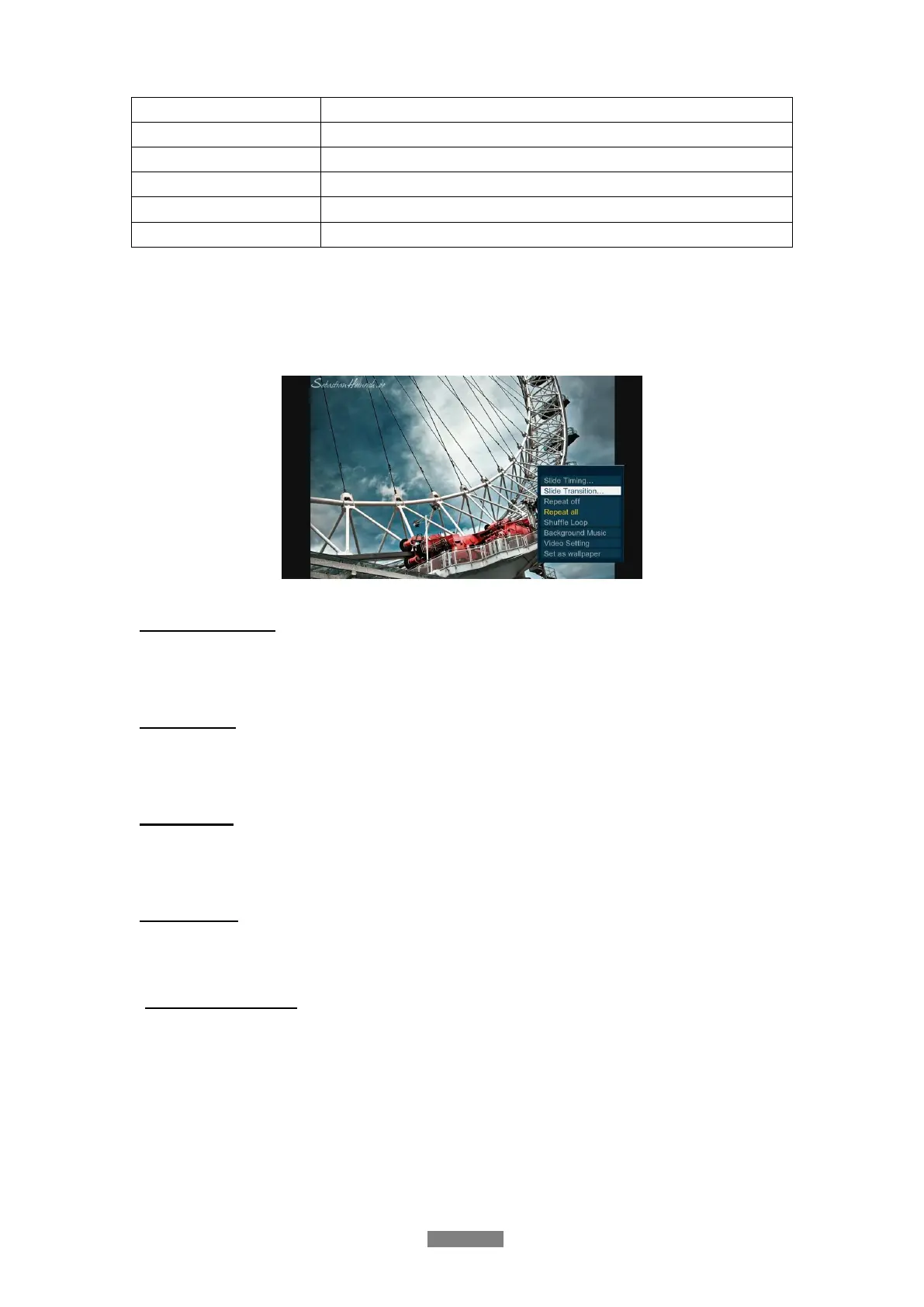
3.3.3 Photo Playback Options
During photo playback, press Menu button to display or hide the option menu at the bottom of
the screen. You can get following functions though the Option menu during photo playback.
Slideshow Control
- Select to choose the Interval (Slide Timing) and Transition effect (Slide Transition) of
the slideshow.
Repeat Mode
- Choose a repeat mode among Repeat off, Repeat all and Shuffle Loop from option
menu.
Select Music
- Select to turn on/off Background music during slideshow playback.
- Select music to specify the background music during photo playback.
Video Setting
- Select to adjust the value of Brightness, Contrast, Saturation and Hue.
3.4 Music Library
Select the Music icon on the main menu to enter into music library interface. Only supported
files will be displayed. This player supports MP3, OGG, WMA, WAV, AAC and FLAC audio
files.



 To Next Page