ENGLISH
28 / 55
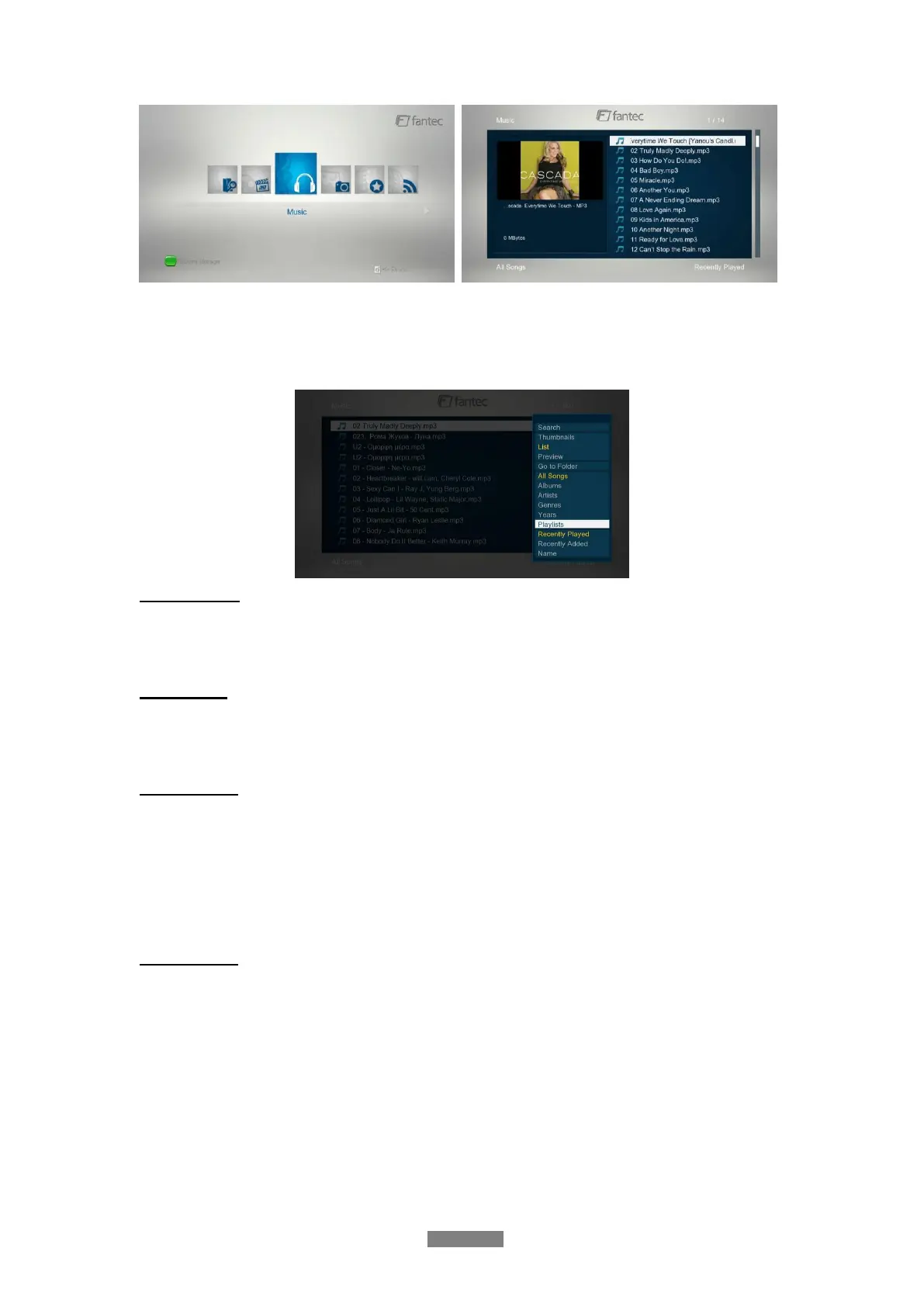
3.4.1 Music Library Options
In music library, press Menu button to display the option menu, you can get following functions
though the option menu.
Quick-Search
- Choose the Search option in the option menu and you can search for a photo by filter to
locate the specific music.
View Mode
- Choose a view mode among Thumbnails, List, and Preview from option menu or go to a
specified folder.
Filter options
- Choose Albums to search for music files by album.
- Choose Artists to search for music files by artist.
- Choose Genres to search for music files by genre.
- Choose Years to search for music files by modified year.
- Choose Playlists to search for music by generated playlist.
Sorting Mode
- Choose to sort by Name, Recently Added or Recently Played from option menu.



 To Next Page