ENGLISH
15 / 55
3. Main Functions
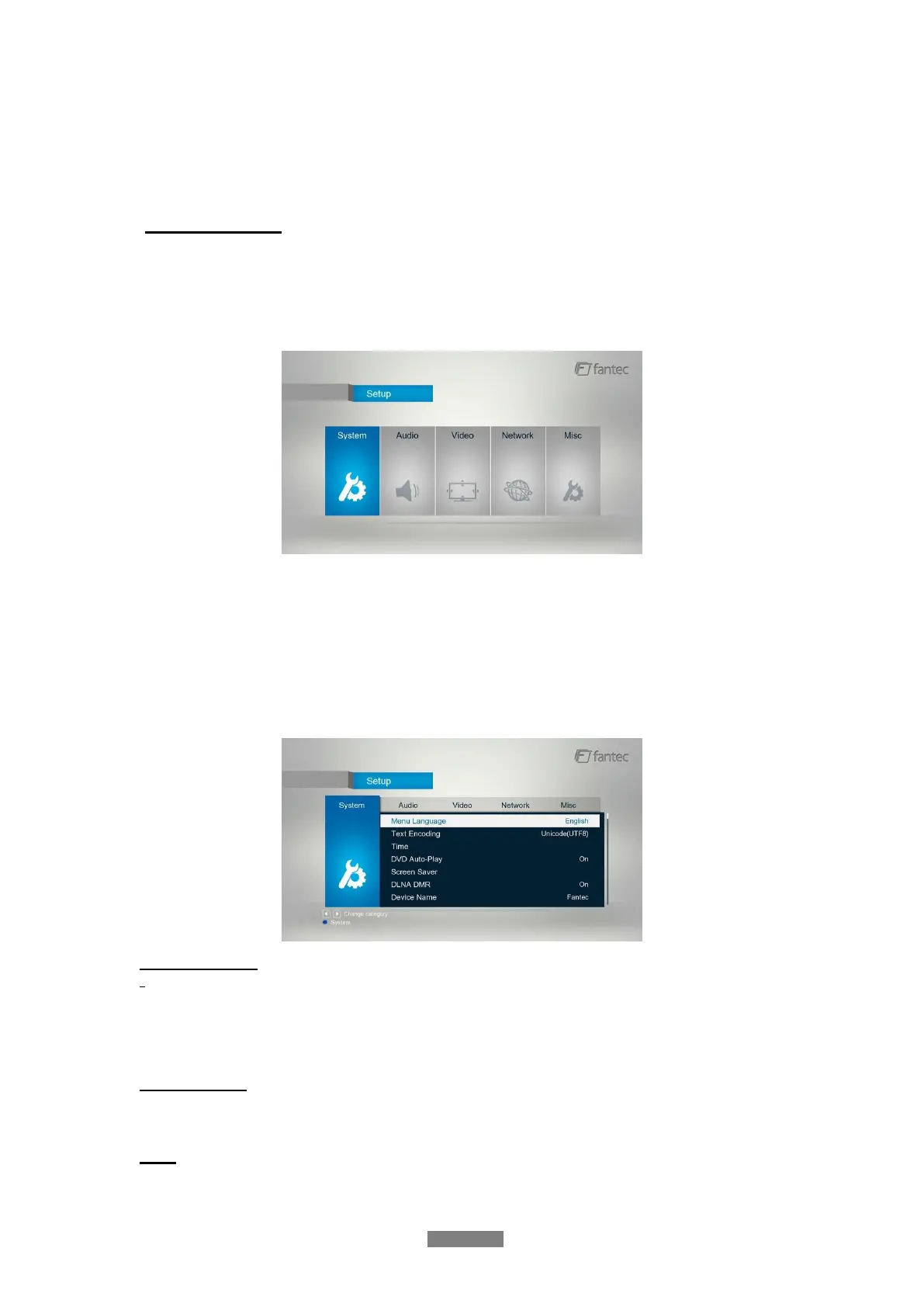
The Setup menu allows you to personalize and configure the preferences for your player.
3.1 Setup Menu
To select a Setup option:
- Select the Setup icon on the home screen, or press SETUP menu on the remote control.
- Use the UP/DOWN navigational buttons to select an option, and then press OK.
There are five Setup options, including System, Audio, Video, Network and MISC. Use the
UP/DOWN navigational buttons to select a menu. Press OK to confirm. Press Back to cancel
and display the previous menu screen.
3.1.1 Changing System Settings
Use this menu to configure system settings.
Menu Language
- Select to choose the OSD (On-Screen Display) language. (English, Spanish, French,
German, Italian, Korean, Dutch, Russian, Polish, Chinese, Czech, Slovenian, Romanian,
Portuguese, Hebrew, Magyar, Slovakian, Greek, Japanese)
Text Encoding
- Select to set the text encoding option (subtitle display)
Time
- Select to set the time zone



 To Next Page