ENGLISH
17 / 55
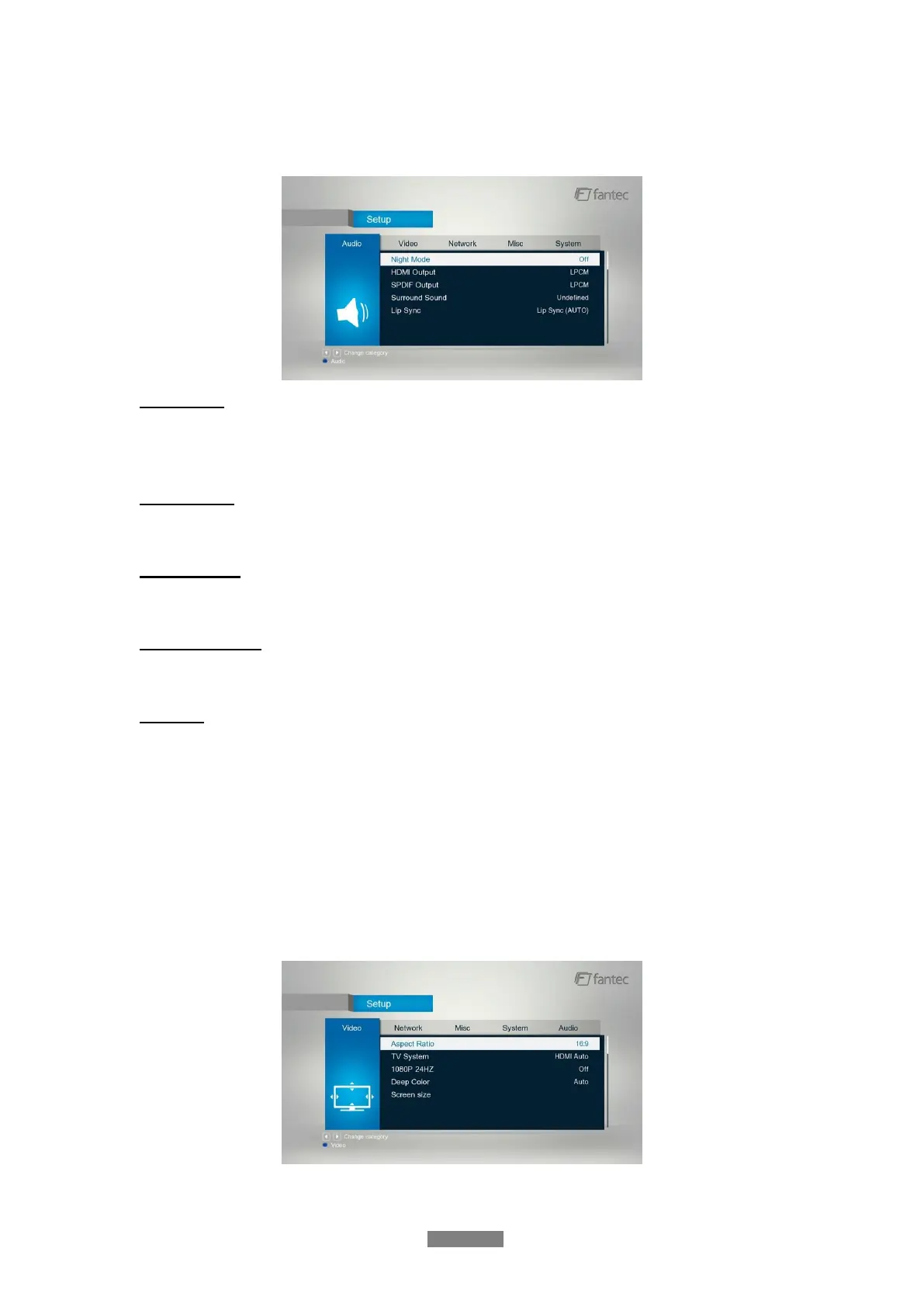
3.1.2 Changing Audio Settings
Use this menu to configure audio settings
Night Mode
- Choose among Off / On / Auto. If the option comfort is turned on, the audio output volume
will be decreased to make you more comfortable.
HDMI Output
- Choose among LPCM, RAW and Auto.
SPDIF Output
- Choose among LPCM and RAW.
Surround Sound
- Choose among undefined, 5,1 Channel and HD Audio.
Lip Sync
- Choose among Lip Sync Auto, Lip Sync Manual and off
Note: In raw mode, Dolby TrueHD, Dolby Digital Plus, Dolby Digital and DTS sound can be by
passed to the HDMI TV or Digital amplifier.
Due to the bandwidth requirement, Dolby TrueHD and Dolby Digital Plus sound only can be by
passed through HDMI cable, also the TV system must up to 720p or above.
3.1.3 Changing Video Settings
Use this menu to configure video settings.



 To Next Page