ENGLISH
23 / 55
Samba Process
- Select to turn NAS function On/Off. Please refer to ’4.SAMBA Server ’ for more details on
NAS function of this product.
Transmission
- Select to turn BitTorrent Transmission client On/Off. Please refer to ’3.9.2 BT Download ’
for more details on NAS function of this product.
FTP
- Select to turn on / off FTP services and to configure your desired login User Name and
Password. Please refer to ’4.1 FTP Server’ for more details on this unique feature of this
product.
Samba security
Select to turn on / off password protect for the Web server (Neighbor Web) and Samba server.
The user name is ‘admin’, and the password is ‘123’.
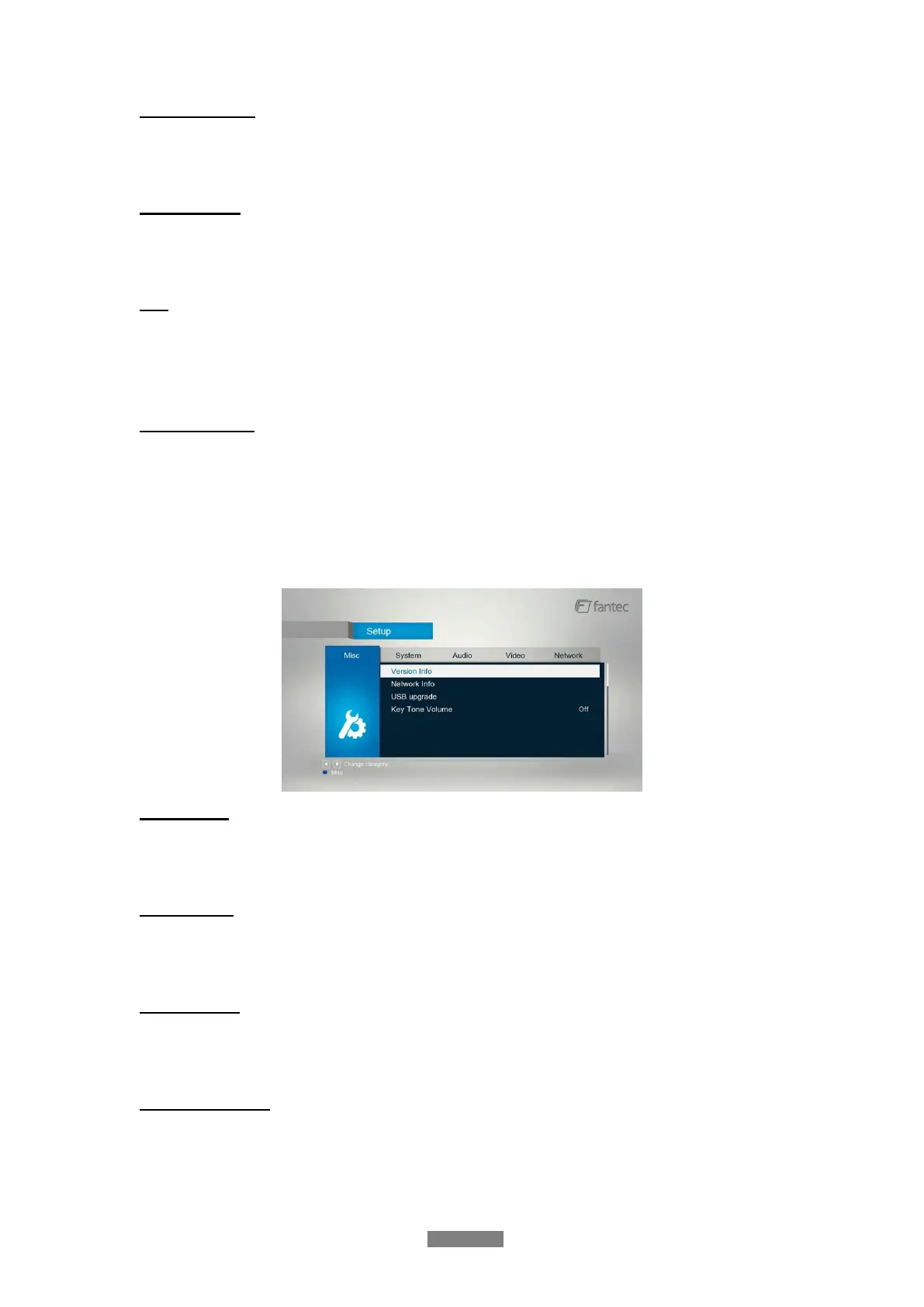
3.1.5 Miscellaneous
Use this menu to adjust miscellaneous settings.
Version Info
- This tab shows you information about the firmware installed and about the material
components of your player.
Network Info
- This tab shows you information about your network, MAC Address, IP address Gateway,
Subnet.
USB Upgrade
Option for Firmware Updates - please read the manual attached with the Firmware Update for
further informations.
Key Tone Volume
- Here you can adjust the volume of key tone.



 To Next Page