ENGLISH
7 / 55
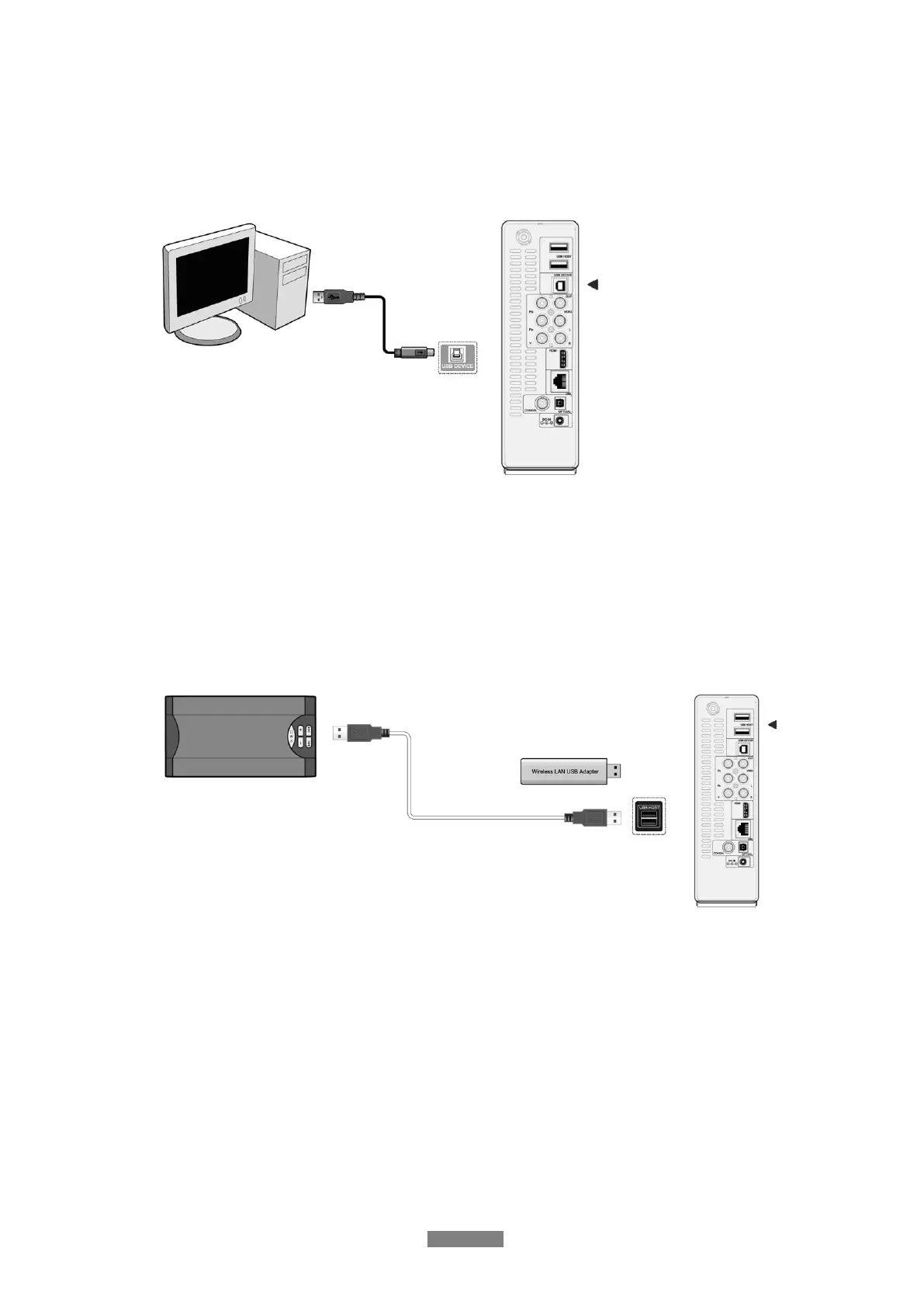
1.4.2 Connecting to a PC
(1) Make sure the player is powered on;
(2) Plug in the squares connector of the USB cable to this player’s USB DEVICE port;
(3) Plug in the rectangular connector of the USB cable to computer.
In this way, you can manage content on the built-in HDD of the player on your local PC.
1.4.3 Connecting a USB Device
(1) Make sure the player is powered on;
(2) Plug in the USB stick, USB DVD or USB HDD etc. to the USB HOST port of this player.
In this way, you can browse contents on the USB device.



 To Next Page