FANTEC MM-VP35US Media Player User Manual
27
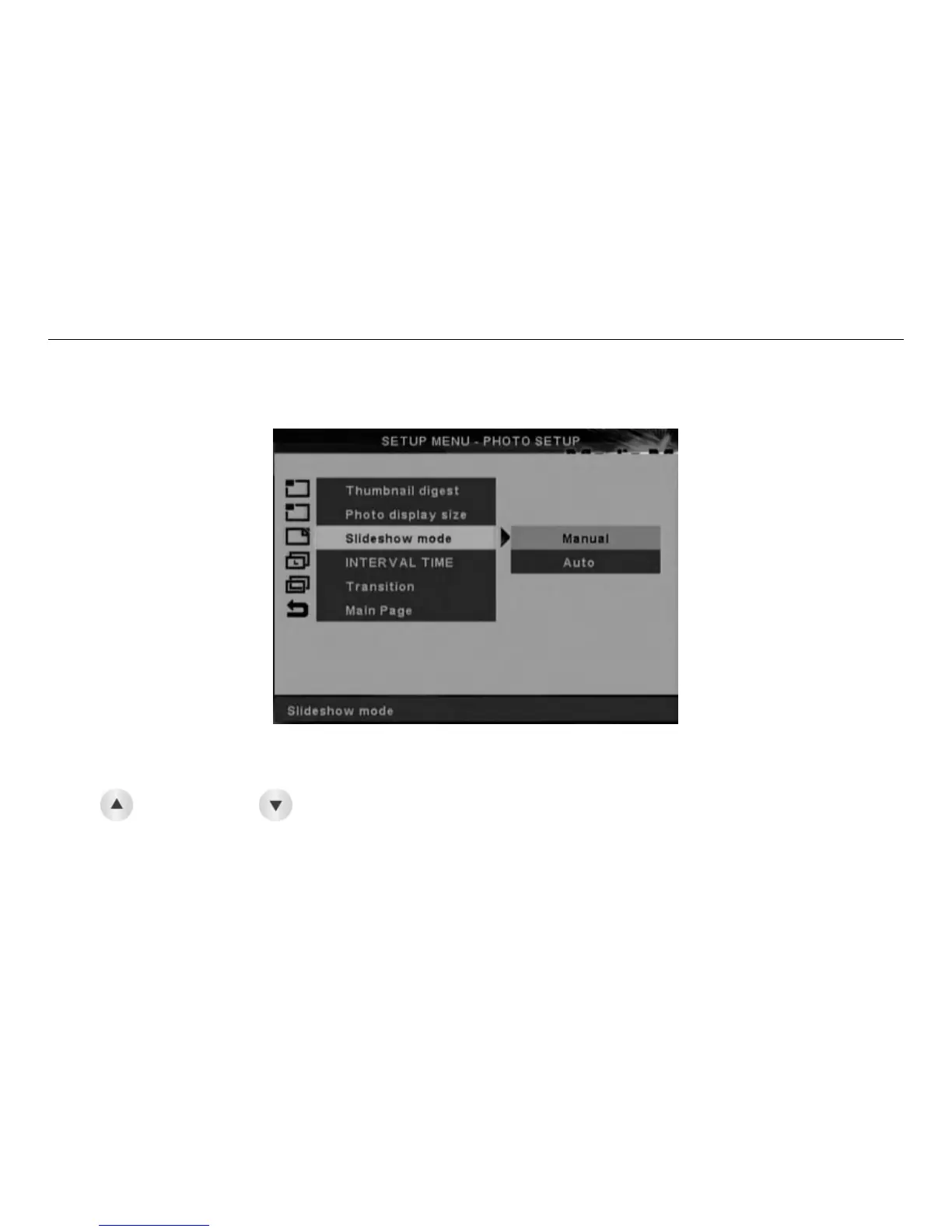
6.4.3 Slideshow Mode
The Slideshow Mode Setup Screen is below. Use the navigation buttons to move through the options and
press ENTER to select.
.Selecting Manual will give full control of the photo slideshow timing to the user. The user will need to use
the
( page up) and (page down) keys of the remote control to scroll through the photos stored in
the device.
.Selecting AUTO will initiate the photo slideshow after a full screen photo display has started
(Factory default mode is AUTO).
Slideshow Setup Screen



 To Next Page