Screen
10. File Library Browsing
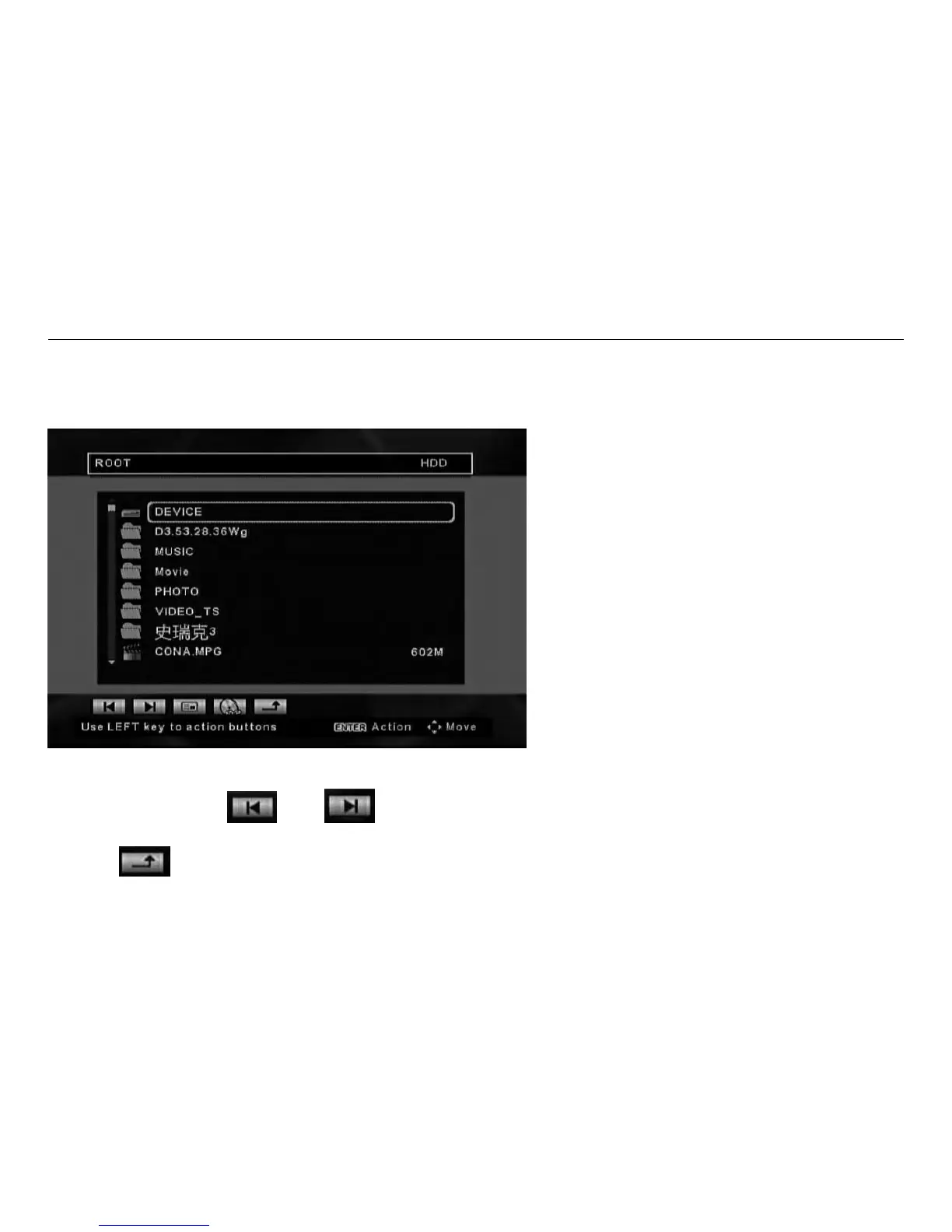
The File Library Browsing function is initiated by selecting FILE from the Home Page screen. All supported
content of a device can be accessed using this function.
The File Library Screen will appear showing the contents of the currently selected device.
Use the navigation buttons on the remote control to move through the different files. The highlighted file
starts automatically. Use the LEFT button on the remote to access the action buttons at the bottom of the
screen. Then use the
and action buttons to jump to the previous or next page of thumbnails
if required.
Use the
action button to return to the Home Page screen.



 To Next Page