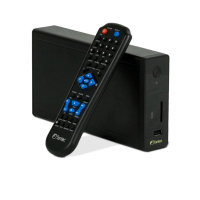
FANTEC MM-VP35US Media Player User Manual
35
6.6.1 Firmware Upgrade
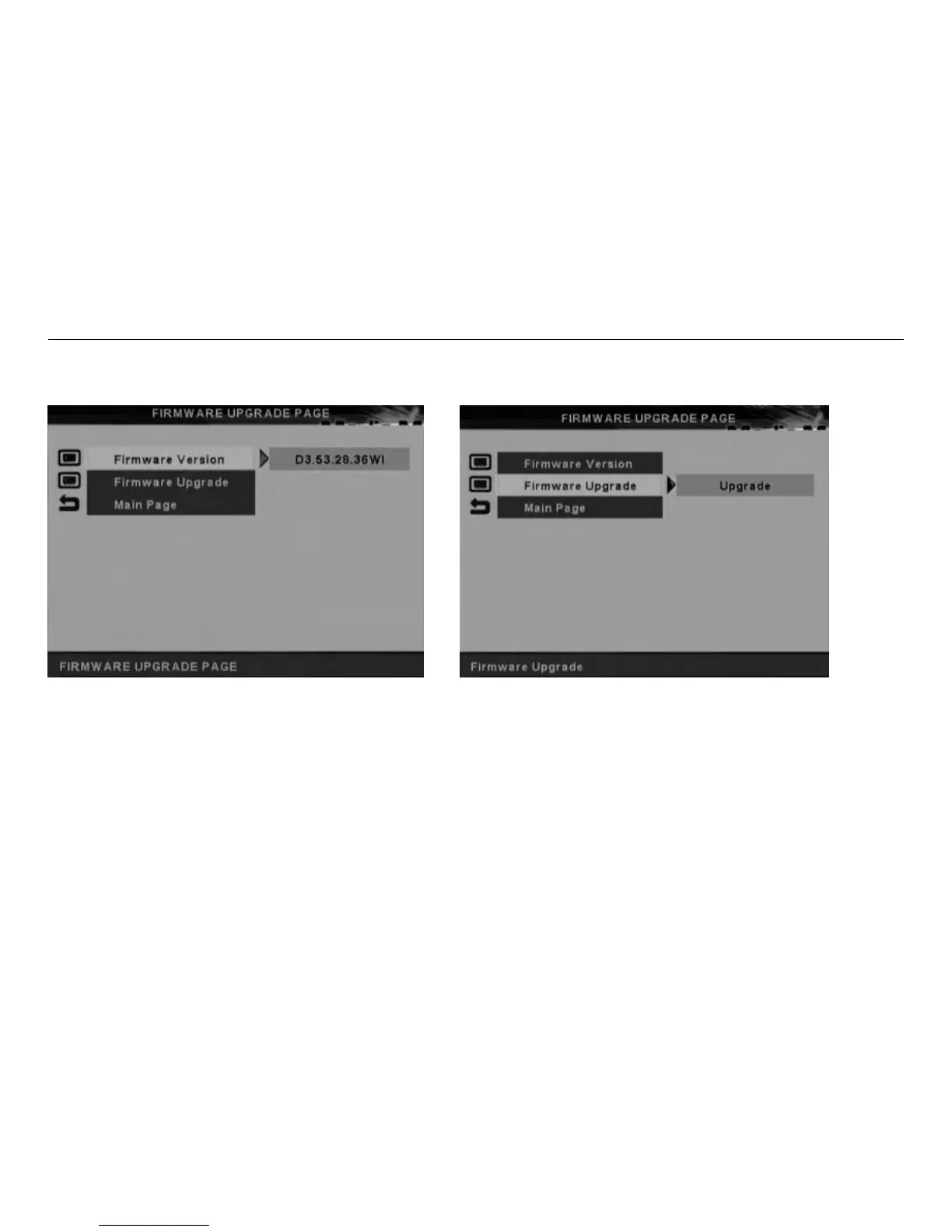
The Firmware Version Setup Screen is shown below. Use the navigation buttons to move through the
options and press ENTER to select.
.Please copy the new firmware file to your hard disk. (*.rom)
.Select Upgrade to enable the upgrade procedure.
.When the upgrade screen is gone, it means firmware upgrade has already finished.
ATTENTION: Do not turn off the power when firmware upgrade procedures are under processing. It will
cause upgrade procedures failed and Media Player damage on the situation.


 To Next Page