FANTEC MM-VP35US Media Player User Manual
32
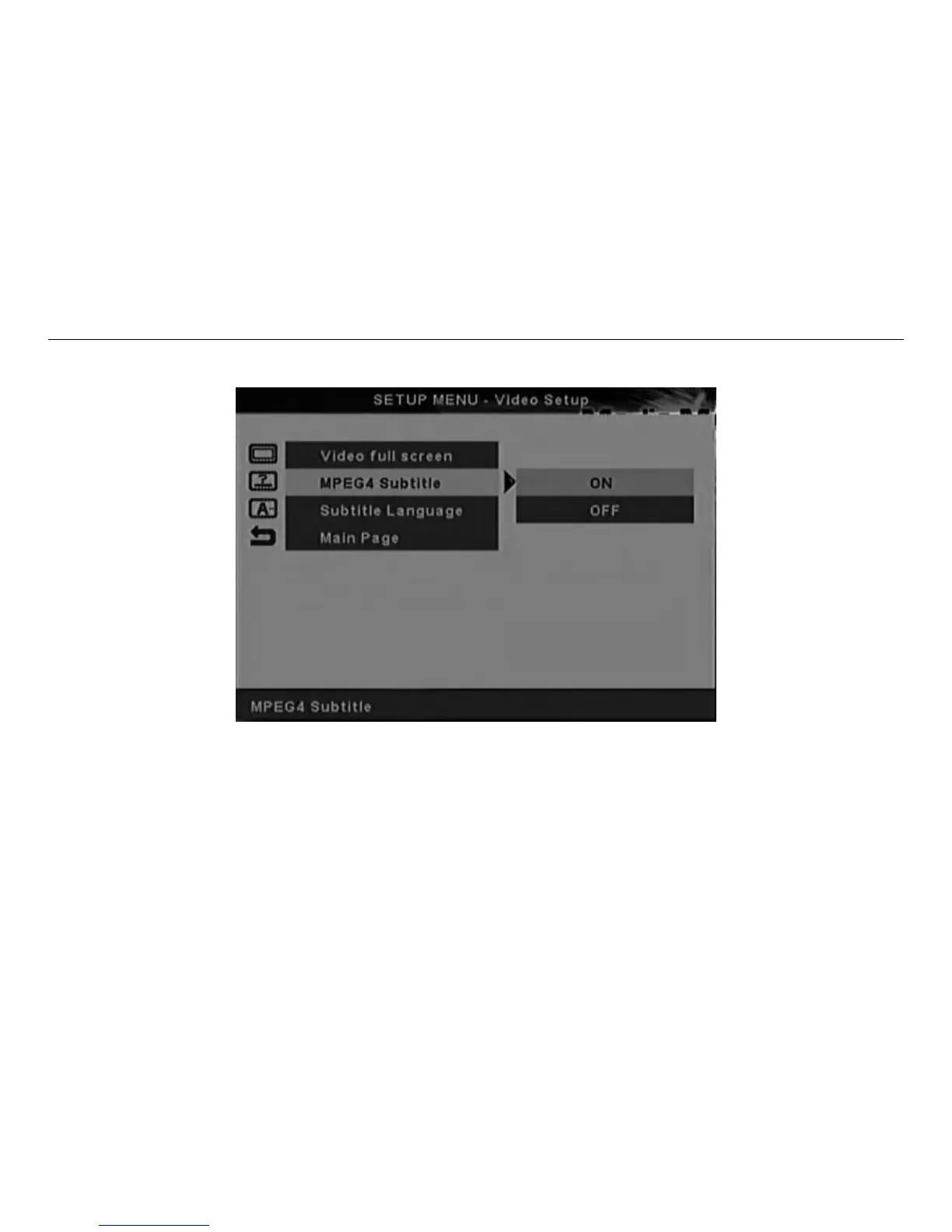
6.5.2 MPEG4 Subtitle Screen
MPEG4 Subtitle Setup Screen
.Selecting ON will display the MPEG4 subtitle to be displayed (Factory default mode in ON).
.Selecting OFF will turn off the MPEG4 subtitle.
NOTE: The subtitle text file (for example, abc.srt) must be in the same directory as the MPEG file (for
example, abc.avi) for the subtitle to be displayed.



 To Next Page