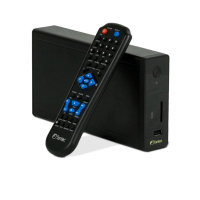
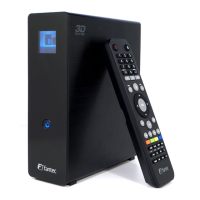
FANTEC MM-VP35US Media Player User Manual
36
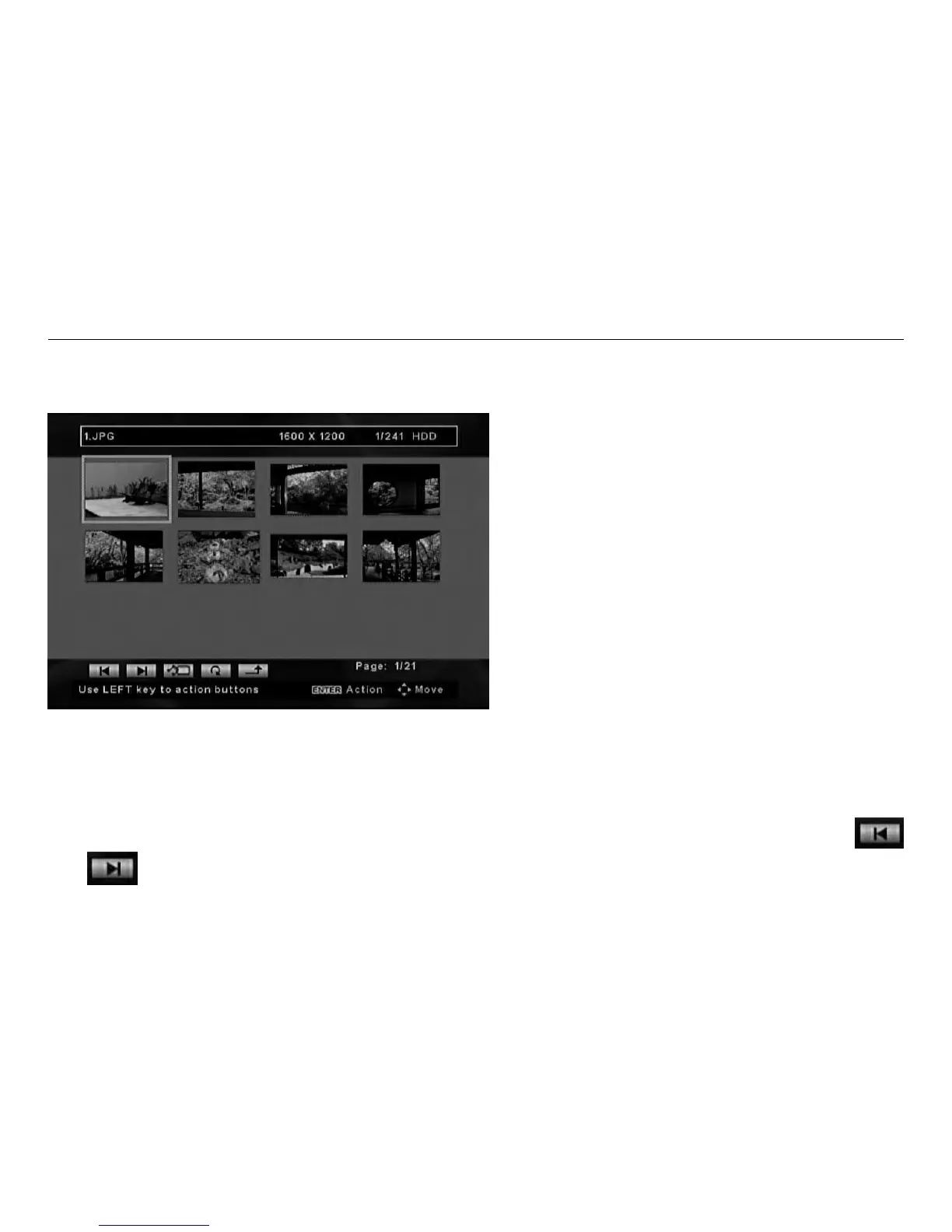
Photo Thumbnails Screen
7. Digital Photo Display
The digital photo display is initiated when the PHOTO option is selected from the Main Function Select
screen.
NOTE:
In the digital photo display mode, the Photo Thumbnails Screen will appear. All the photos found in the
device will be display in continuous pages of photo thumbnails.
Use the navigation buttons on the remote control to move through the thumbnails in the thumbnail page.
Highlight either the first or the last thumbnail and use the LEFT or RIGHT button on the remote (as indicated
by the text in the Help Row at the bottom of the screen) to access the action buttons. Then use the
and
action buttons at the bottom of the screen to jump to the previous or next page of thumbnails.


 To Next Page