FANTEC MM-VP35US Media Player User Manual
40
11. DVD Navigation
Use this function, must be in the File Library Browsing mode.
DVD Navigation
Choose the folder with the DVD content (AUDIO TS and VIDEO TS folder) and highlight it. It’s
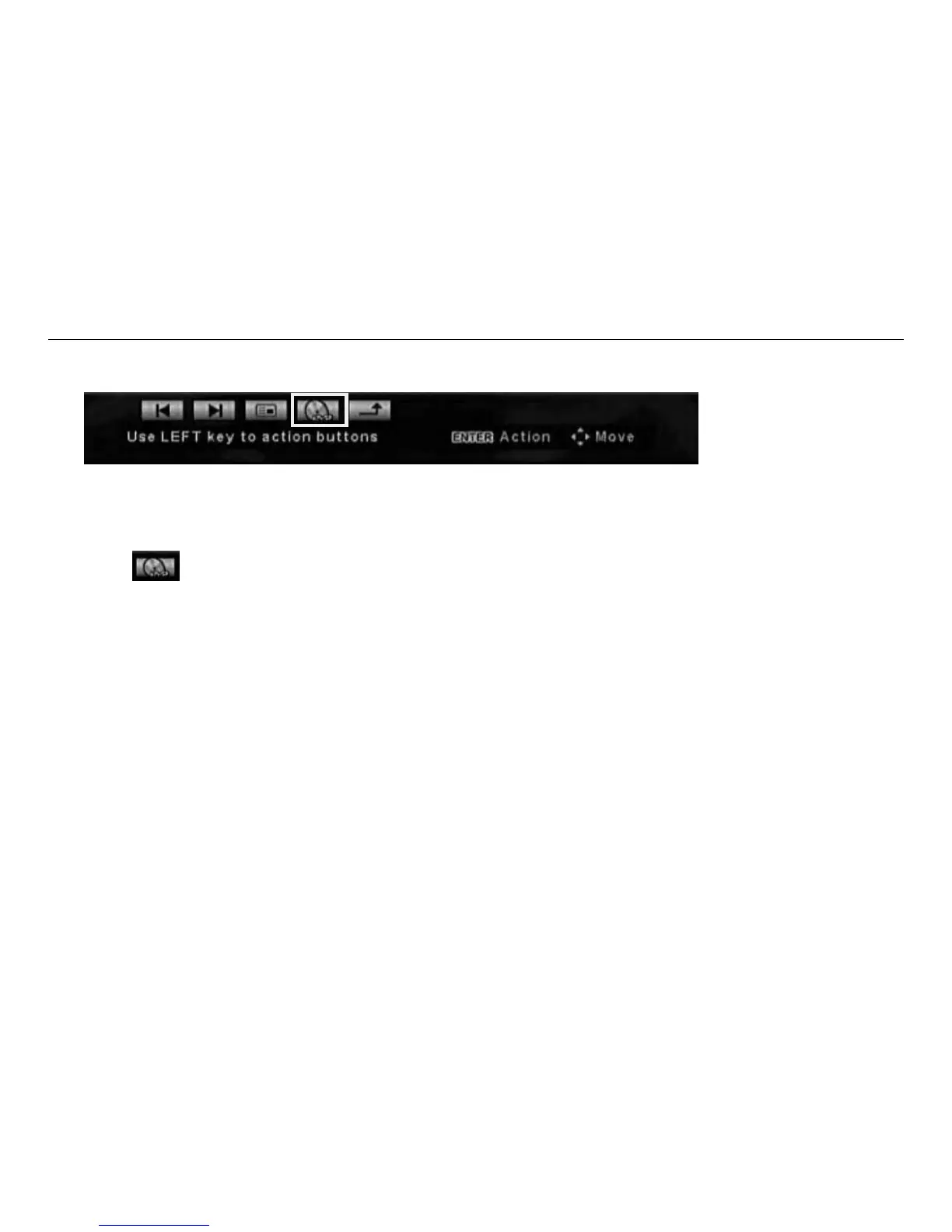
recommended to create a single folder for each DVD movie. Use the LEFT button on the remote to access
the action buttons at the bottom of the screen.
Then use
action button to enter the function.



 To Previous Page