Quick installation guide
SELF-ASSEMBLY
C. Press down the rib to detach the metal
frame and remove it.
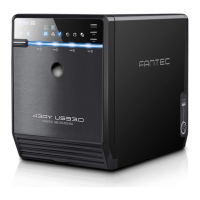
A. Please use the provided handles to
secure the 4 HDDs with screws.
B. Press the circular deepening to open
the cover.
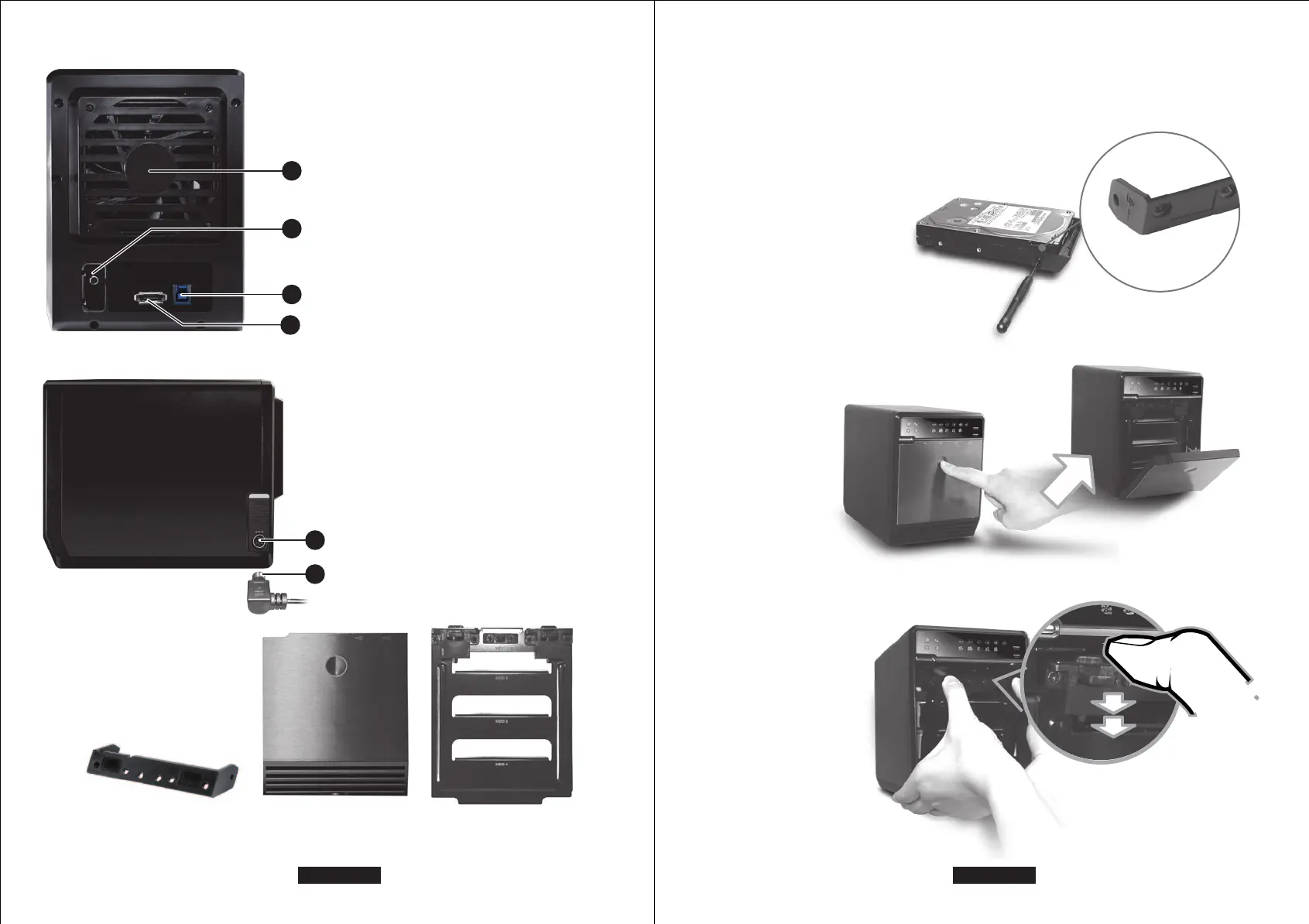
DESCRIPTION
1. Fan
2. RAID CONFIRMATION button
3. USB 3.0 / 2.0 port
4. eSATA port
DESCRIPTION
1. DC Jack
2. DC Power
HDD HANDLE FRONT COVER METAL FRAME
REAR PANEL
SIDE PANEL right
EN - 04/28EN - 03/28


 To Next Page