5
LW-401 Operation, Installation, and Maintenance ManualLW-401
INSTALLATION
Unpacking the Equipment
The LW-401 is shipped in two cartons;
one of the cartons contains the LW-401
enclosure. The other carton contains the
LW-401 electronics, the transformer, and
the mounting hardware. Follow the proce-
dure below to unpack the LW-401 equipment.
1. Locate and open the shipping carton
containing the LW41-EN enclosure.
Remove the packing material and inspect
the enclosure for damage.
Note: If the enclosure is damaged,
contact the shipping carrier
immediately to report the damage.
2. Locate and open the shipping carton
containing the LW-401 electronics.
2
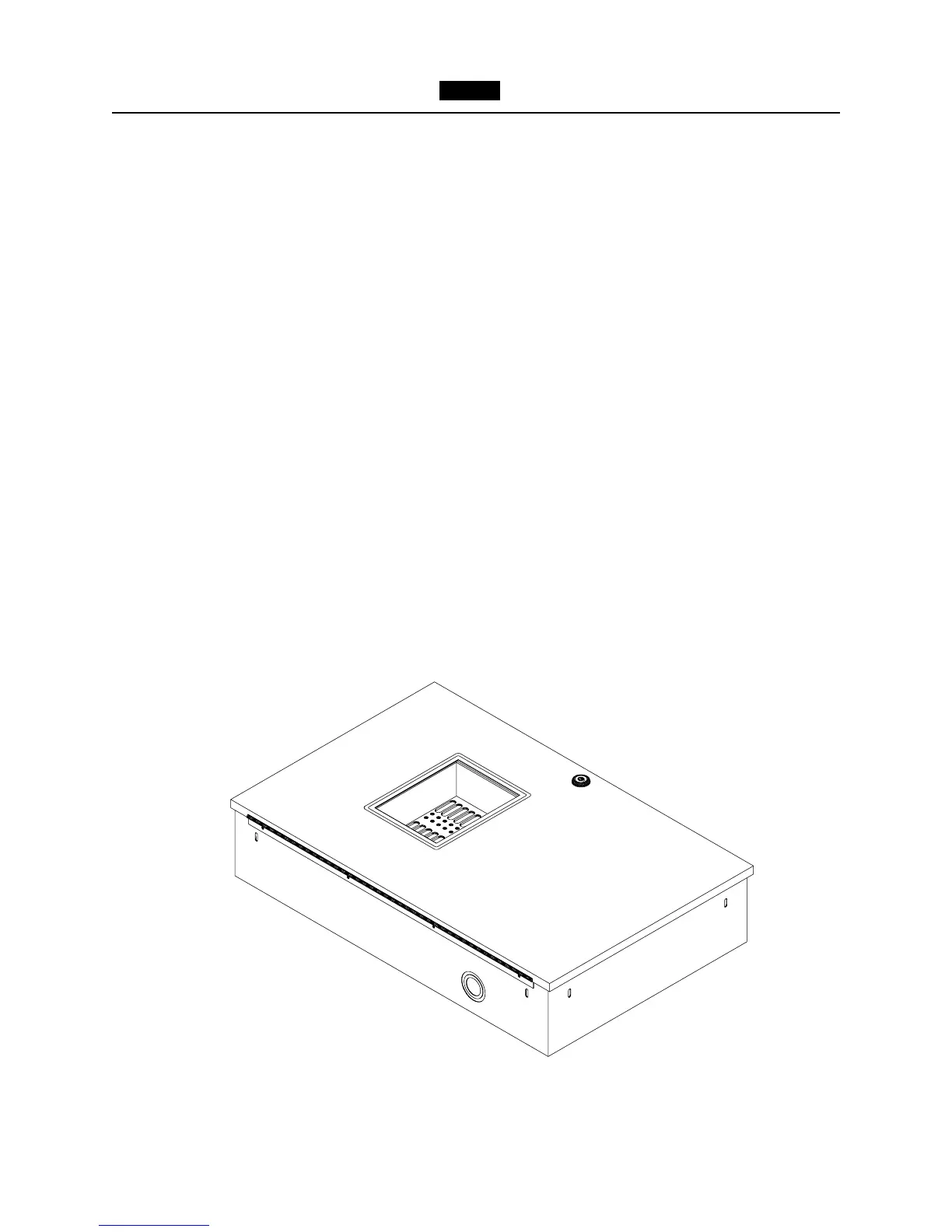
Figure 3
LW-401 Enclosure
Remove the packing material, and
inspect the electronics for damage.
Note: If the PC board is damaged,
contact the shipping carrier
immediately to report the damage.
3. Check that the following items are inside
the carton:
• Mounting hardware for the LW41-MB
and transformer
• Main board
• Power transformer
Note: If any of the above items are
missing, contact the distributor
from whom you ordered the unit.



 To Next Page