USE AND MAINTENANCE MANUAL - SECTION 4
ELEVAH 40 MOVE / 40 B AERIAL PLATFORM – Rev. 12_2021
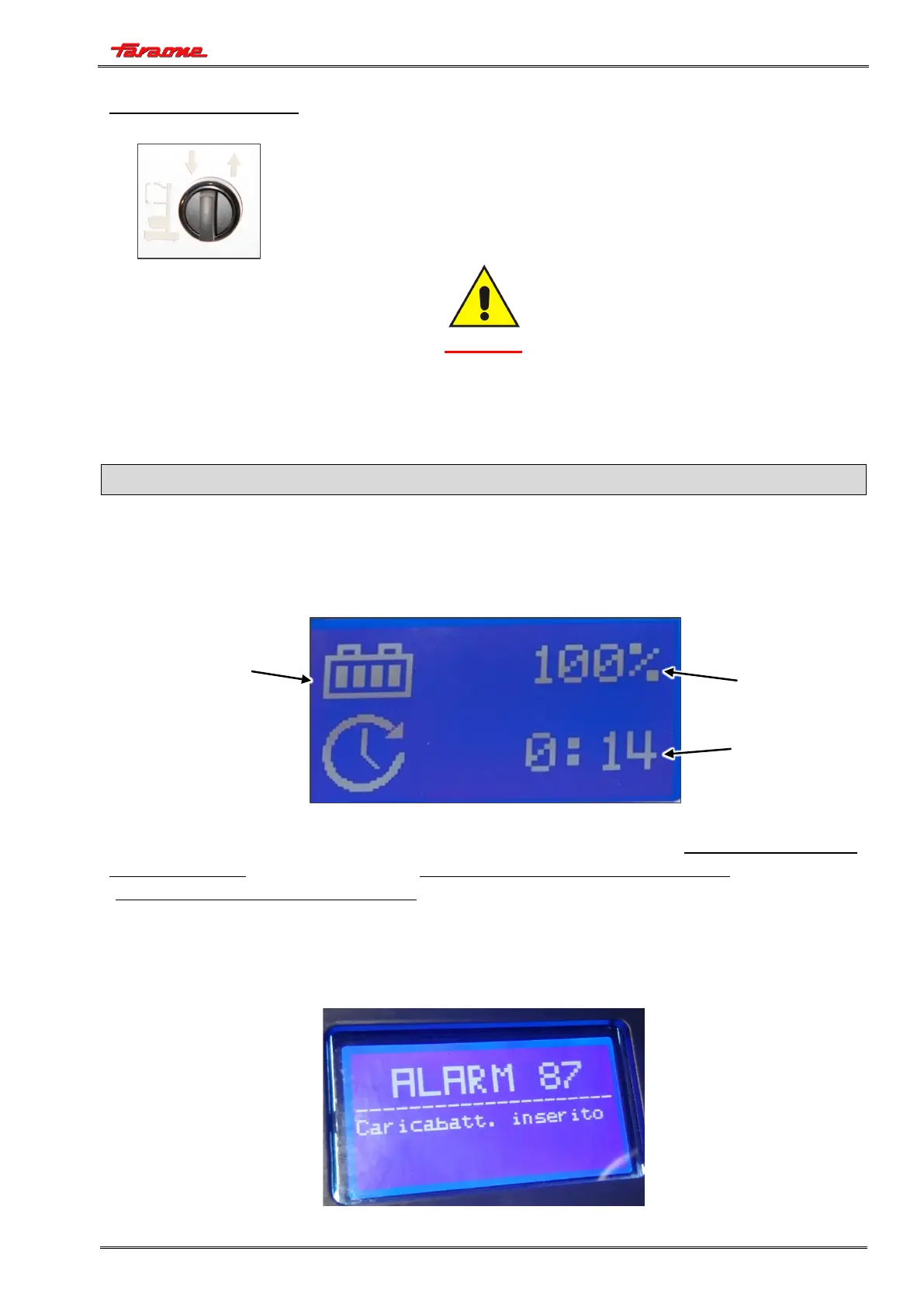
Ascent/descent control
• Turn the selector to the LEFT to LOWER the cage;
• Turn the selector to the RIGHT to RAISE the cage.
CAUTION
BEFORE LIFTING THE CAGE, PAY ATTENTION TO WHAT IS STATED IN SECTION 3
“PREPARATION AND INSPECTION” WITH REGARD TO THE BASE LEVELLING CONTROL
SYSTEM.
MACHINE DISPLAY
When the machine is powered, the machine display shows the state of the battery charge, the
operating hours of the machine and any errors present.
While using the machine, the battery charge will change from fully charged (indicated with 4 lit bars
and 100% charge), to partially charged (indicated with 2 lit bars and 50% charge) to a flat battery
(indicated with no lit bars and 0% charge).
Machine errors
As previously mentioned, the display also shows any errors in the machine.
The following is an example of an indicated error:


 To Next Page