17
Conguring Insight Options
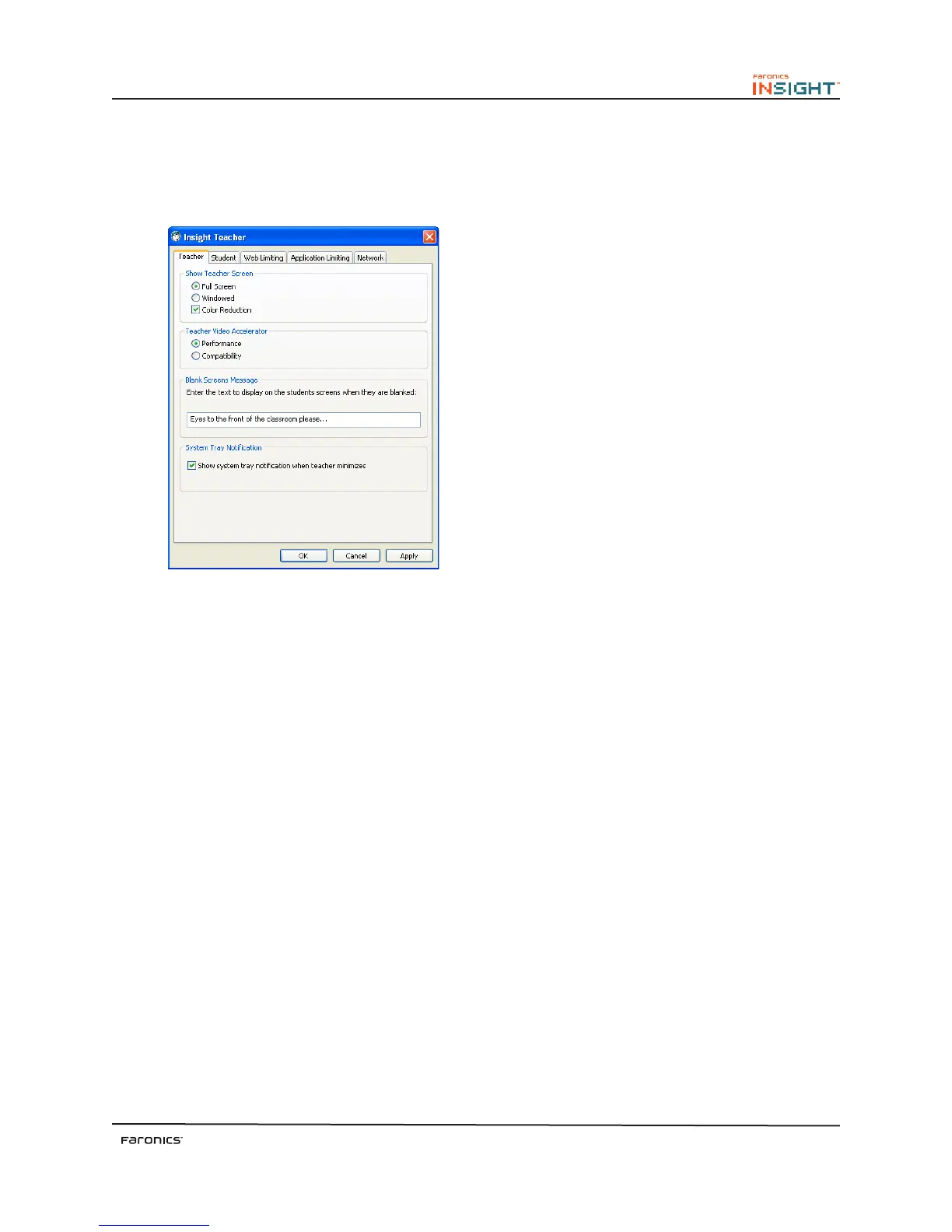
Insight options are controlled by one dialog with five tabs. Most options are controlled by making a
change to these settings on the teacher computer. To change these settings select the Administer menu
followed by Options.
e available configuration tabs are:
•
Teacher
•
Student
•
Web Limiting
•
Application Limiting
•
Network
Conguring Teacher Options
e Teacher tab configures the following options:
Show Teacher Screen
Full Screen
Displays the teacher’s screen on the selected student’s screens. e students will not be able to control
their mouse devices and keyboards during Show Teacher.
Windowed
Displays the teacher’s screen in a window on the selected student’s screens. e students can follow
along with the teacher and use their own computers. Students can also resize/position the window to
ensure they can work while receiving instructions.
Color Reduction
Limits the number of colors used by the teacher during Screen Broadcast and Remote Control. is
improves performance and lowers network bandwidth requirement.



 To Next Page