18
Teacher Video Accelerator
Performance
Enables the Teacher Video Accelerator. It improves Teacher-Broadcast performance. is option is only
available on Windows 2000 or higher machines.
Compatibility
Disables the Teacher Video Accelerator. is should only be selected if the Teacher-Broadcast mode
does not work properly with OpenGL or DirectX applications.
Blank Screens Message
Edits the text displayed on the student’s screens while they are blanked.
Student Options
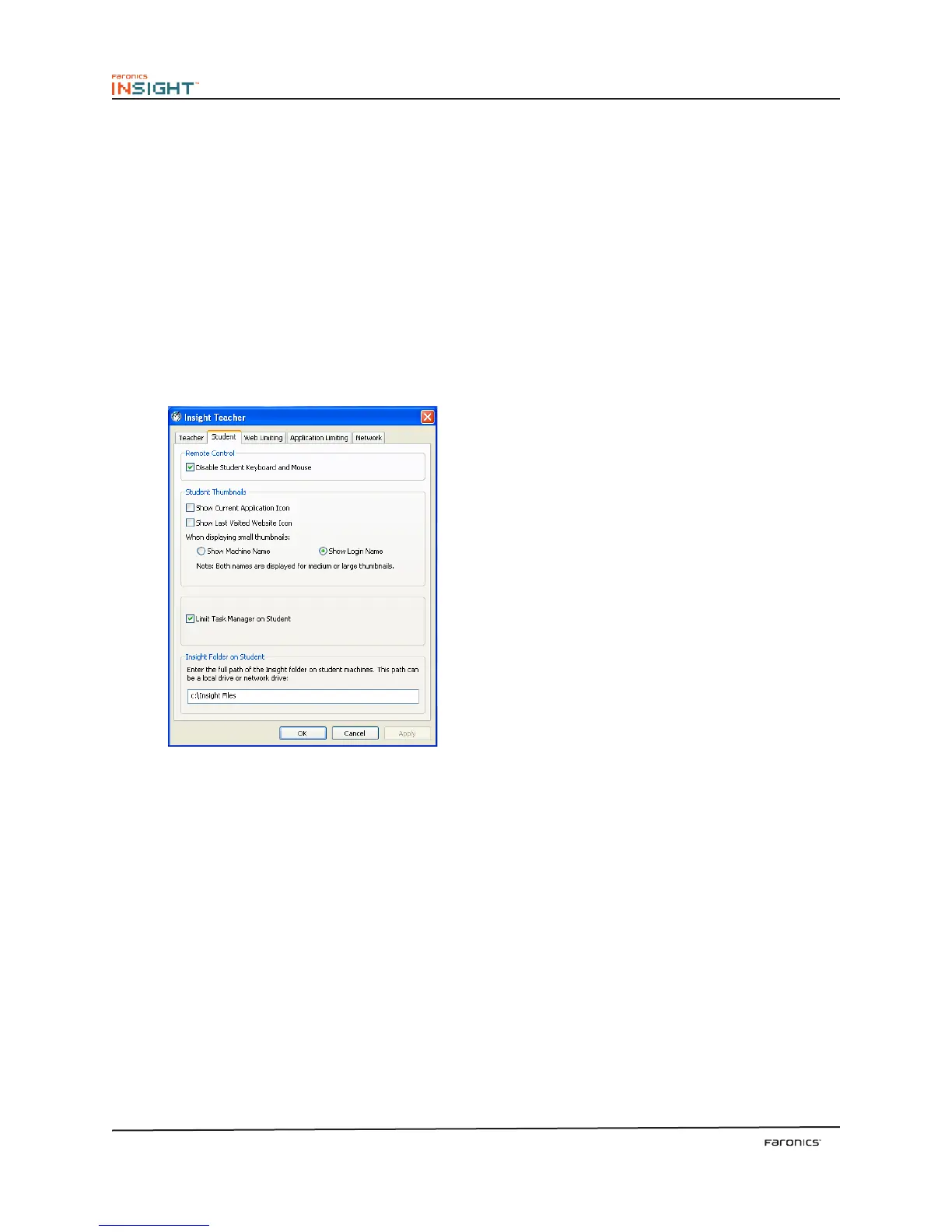
e Student tab configures the following options:
Remote Control
Disable Student Keyboard and Mouse
Prevents the student from using their input devices while the teacher is controlling the student’s
computer remotely.
Student Thumbnails
Thumbnail Size
Allows the teacher to determine the thumbnail size when monitoring student computers. e best
fit option automatically chooses a thumbnail size based on the number of students and the available
screen area. e teacher can choose from four thumbnail sizes; the smallest size allows the teacher to
see more than 80 student machines on a 15 inch monitor without having to scroll.
Show Current Application Icon on Thumbnails
When in the thumbnail view, this option shows an icon in the upper le hand corner that represents
the application that the student is running.



 To Next Page