21
Network
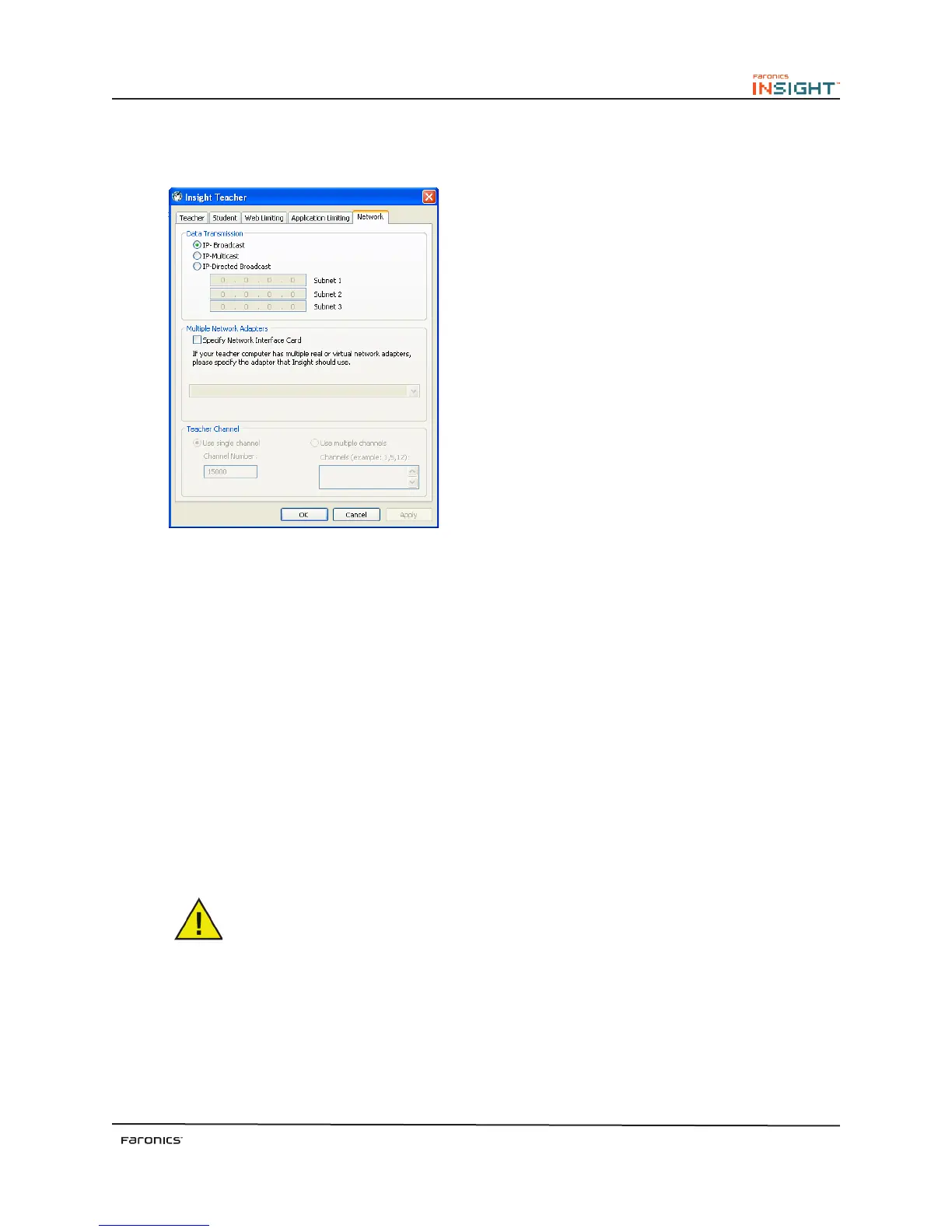
e Network tab configures the following options:
Data Transmission
IP-Broadcast
is default option uses broadcast packets when the teacher needs to contact all student machines.
Broadcast packets do not cross subnets or VLANs. If the teacher needs to cross a subnet or VLAN, IP-
Multicast, or IP-Directed Broadcast are recommended.
IP-Multicast
Transports Insight data to students via TCP/IP-Multicast. Multicast allows networking hardware to
keep Insight traffic local to Insight computers. If the network hardware supports this option, it is highly
recommended. Because some network routers or switches do not support Multicast, this option is
disabled by default.
IP-Directed Broadcast
If the teacher is on a different IP-Subnet from some or all of the students, and Multicast is not possible,
this option can be used. To calculate the proper address, use the DirBCastAddr.exe utility in the Utilities
folder on the Insight CD-ROM.
Some additional configuration of the routers/switches may be needed to enable
Multicast and/or Directed Broadcasts on the network. Consult the network hardware
guide for the switches/routers to be sure.



 To Next Page