Fasep 2000 srl Rev. 1.6
Videotronic V585.2.U: User’s Manual 14 march 2022
2-5
Fig. 42
Fig. 43
Fig. 44
Fig. 45
4 CALIBRATION OF WHEEL BALANCER
4.1 How to calibrate the wheel balancer (USER)
NOTE: the following symptoms indicate need for calibration::
a) check calibration program fails. b) constant low or high weight readings.
c) indicated point of unbalance constantly wrong d) more than 2 spins required to balance wheels
repeatedly.
Switch on the wheel balancer.
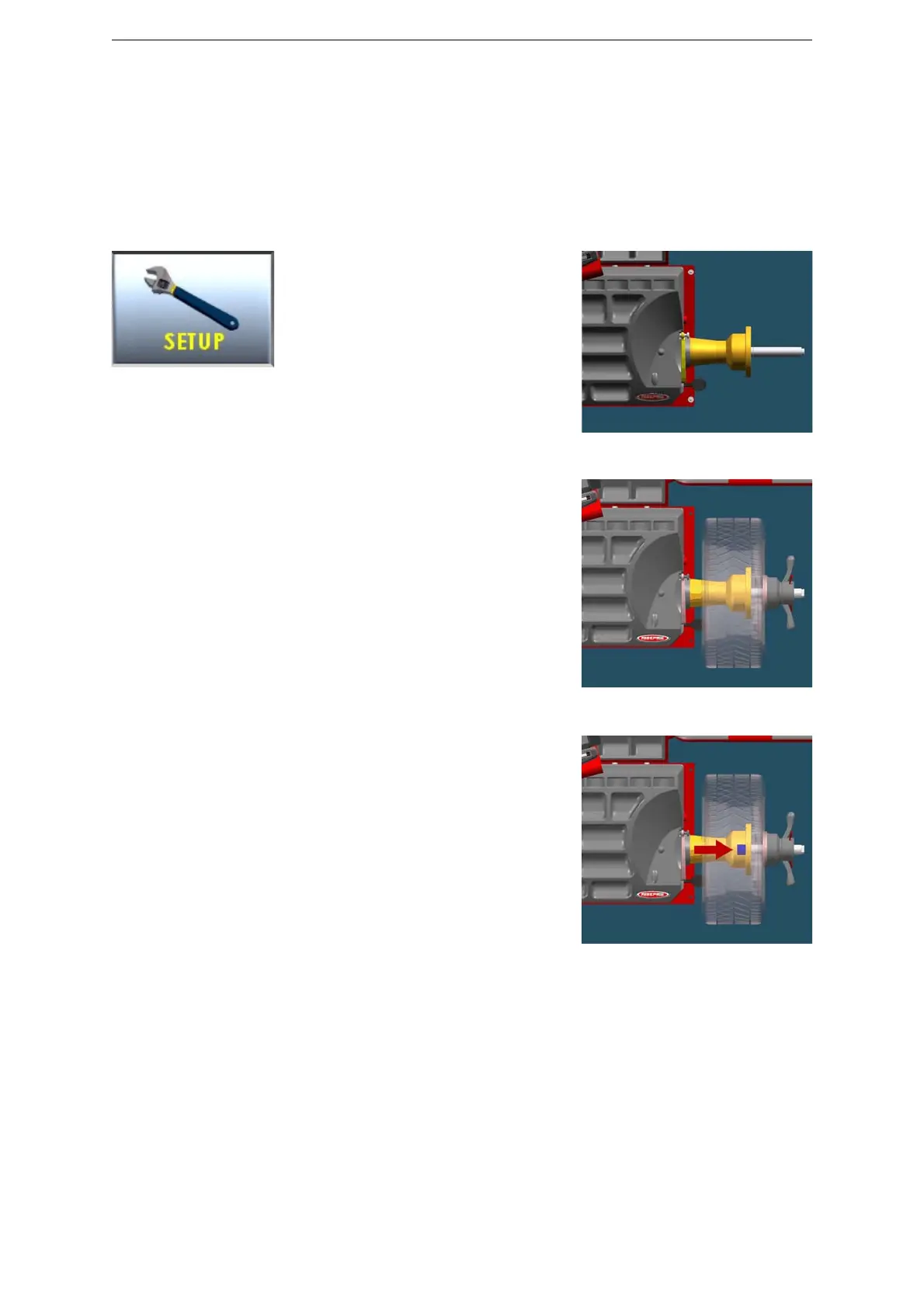
Select SET UP > CALIBRATION > SET/OK >
CALIBRATION > SET/OK.
Spin with no wheel on shaft (Fig. 42)
Close the wheel guard or press <START>.
At the end of the spin, put a wheel (Fig. 43)
and close the wheel guard or press <START>.
At the end of the spin, put the calibration
weight (Fig. 44) and close the wheel guard or
press <START>.
NOTE technical calibration is only available for qualified personnel.



 To Next Page