Advanced Function Instruction
7-79
FUN 94
ASCWR
ASCII WRITE
FUN 94
ASCWR
MD :
Pt :
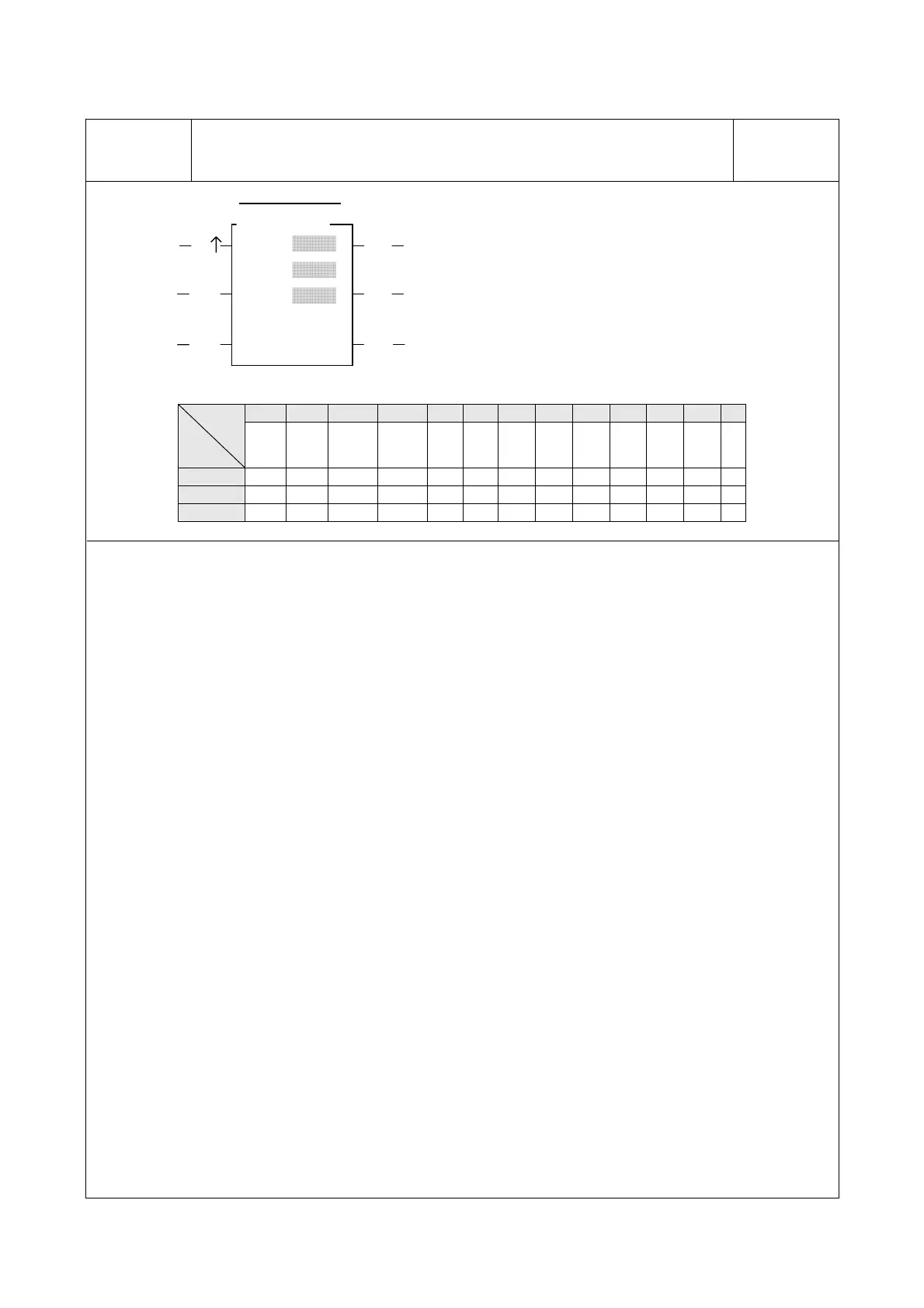
EN
Output control
Ladder symbol
94D.ASCWR
S :
ACT Acting
ERR Error
DN
Output completed
Pause control PAU
Abort output
ABT
MD: Output mode
=0, output to communication port1.
others, reserved for future usage.
S : Starting register of file data.
Pt : Starting working register for this instruction
instance. It taken up 8 registers and can’t
be reused in other part of program.
WX WY WM WS TMR CTR HR IR OR SR ROR DR K
Range
Ope-
rand
WX0
∣
WX240
WY0
∣
WY240
WM0
∣
WM1896
WS0
∣
WS984
T0
∣
T255
C0
∣
C255
R0
∣
R3839
R3840
∣
R3903
R3904
∣
R3967
R3967
∣
R4167
R5000
∣
R8071
D0
∣
D4095
0
∣
1
MD ○
S ○ ○ ○ ○ ○ ○ ○ ○ ○ ○ ○ ○
Pt ○ ○ ○ ○ ○ ○ ○ ○* ○* ○
z When MD=0 and output control “EN↑” changes from 0→1, it transmits the ASCII data which starting from S
to the communication port 1 (Port1), until reach end of file.
z S file data can be edited with the programming software PROLADDER or WinProladder (please refer to the
explanation of chapter 15 “ASCII function application”.). If necessary the user can also edit the ASCII file
directly by change the value of data registers. However, the edited data must be follow the ASCII file format
(the details described in chapter 15), otherwise, this instruction will halt the transmission and set the error flag
“ERR” to 1. If the entire file is correctly and successfully transmitted, then the output is completed and “DN”
is set to 1.
z The control input of this instruction is of positive edge triggered. Once “EN↑” changes from 0→1 then this
instruction starts the execution, until finished the transmission of the entire file then the execution is completed.
During the transmission, the action flag “ACT” will be kept at 1 all the time. Only when output pause, error, or
abort occurs, will it change back to 0.
z This instruction can be repeatedly used, but only one will be executed (transmit data) at any certain time. It is
the obligation of user to make sure the right execution sequence.
z While this instruction is in execution, if the pause “PAU” is 1, this instruction will pause the transmission of file
data. It will resume transmission when the pause “PAU” backs to 0.
z While this instruction is in execution, if the abort “ABT” is 1, this instruction will abandon the transmission of
file data, and then it is able to take next instruction for execution.
z or detail applications, please refer to chapter 14 “The Application of ASCII file output function”.



 To Next Page