Example
34
•To Set Time
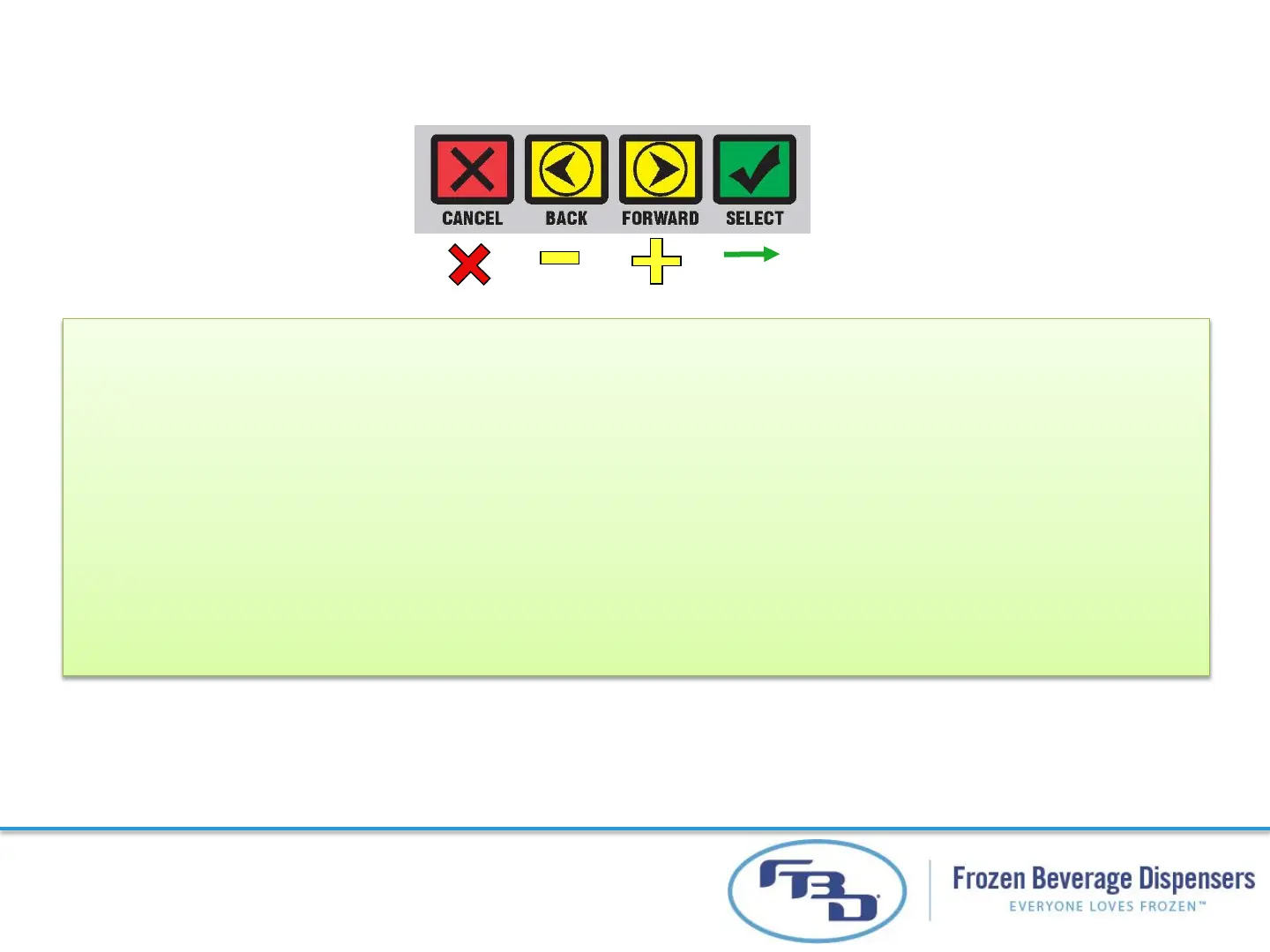
•Scroll left or right on 1
st
level of menu until it displays TIME
•Press select button
• Value to be changed will blink
- -
•Press FORWARD or BACK to change setting on blinking value
•Press CANCEL if you don’t want to make changes,
•Press SELECT to finalize value, and blinking will stop
SS
HH
MM



 To Next Page