19
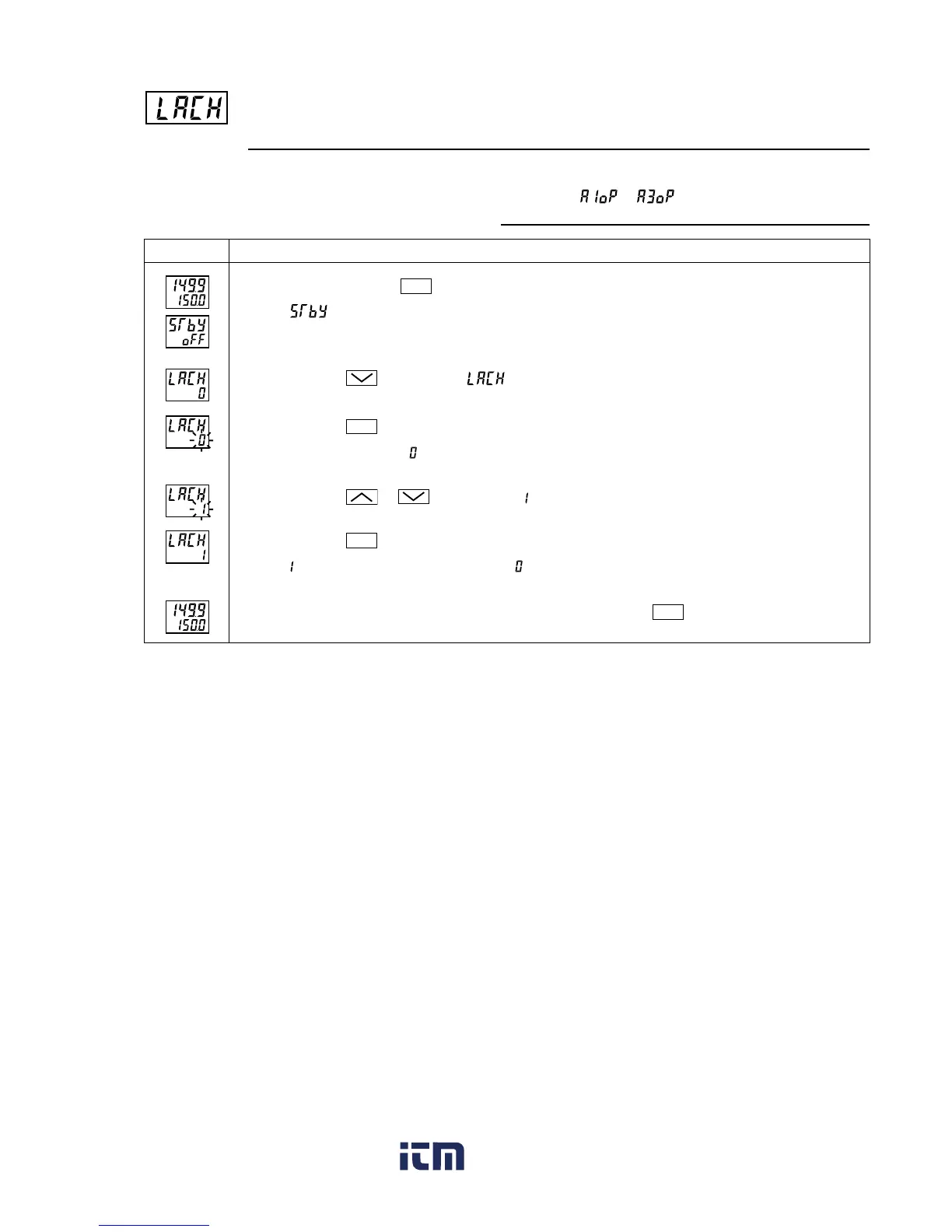
Canceling the alarm latch (Setting range: 0/1) (Option)
[Description]
•This parameter cancels the alarm latch when it is latching.
[Setting example] Opening up the alarm latch
Operating procedureDisplay
Press and hold the
SEL
key for one second.
will be displayed on the PV display.
Press the key to display .
Press the
SEL
key once.
The current setting (
) flashes on the SV display.
Press the or keys to display .
Press the
SEL
key once.
will stop flashing and will change to in a few seconds.
If you want to display the operation status, press and hold the
SEL
key for two seconds.
1.
2.
3.
4.
5.
6.
Related parameters:
to (page 60)
www. .com
information@itm.com1.800.561.8187



 To Next Page