FeelElec
FY6900 Series User’s Manual 35
Enable Sweep Function
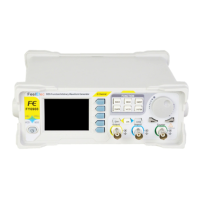
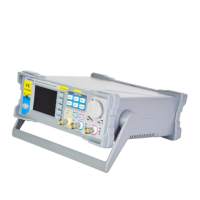
Press SWEEP button of front panel to enable sweep function. Then press
ADJ Knob to start sweep process. Press ADJ Knob again to stop sweep.
Start value and End value
Start value and stop value are the upper and lower limits of sweep for
specified parameter. sweep. The generator always sweeps from the start value to
the end value and then returns back to the start value and continues indefinitely.
For example, in Frequency Sweep function:
l Start Frequency < End Frequency: the generator sweeps from low
frequency to high frequency.
l Start Frequency > End Frequency: the generator sweeps from high
frequency to low frequency.
l Start Frequency = Stop Frequency: the generator outputs with a fixed
frequency.
When Sweep function is enabled, press STAR button to highlight start value. Use
arrow buttons and ADJ Knob to set the specified value. Different frequency sweep
corresponds to different start frequency and end frequency range.
Sine: 100mHz to 25MHz~60MHZ (Varies according to different model)
Square : 100mHz to 25MHz
Ramp : 100mHz to 10MHz
Arbitrary :100mHz to 10MHz
The generator will restart sweep (according to the current new configuration)
from the specified “start frequency” after start or end frequency is changed.



 To Next Page